
BlinkMetrics Gatekeeper – AI Guardrails for Every API and MCP Connection
AI guardrails for every API and MCP connection.
The BlinkMetrics Gatekeeper lets you set up safeguards, require approvals, and see exactly what ran — so your team can experiment with AI without the risk.
Your team wants to use AI. Here’s what’s holding them back.
API tokens give full access, with no way to scope them down
Most API tokens are all-or-nothing. Your Pipedrive token lets an agent read contacts, update deals, and delete your entire pipeline. Your Asana token lets it create and remove any task or project in the system. There is no way to say “read-only” at the API level for most tools. So teams either hand over the keys and hope for the best, or they don’t use AI at all.
No record of what happened
An AI agent can make dozens of API calls before anyone checks in. Without a log, you have no way to know what it read, what it changed, or what it tried to change. If something goes wrong, you’re left reconstructing what happened after the fact.
Credentials end up where they shouldn’t
Every time you give an AI agent an API key directly, that key is exposed. If it ends up in a conversation log, an environment variable on a shared machine, or a third-party server, it should be treated as compromised. Most people know this and still do it because there’s no alternative.
One person experimenting is fine. Ten is a problem.
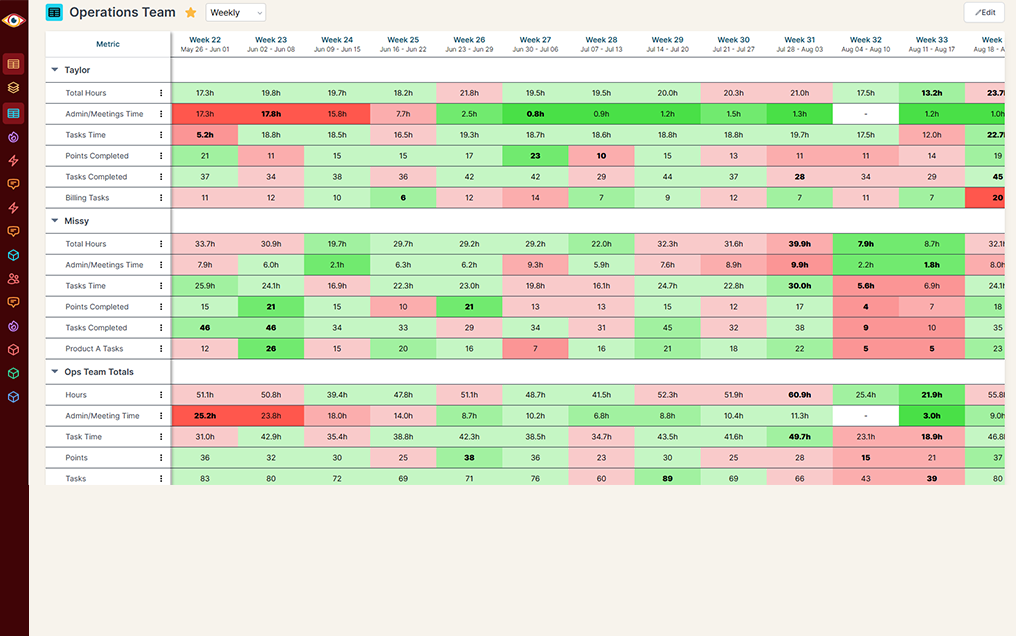
One developer trying out an AI script on their own machine is manageable. But when your whole team starts connecting agents to your CRM, your calendar, your project management tools, and your ad accounts, nobody has visibility into what’s happening across all of those connections. That’s when things get messy.
Give your team the green light on AI.
The BlinkMetrics Gatekeeper lets your team connect AI agents to any API or MCP connection, with safeguards already in place. You define what’s allowed, what needs approval, and what gets logged. Your team moves fast. You stay in control.
How it works
How to get started with BlinkMetrics
1. Set your rules.
2. Requests go through the Gatekeeper.
3. See what ran.

1. Set your rules.
Define what’s allowed, what’s blocked, and what needs a human to approve for every API and MCP connection your team uses. Rules can be broad (“read-only for this entire connection”) or specific (“allow rescheduling calendar events, block deleting them”).
2. Requests go through the Gatekeeper.
Every API call your team’s AI tools make passes through the Gatekeeper in real time. Allowed requests go through. Blocked requests are stopped before they reach the API. Requests that need approval land in a queue for a human to review.
3. See what ran.
Every request is logged in your Activity feed. What was allowed, what was blocked, what was approved. Filter by connection, user, or time period. Check it Monday morning. Check it after every run. Full visibility, on your terms.
You own the rules. The Gatekeeper enforces them. Your team moves fast. You sleep at night.
What this looks like in practice
Read-only access for your CRM
Your sales team’s AI assistant can look up contacts, deals, and activity history in Pipedrive or HubSpot. But it cannot create, edit, or delete anything. If it tries, the request is blocked before it reaches the API. Your CRM data stays exactly as your team left it.

Approve before it goes out
An AI agent drafts a response in your support tool and wants to send it. The Gatekeeper holds the request and puts it in your Approvals queue. You read the full request, approve it, and it goes through. Or you reject it. Nothing gets sent without a human decision.
Calendar changes with boundaries
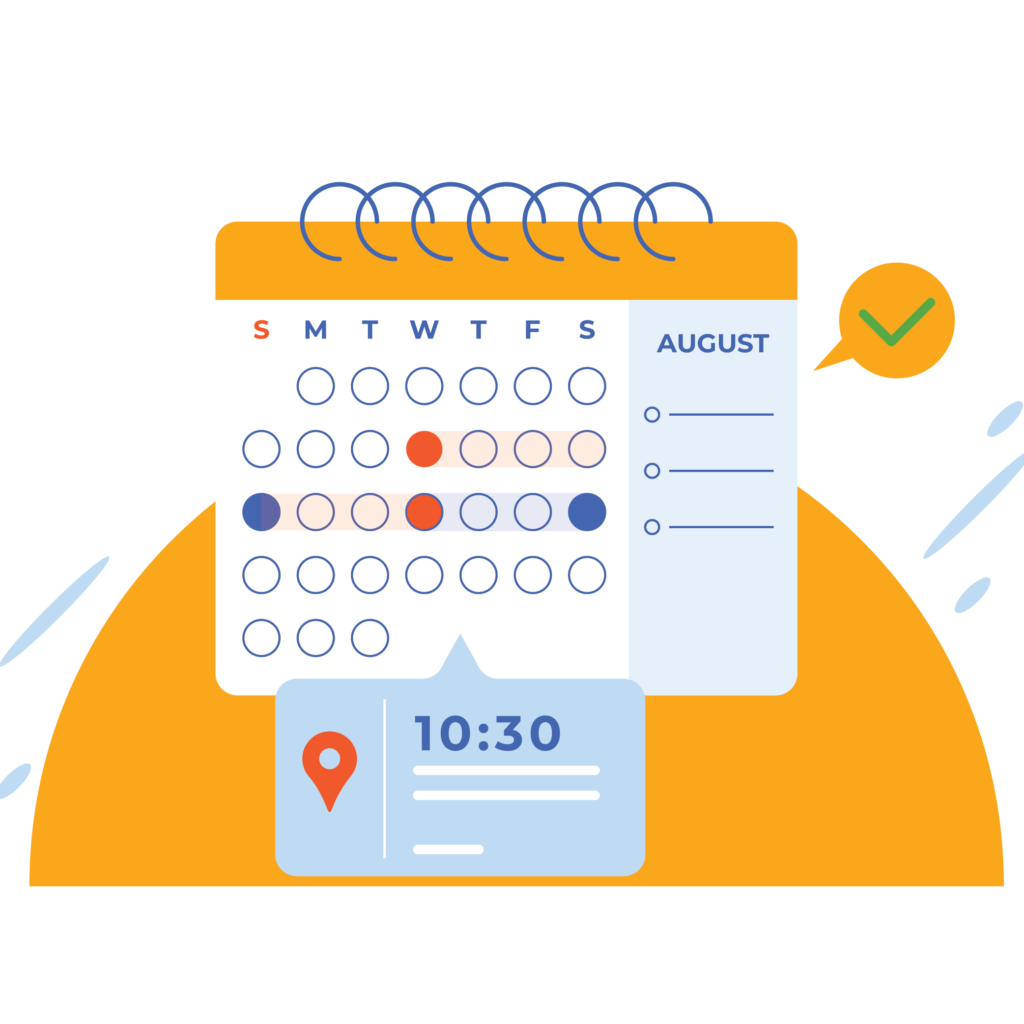
Your scheduling agent can reschedule existing Google Calendar events, but it cannot delete events or create new ones without approval. You decide which actions are allowed per connection, and the Gatekeeper enforces those boundaries every time.

Full logging for everything
Even requests you allow automatically get logged. Your operations lead can check the Activity feed on Monday morning and see every API call that ran over the weekend, across every connection and every team member.
Your data, your rules, your call.
The Gatekeeper acts as a thin relay. It applies your rules, logs what you choose to log, and passes requests through to the underlying API. BlinkMetrics does not retain request data beyond what you want.
Your real API credentials never touch your AI agents. They stay in Google Secrets Manager. The Gatekeeper authenticates your team with a rotating BlinkMetrics token and retrieves the real credential securely at execution time. If a token leaks from a conversation log or a local machine, your actual API keys are never exposed.
- Credentials stay isolated. Your real API keys are stored in Google Secrets Manager and retrieved only at execution time. AI agents never see them.
- Request data is yours to keep or discard. Log everything, log selectively, or destroy request data after execution. You decide.
- We are not watching your team. The Gatekeeper enforces your rules. It does not monitor behavior, build profiles, or report back to BlinkMetrics.
What you get
Rules that match how you already think
Block, require approval, or allow and log. These are the same concepts you use in email filters, ad platform rules, and automation triggers. No learning curve.
An approval queue your team can actually use
Requests that need a human decision land in one place. You can see the full API request, the connection it’s targeting, and the action it wants to take. Approve or deny with full context.
Activity feed, not an audit log
See what happened without feeling like you’re running a compliance department. Filter by connection, user, or time period. “Activity” because you’re checking what ran, not surveilling your team.
Credential isolation built in
Your team’s AI agents authenticate with a rotating BlinkMetrics token. Your real API credentials stay in Google Secrets Manager and are never exposed to agents, conversation logs, or local machines.
Works with any REST API
The Gatekeeper is not limited to a pre-built list of integrations. If your team connects to it through BlinkMetrics, the Gatekeeper can sit in front of it. Pipedrive, Asana, Google Calendar, Stripe, HubSpot, or any custom API.
Set up in minutes, not weeks
No enterprise procurement process. No IT department required. Create your first rule and have it enforcing safeguards the same day.
Teams using AI with confidence

“The BlinkMetrics team was incredibly responsive and patient. Every time we asked, ‘Can it do this?’ the answer was yes — delivered with clarity, enthusiasm, and follow-through.”

Erik Jensen
Chief Strategy Officer
Frequently asked questions
You’re not alone — here are the ones we hear most often.
What is the Gatekeeper?
The Gatekeeper is a feature built into BlinkMetrics that sits in front of your API and MCP connections. Every request your team’s AI tools make passes through it, where your rules determine what’s allowed, what’s blocked, and what needs a human to approve. It also logs everything so you can see what happened.
Does BlinkMetrics store my API data?
The Gatekeeper acts as a thin relay. It applies your rules, logs what you choose, and passes requests through. Request data can be destroyed after execution. Your API credentials are stored in Google Secrets Manager and are never exposed to AI agents.
Do I need an IT team to set this up?
No. The Gatekeeper is built for companies with 10 to 100 employees, not enterprise IT departments. You can create your first rule in minutes from the BlinkMetrics interface.
What APIs does it work with?
The Gatekeeper works with any REST API and MCP connection configured in BlinkMetrics. Pipedrive, Asana, Google Calendar, HubSpot, Stripe, and any custom REST API your team connects to.
What is the difference between Block, Require Approval, and Allow & Log?
Block stops the request before it reaches the API. Require Approval pauses the request and sends it to your Approvals queue for a human decision. Allow & Log lets the request go through and records it in your Activity feed.

Your team moves fast. You sleep at night.
Set up safeguards for every API and MCP connection your team uses. Your first rule takes minutes.