
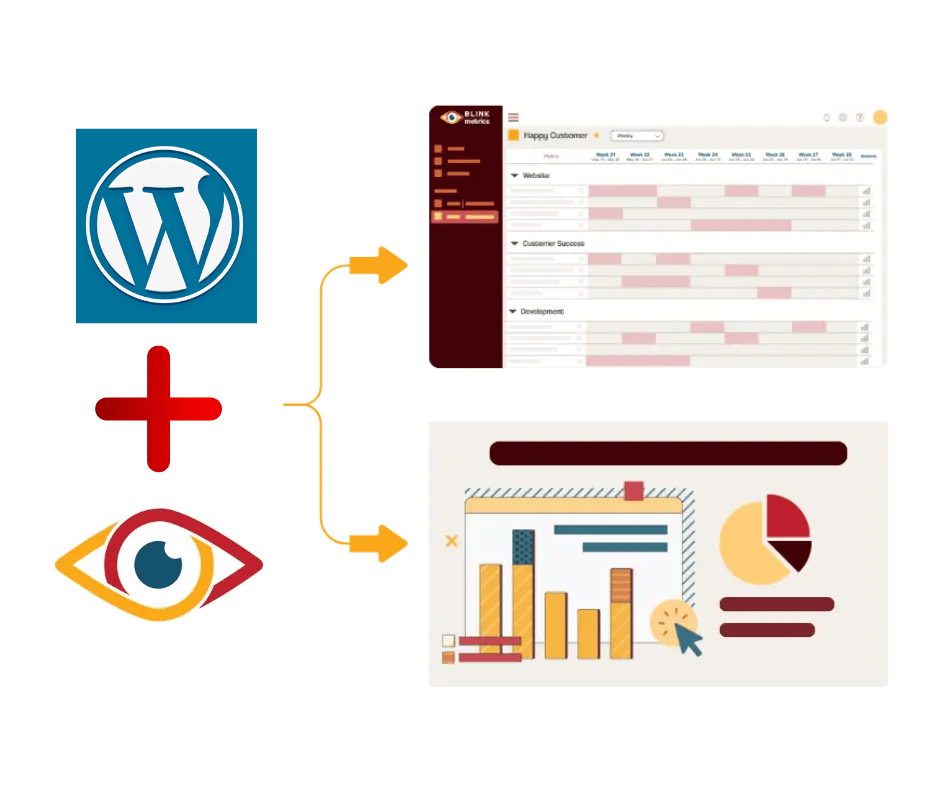
WordPress powers your site. BlinkMetrics powers your insights.
Go beyond isolated plugin metrics to see how traffic, forms, content, and sales all connect — giving you one clear view of website performance and business impact.
book a discovery call
See BlinkMetrics in action
Go beyond generic WordPress reports — see how BlinkMetrics uncovers hidden insights and delivers the clarity your team has been missing.
book demo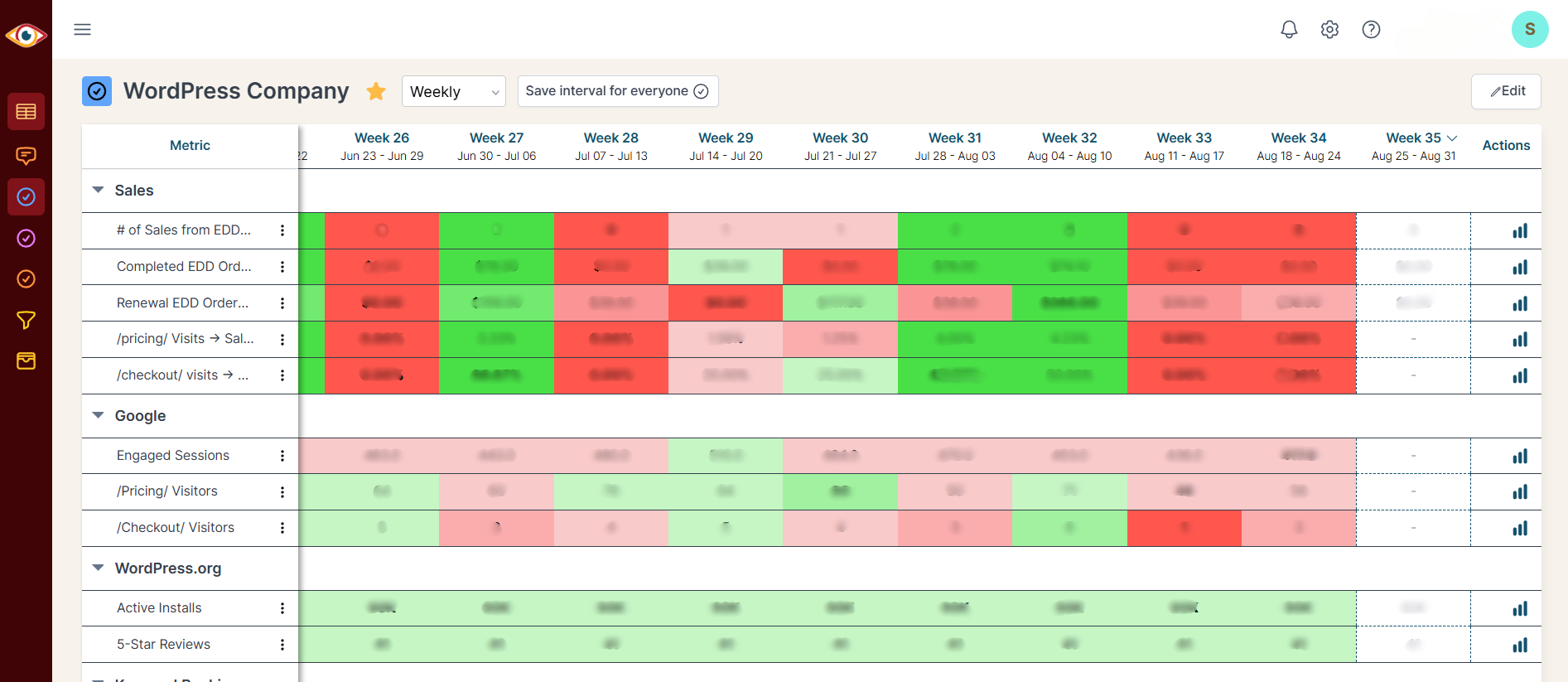
Spreadsheets get you close, but they won't get you all the way
-

Endless CSV Exports
-

Hours to find an answer
-

Broken links, Zaps & formulas
-

Numbers are difficult to verify
-

Everything breaking as you scale
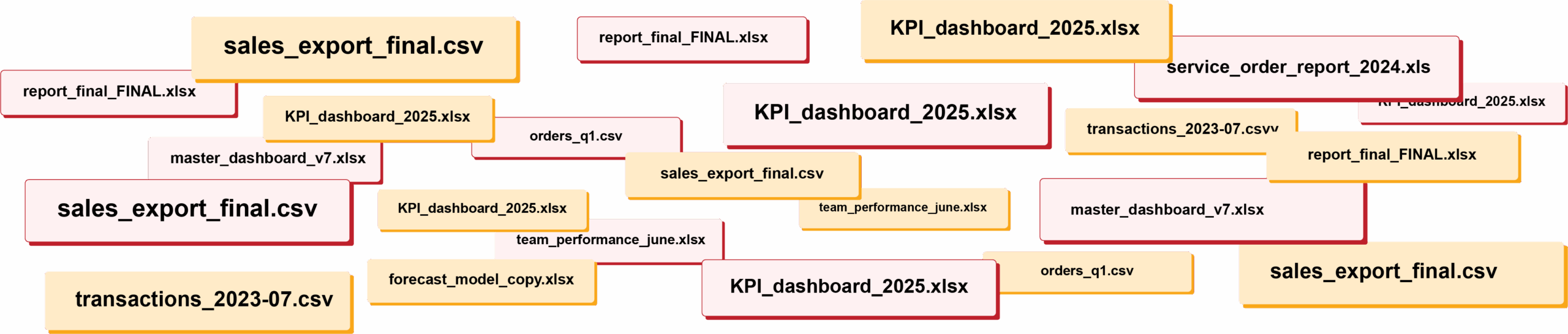
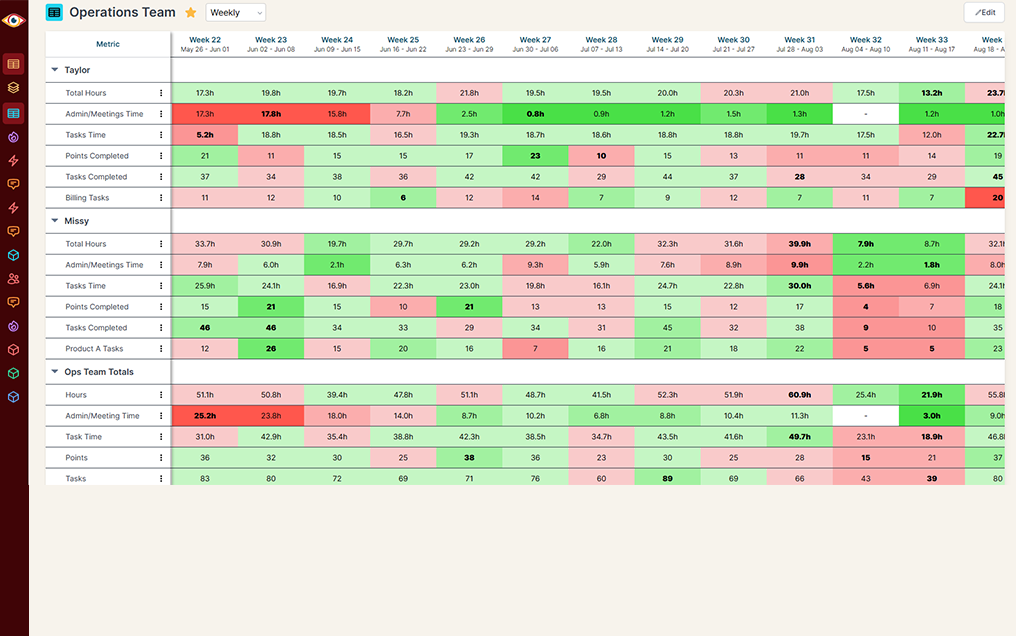
RIP spreadsheets. BlinkMetrics brings your reporting into live dashboards that show what's really happening in your business.
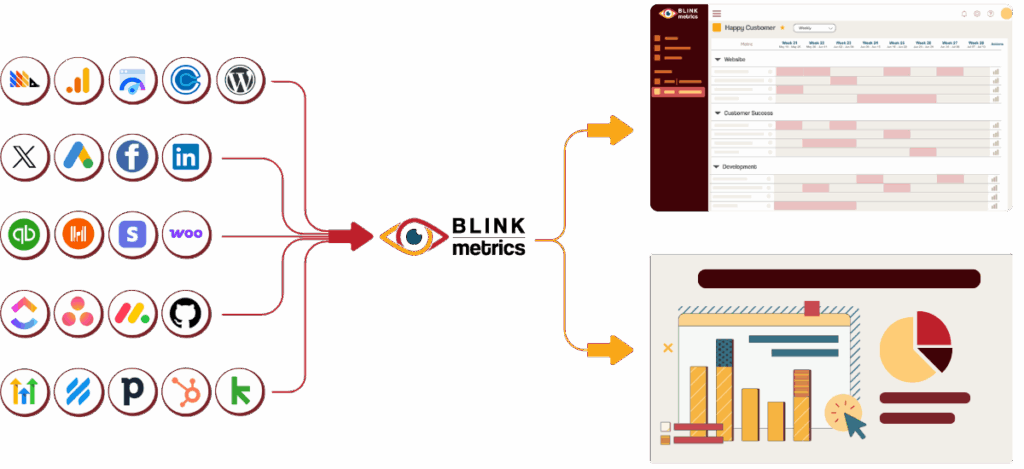
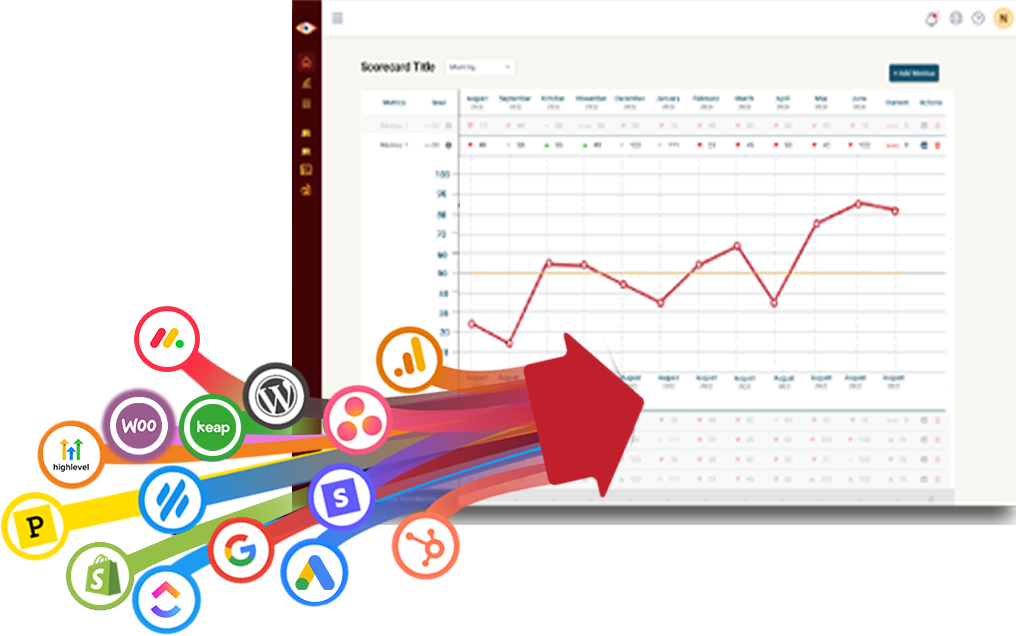
Easily connect to any business tool
We capture raw data from any platform and keep it updated continuously. You'll always have the live numbers, full history, and ability to drill into any KPI for the details that explain it.
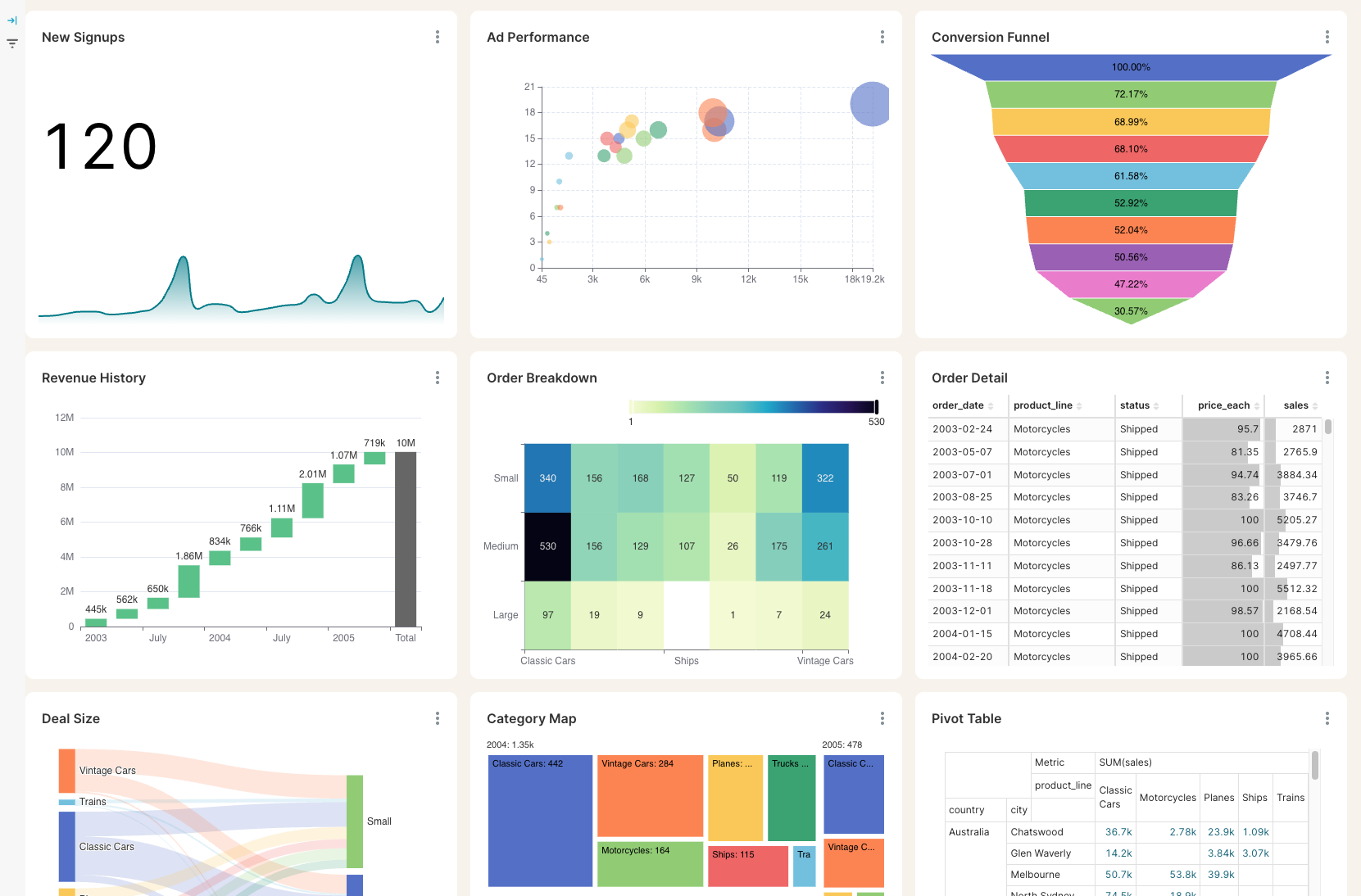
Get the reporting you never could before
Access custom reports with interactive dashboards & scorecards, giving you answers to questions you've never been able to answer easily. Look deeper into any number, explore trends, and slice & dice results by any segment.
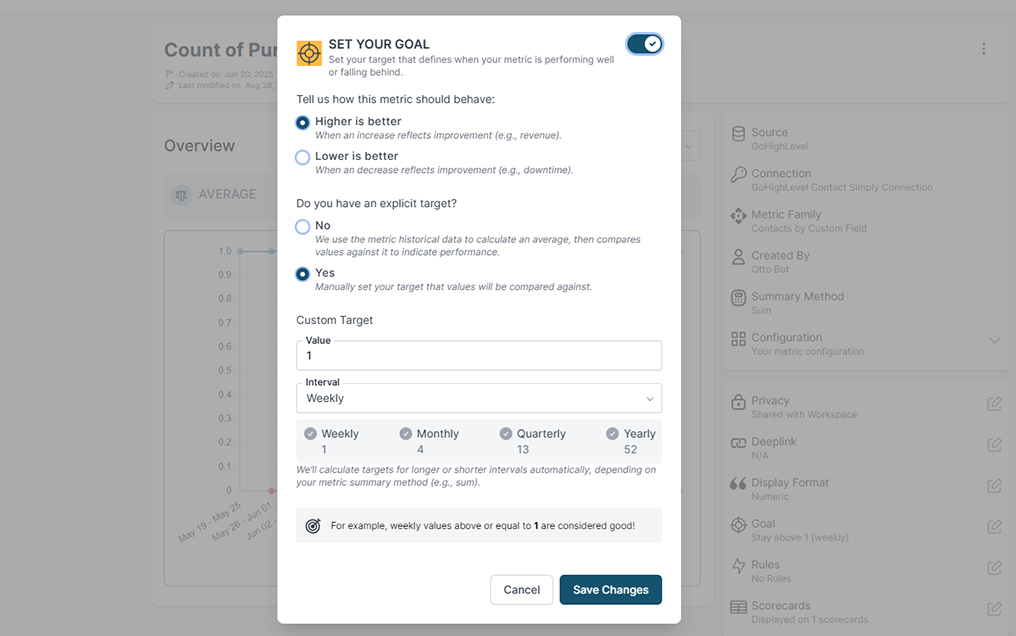
Stay on track with real time visibility & alerts
Set clear goals, track progress in real time, and get alerts the moment a KPI slips or beats target. Acting proactively & not reactively means you're no longer the last to know.
Keep your team in the loop and accountable
Keep goals front and center with reports designed for each person, team, or location — shared in real time to keep performance transparent and encourage accountability.
The blind spots holding your WordPress site back
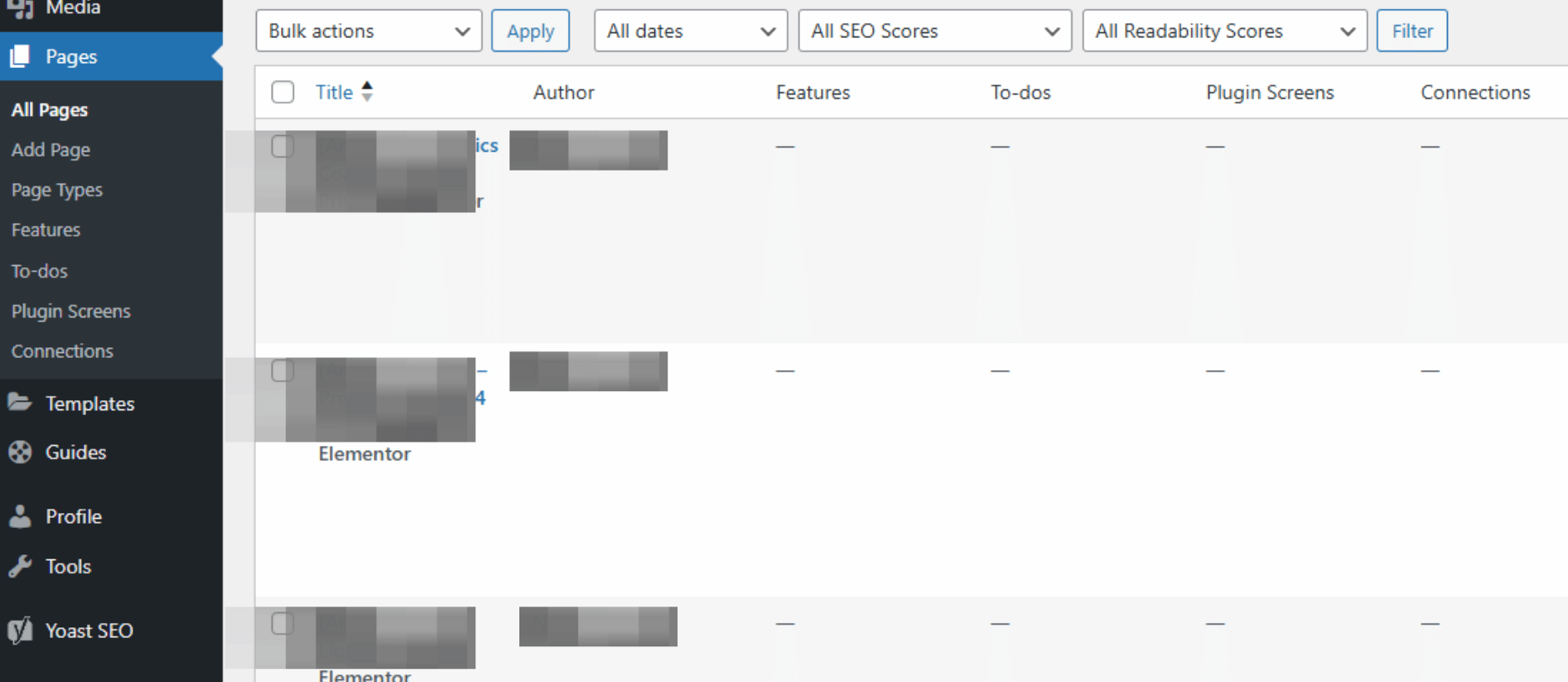
Native EDD, Gravity Forms, and WordPress stats stop short of the insights you actually need. Without visibility into the right numbers, you're left guessing instead of growing.
Unified Sales Visibility
WordPress alone
WordPress + BlinkMetrics
Form Submission Analytics
WordPress alone
WordPress + BlinkMetrics
Content & Engagement Reporting
WordPress alone
WordPress + BlinkMetrics
Cross-Tool Data Blending
WordPress alone
WordPress + BlinkMetrics
Historical Trends & Snapshots
WordPress alone
WordPress + BlinkMetrics
Customer Segmentation
WordPress alone
WordPress + BlinkMetrics
Site Performance & Health
WordPress alone
WordPress + BlinkMetrics
Multi-Site Rollups
WordPress alone
WordPress + BlinkMetrics
Calculated KPIs & Custom Metrics
WordPress alone
WordPress + BlinkMetrics
Complete visibility in 30 days — we'll build you the ultimate WordPress reporting dashboard
Easily see what's difficult or impossible to see in WordPress
Got questions? We've got answers
From setup to reporting, here are the most common questions teams ask before getting started with BlinkMetrics for WordPress.
-
How long does it take to set up BlinkMetrics with WordPress?
Setup is quick. Most businesses connect their WordPress site and start seeing data within minutes. Our team then delivers your custom dashboard in 30 days or less. No complex tech skills required.
-
Do I need a developer to integrate WordPress?
No. You don't need a developer — our white-glove team handles the entire setup for you. Your WordPress data is delivered ready to use.
-
What type of insights will I see beyond WordPress' native reports?
With BlinkMetrics you'll see beyond WordPress' basic stats to uncover content impact, form performance, sales by product or campaign, site health, and long-term growth trends — all in one place.
-
Can I combine data from other tools besides WordPress?
Yes. BlinkMetrics blends WordPress with WooCommerce, EDD, Gravity Forms, Google Analytics, HubSpot, QuickBooks, Stripe, and 100+ other platforms in one unified dashboard.
-
Does BlinkMetrics work across multiple WordPress sites?
Yes. Agencies and multi-brand operators can roll up data from many WordPress installs into a single dashboard with consistent definitions, so you can compare sites side by side or view the whole portfolio at once.
-
Will my data stay secure?
Absolutely. BlinkMetrics uses encrypted connections and industry-standard security protocols to keep your data safe and private.
-
Is there a trial or demo available?
Yes. Book a free demo with our team to see exactly how BlinkMetrics works with your WordPress setup.
What customers say
I was worried I was going to have to do it myself. So, having you build us a custom reporting dashboard is perfect, and it'll auto-update!

Joia Doss
Fractional COO, Kids2Dentist
For the first time, we can look at gross, fees, transfers — in a logical way that ties penny to penny with our general ledger.

Bob Arnold
CFO, Nolodex
My worst enemy was my brain. With these reports and dashboards, I can step away for a few days while someone else reviews orders and makes smart decisions based on the data.

Jesse Nelson
Founder, DiabolikDVD
“The BlinkMetrics® team was incredibly responsive and patient.
Every time we asked, ‘Can it do this?’ the answer was 'yes' delivered with clarity, enthusiasm, and follow-through. We never once felt like our questions were treated as silly or unwelcome.”

Erik Jensen
Chief Strategy Officer, Predictive ROI

Ready for the ultimate WordPress reporting dashboard?
We've worked with WordPress-powered businesses for years. We know where WordPress, EDD, WooCommerce, and Gravity Forms reporting fall short — and we've built the dashboards that fill every gap.
book a call to see what's possible