Connecting to eBay
Introduction
In this guide, we’ll go over how to create the eBay Connection for BlinkMetrics. This will allow BlinkMetrics to pull data from eBay as a Source.
Authorizing eBay Connection
1. Go to the Connections Page
To create the eBay Connection, click on the Settings cog icon in the header > select the Connections menu item. This will open the Connections page.

2. Add Connection
On the Connections page, click the Add Connection button.

3. Select eBay as the Source
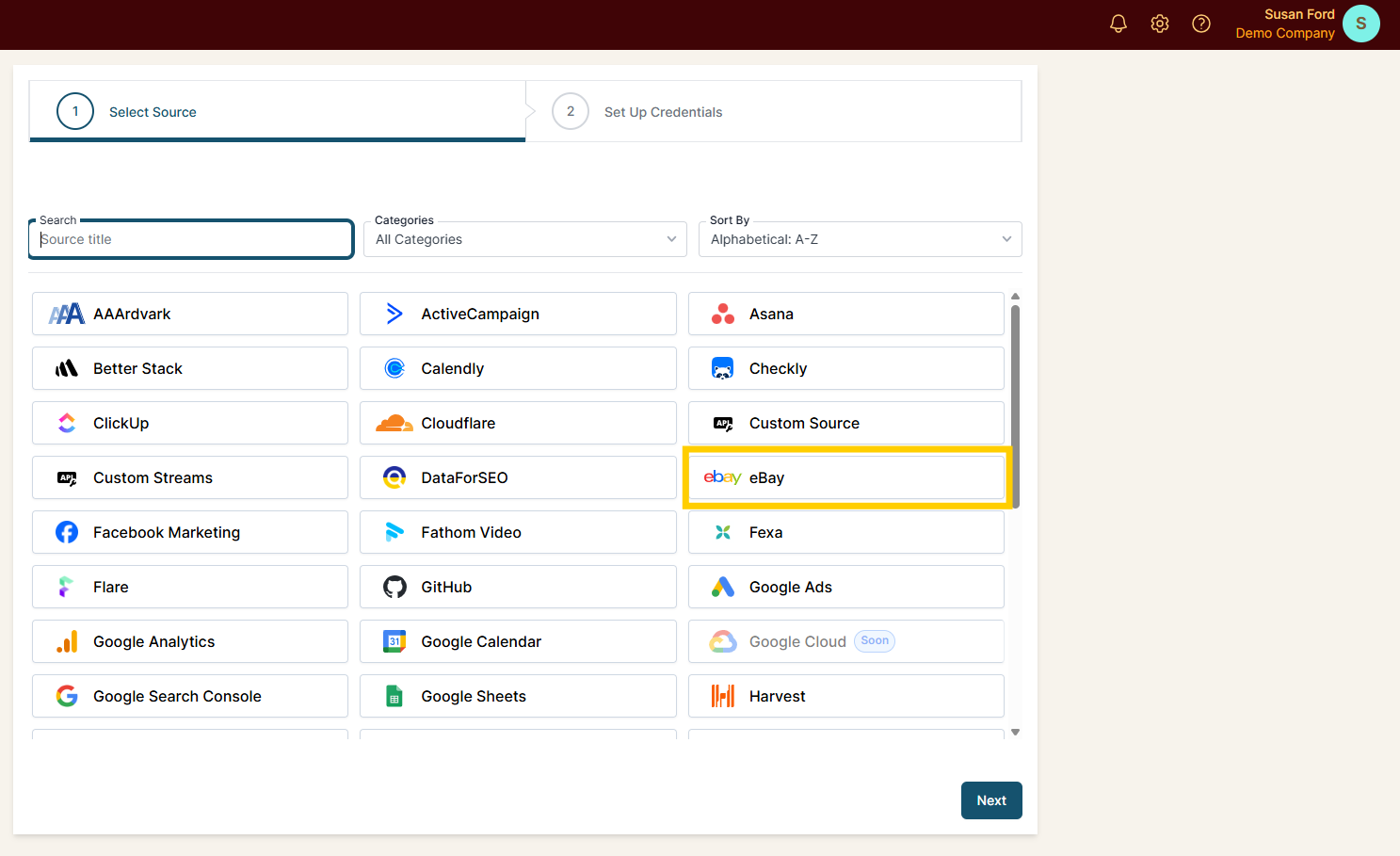
From the Connection Stepper interface, select eBay in the Select Source tab, then click Next.
4. Continue with eBay
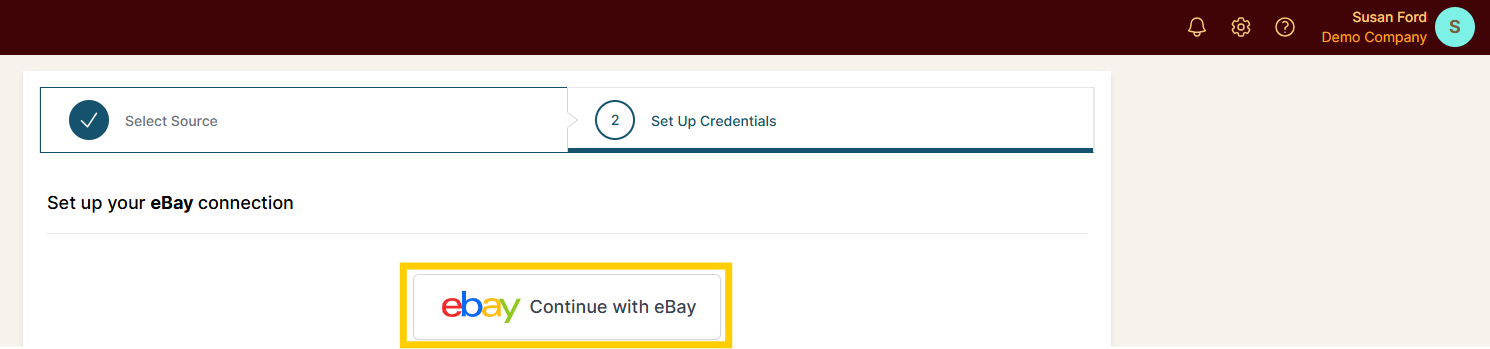
In the Set Up Credentials tab, click the Continue with eBay button. This initiates the permission-granting process so that BlinkMetrics can connect to your eBay account.
5. Sign In to eBay
Clicking Continue with eBay redirects you to eBay to sign in. Enter your email or username and continue, or use one of the Continue with Google / Apple / Facebook options if that’s how your eBay account is set up.

Permissions Needed
You must create the Connection using the eBay store owner (primary) account. Delegate users added through eBay’s Multi-User Account Access (MUAA) — secondary team-member logins — cannot approve access to the primary account’s orders, so data won’t flow into your BlinkMetrics workspace if you authorize with a delegate login.
If you manage eBay through a secondary MUAA login, ask the store owner to create the eBay connection in BlinkMetrics.
6. Select Marketplace, Review Privacy, and Save Connection
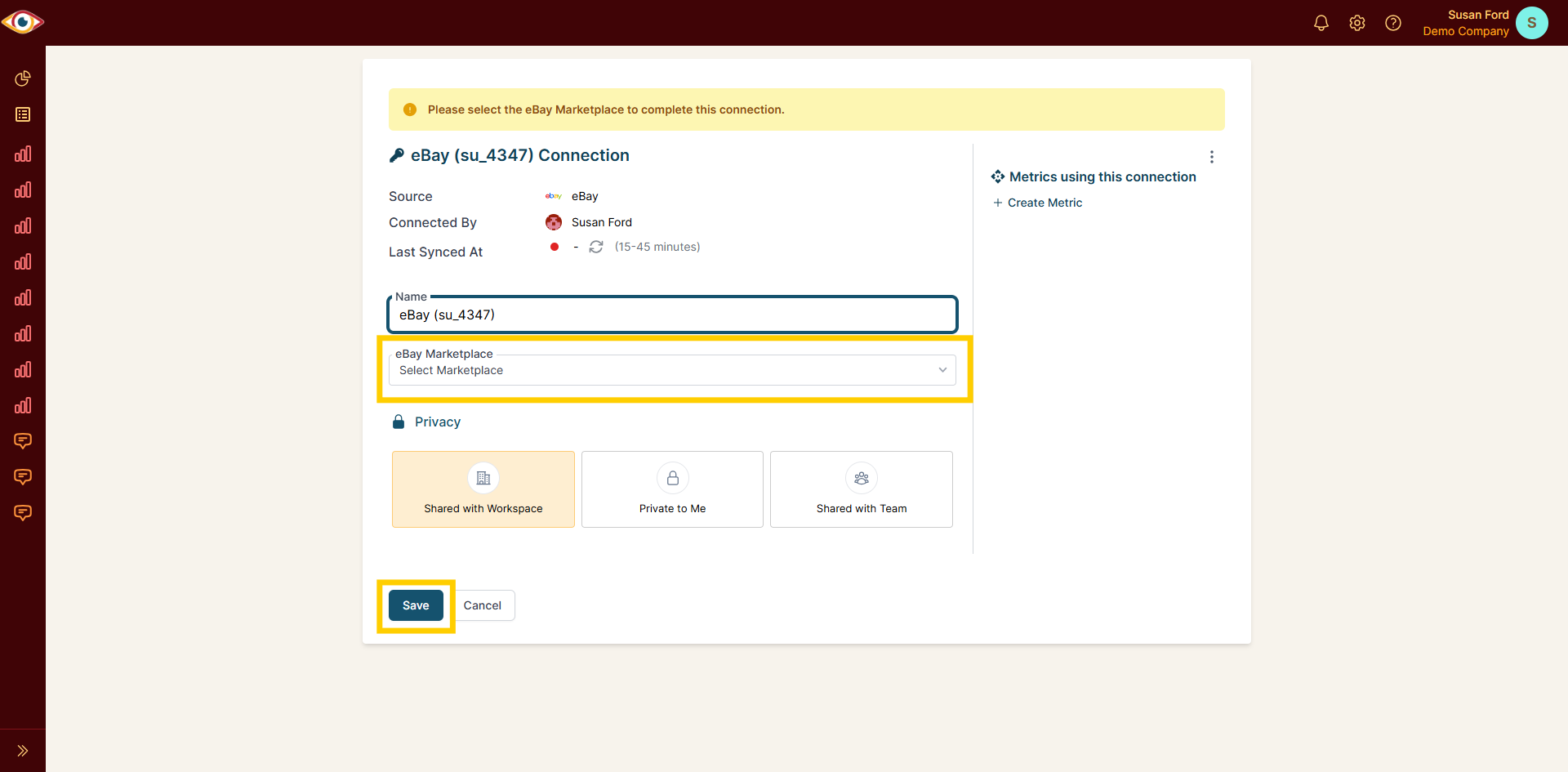
After you sign in, eBay redirects you back to BlinkMetrics and opens the new Connection. Unlike most Sources, eBay requires one more step before the Connection is active — you’ll see the notice “Please select the eBay Marketplace to complete this connection.”
Use the eBay Marketplace dropdown to choose the marketplace this Connection should pull from (for example, eBay US, eBay UK, or eBay Germany). The Connection won’t sync until a marketplace is selected. If you sell across multiple eBay marketplaces, create a separate Connection for each one.
From this page you can also review:
- Source, Connected By, and Last Synced At — eBay data refreshes on a 15–45 minute sync cycle, so your first metrics may take a few minutes to appear.
And edit the following:
- Connection Name: Used for organizational purposes. Each Source can have multiple Connections, so it’s helpful to see who authorized the Connection or which marketplace it points to.
- Privacy: You can choose who it’s shared with: Shared with Workspace, Private to Me, or Shared with Team.
When you’ve selected a marketplace and you’re done, click Save, and now you’re done! You can now use the Connection to pull data from the eBay Source.