
Your eBay sales and profit, on the same dashboard as the rest of your business.
BlinkMetrics connects to your eBay seller account in the US or Canada and puts your orders, net earnings and profit next to your web store, ads and books. Our team builds the dashboards for you, so you stop downloading eBay reports into a spreadsheet every week.
book a discovery call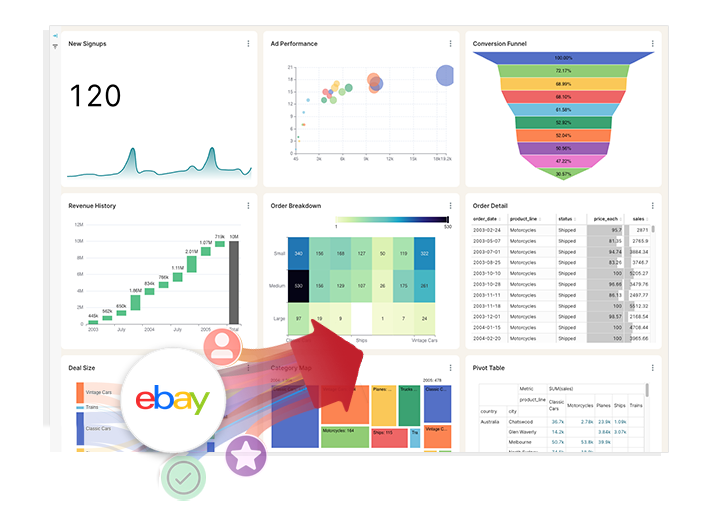
Spreadsheets get you close, but they won't get you all the way
-

Endless CSV Exports
-
Hours to find an answer
-
Broken links, Zaps & formulas
-
Numbers are difficult to verify
-
Everything breaking as you scale
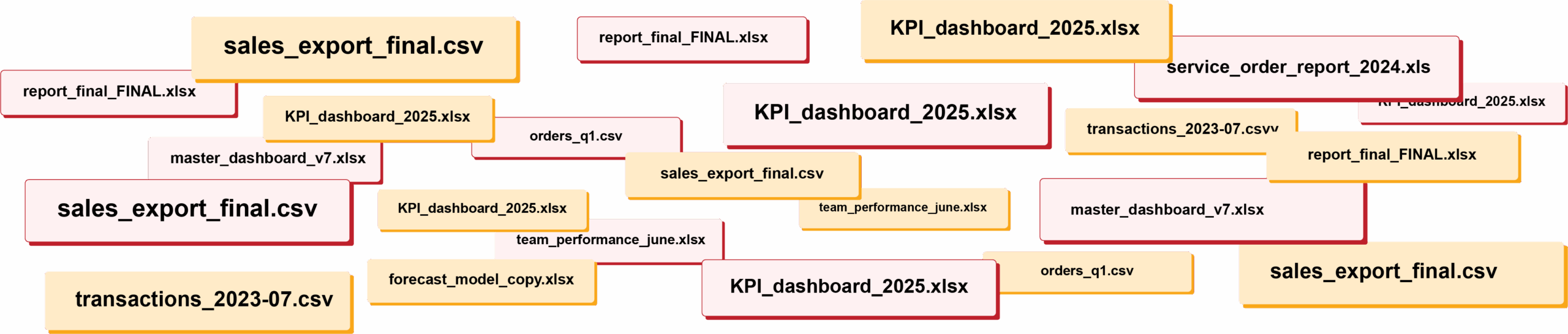
RIP spreadsheets. BlinkMetrics brings your reporting into live dashboards that show what's really happening in your business.
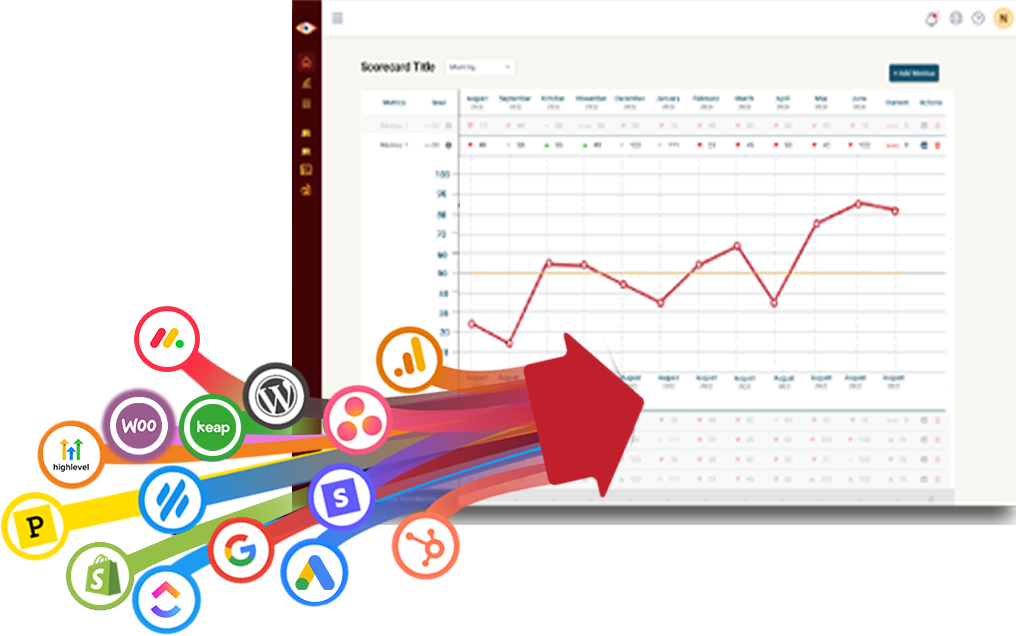
Easily connect to any business tool
We capture raw data from any platform and keep it updated continuously. You'll always have the live numbers, full history, and ability to drill into any KPI for the details that explain it.
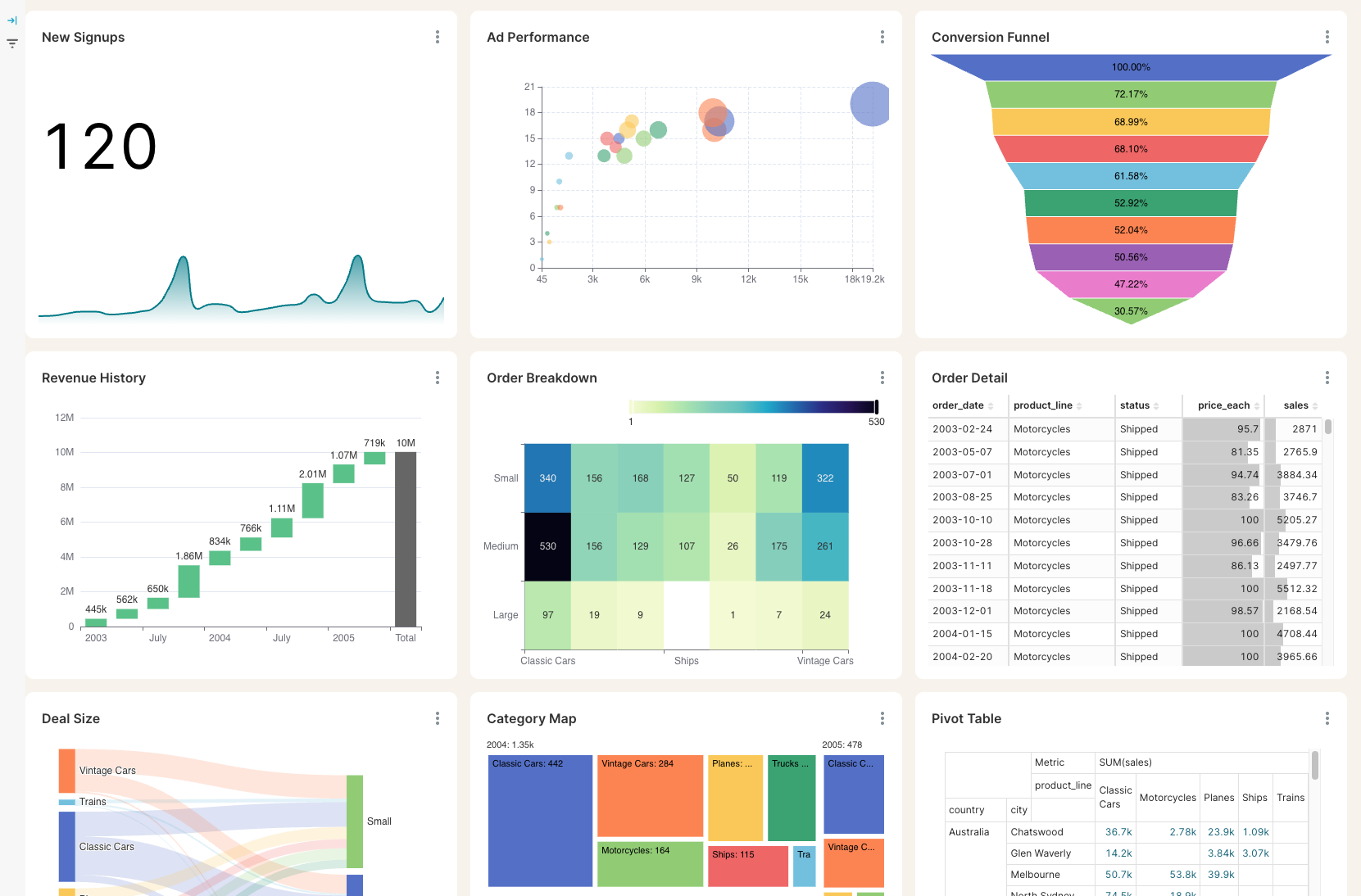
Get the reporting you never could before
Access custom reports with interactive dashboards & scorecards, giving you answers to questions you've never been able to answer easily. Look deeper into any number, explore trends, and slice & dice results by any segment.
Stay on track with real time visibility & alerts
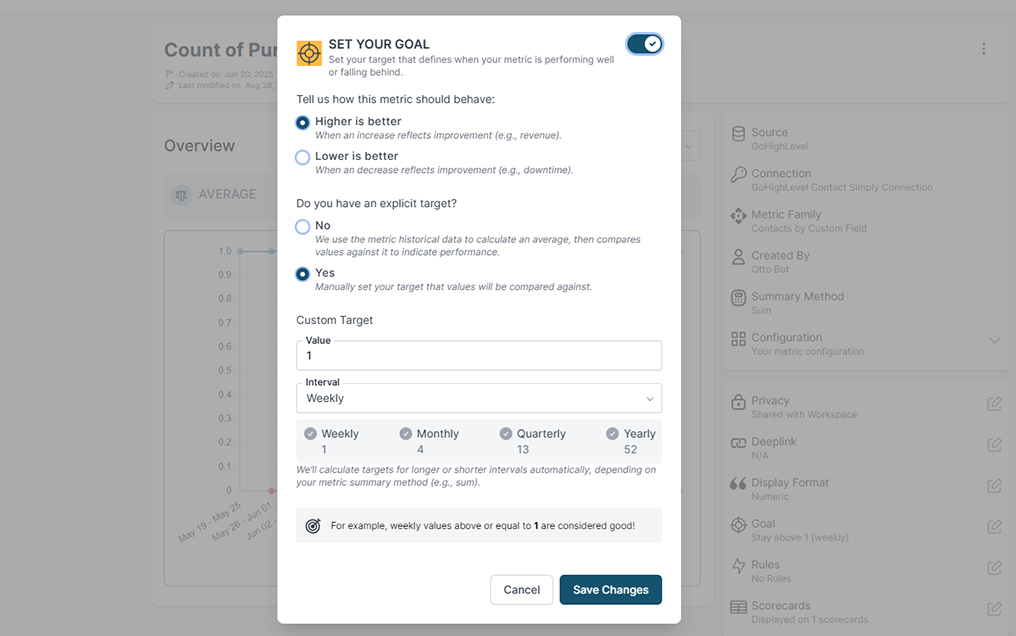
Set clear goals, track progress in real time, and get alerts the moment a KPI slips or beats target. Acting proactively & not reactively means you're no longer the last to know.
Keep your team in the loop and accountable
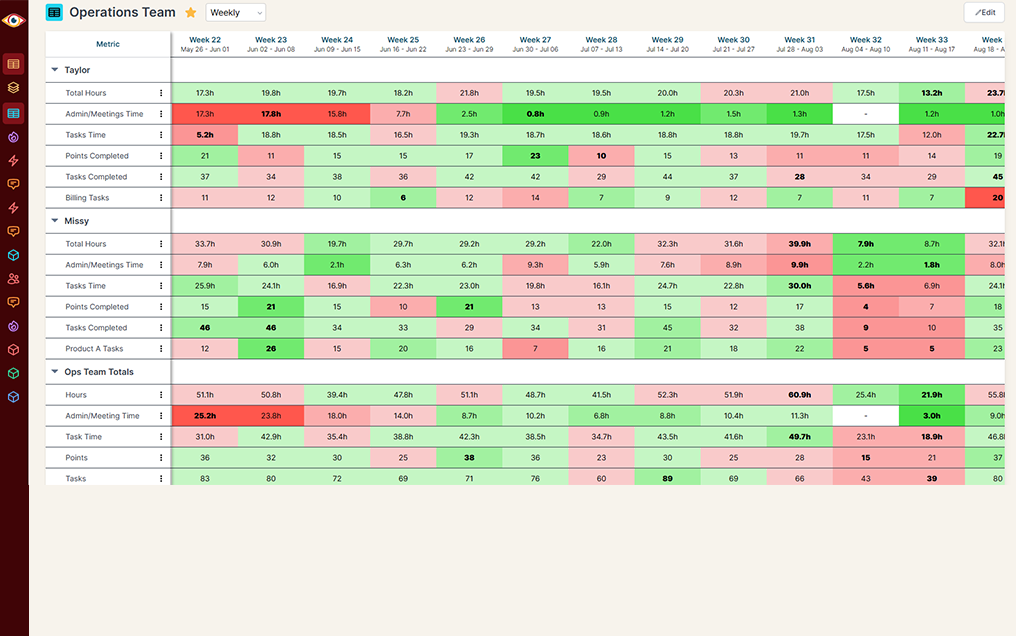
Keep goals front and center with reports designed for each person, team, or location — shared in real time to keep performance transparent and encourage accountability.
Seller Hub shows you eBay. It does not show you the whole business.
Your eBay numbers live in Seller Hub, your item costs in your books, and your web store and ads somewhere else again. A simple question like "what did we actually make this quarter, across every channel?" means downloading eBay reports and stitching them into a spreadsheet by hand.
eBay alone
A full year of orders
Profit after item cost
One report, every channel
Sales numbers for the whole team
eBay + BlinkMetrics
A full year of orders
Profit after item cost
One report, every channel
Sales numbers for the whole team
What BlinkMetrics reads from your eBay account
The store owner authorizes BlinkMetrics once and picks a marketplace. From then on, your eBay data syncs automatically.
- Orders, sales and fees. Orders, sale and refund transactions, and the fees eBay charges, for the connected marketplace, as far back as eBay's APIs allow.
- Order count and net revenue. Order count by order date, and net revenue (sales minus refunds) by transaction date, in your payout currency.
- Net earnings after eBay fees. Sales minus refunds, selling fees, Promoted Listings ad fees, store subscription and eBay shipping labels.
- Profit with your item costs. Item costs matched from QuickBooks Online, Xero or a Google Sheets cost sheet, so each order shows what you actually kept.
- Filters that match how you sell. Order fulfillment status, order payment status and transaction type.
- eBay US and eBay Canada. Connect each marketplace you sell on and see them side by side.
- No login to hand over. Send the store owner a secure link. They authorize eBay and pick the marketplace without needing a BlinkMetrics account.
Read-only by design. BlinkMetrics does not change your listings, prices or orders. You can remove its access at any time from your eBay account.
Complete visibility in 30 days. We will build your eBay reporting dashboard.
See your eBay sales and profit next to every other channel you sell through
Questions from eBay sellers
What to know before you connect your eBay account to BlinkMetrics.
-
What eBay data does BlinkMetrics pull?
Your orders, your sale and refund transactions, and the fees eBay charges, through eBay's Sell APIs. Your dashboards show order count, net revenue (sales minus refunds) and net earnings after eBay fees, filterable by fulfillment status, payment status and transaction type.
-
Can I see profit, not just revenue?
Yes. We subtract selling fees, Promoted Listings ad fees, store subscription and eBay shipping labels, then match your item costs from QuickBooks Online, Xero or a Google Sheets cost sheet. Your analyst sets up the cost matching with you.
-
Which eBay marketplaces are supported?
eBay US and eBay Canada. Each connection reads one marketplace, so if you sell on both, you connect each one and we show them side by side. Other marketplaces are not supported yet.
-
How far back does my history go?
As far back as eBay allows. eBay's APIs return orders up to two years old and sales and fee transactions up to five years old, and we load everything available.
-
Who needs to connect the account?
The store owner. eBay only lets the primary account approve access to its orders and finances, so a Team Access login cannot set up the connection. If that is not you, we send the owner a secure link to authorize it without creating a BlinkMetrics login.
-
Can BlinkMetrics change anything in my eBay account?
No. BlinkMetrics only reads your data. It does not change listings, prices or orders, and you can remove its access at any time from your eBay account.
-
What currency are my numbers shown in?
Your payout currency. We read it from your eBay payments account, so a Canadian seller paid in US dollars sees US dollars.

Ready to see eBay next to everything else?
Stop downloading reports and stitching them together. We build your eBay dashboard for you and blend it with the rest of your business, so every channel shows up in one place.
book a call to see what's possible