
Your Amazon orders, on the same dashboard as the rest of your business.
BlinkMetrics connects to your Amazon seller account and puts your orders and sales next to your web store, ads and books. Our team builds the dashboards for you, so you stop rebuilding the same report in a spreadsheet every week.
book a discovery call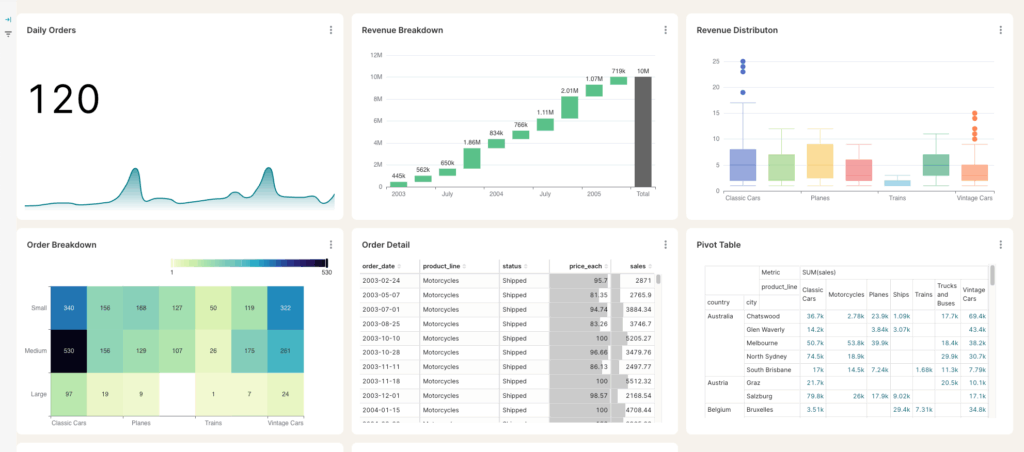
Spreadsheets get you close, but they won't get you all the way
-

Endless CSV Exports
-
Hours to find an answer
-
Broken links, Zaps & formulas
-
Numbers are difficult to verify
-
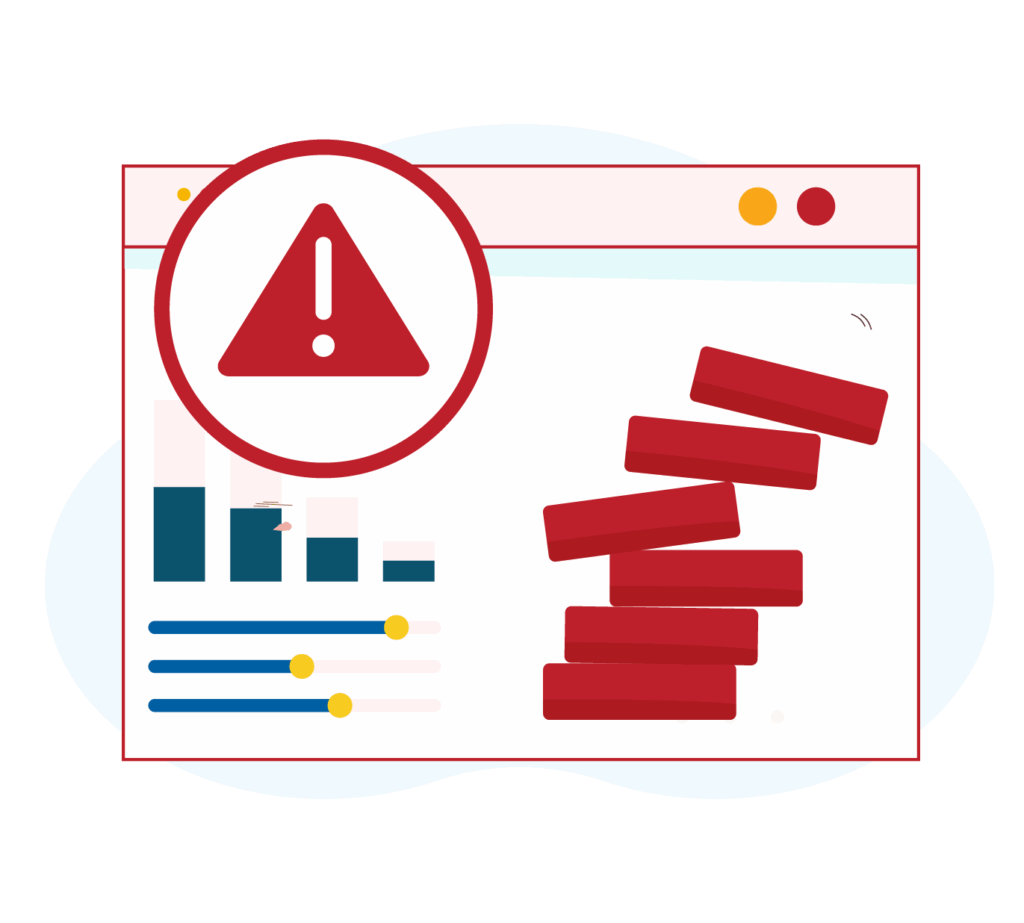
Everything breaking as you scale
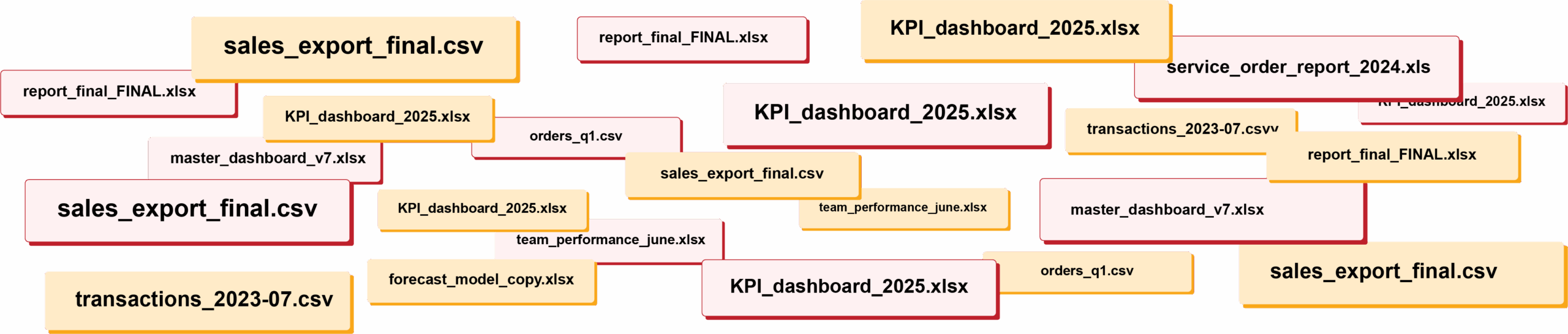
RIP spreadsheets. BlinkMetrics brings your reporting into live dashboards that show what's really happening in your business.
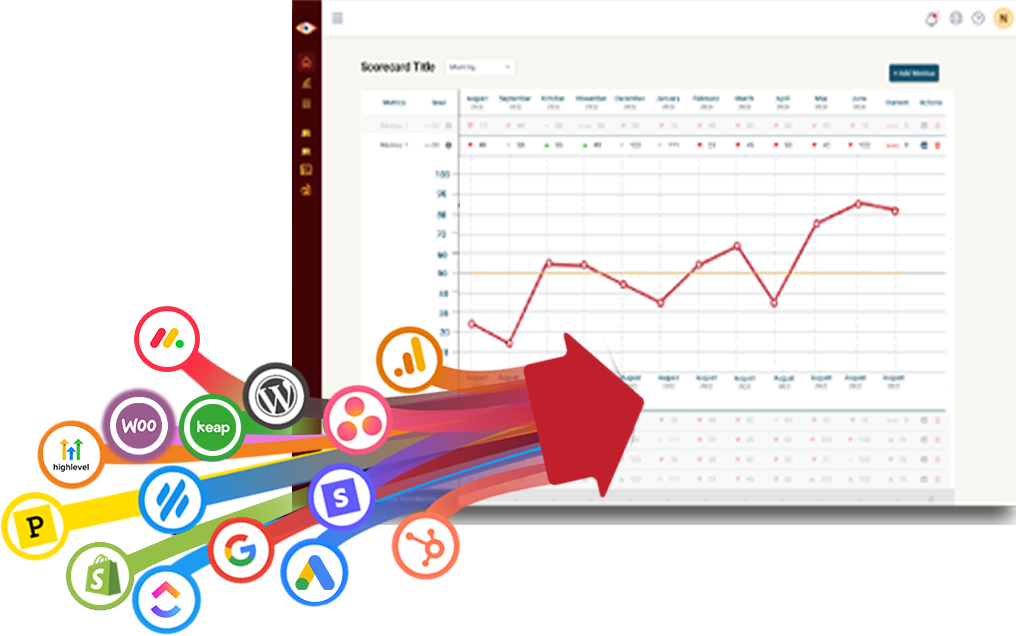
Easily connect to any business tool
We capture raw data from any platform and keep it updated continuously. You'll always have the live numbers, full history, and ability to drill into any KPI for the details that explain it.
Get the reporting you never could before
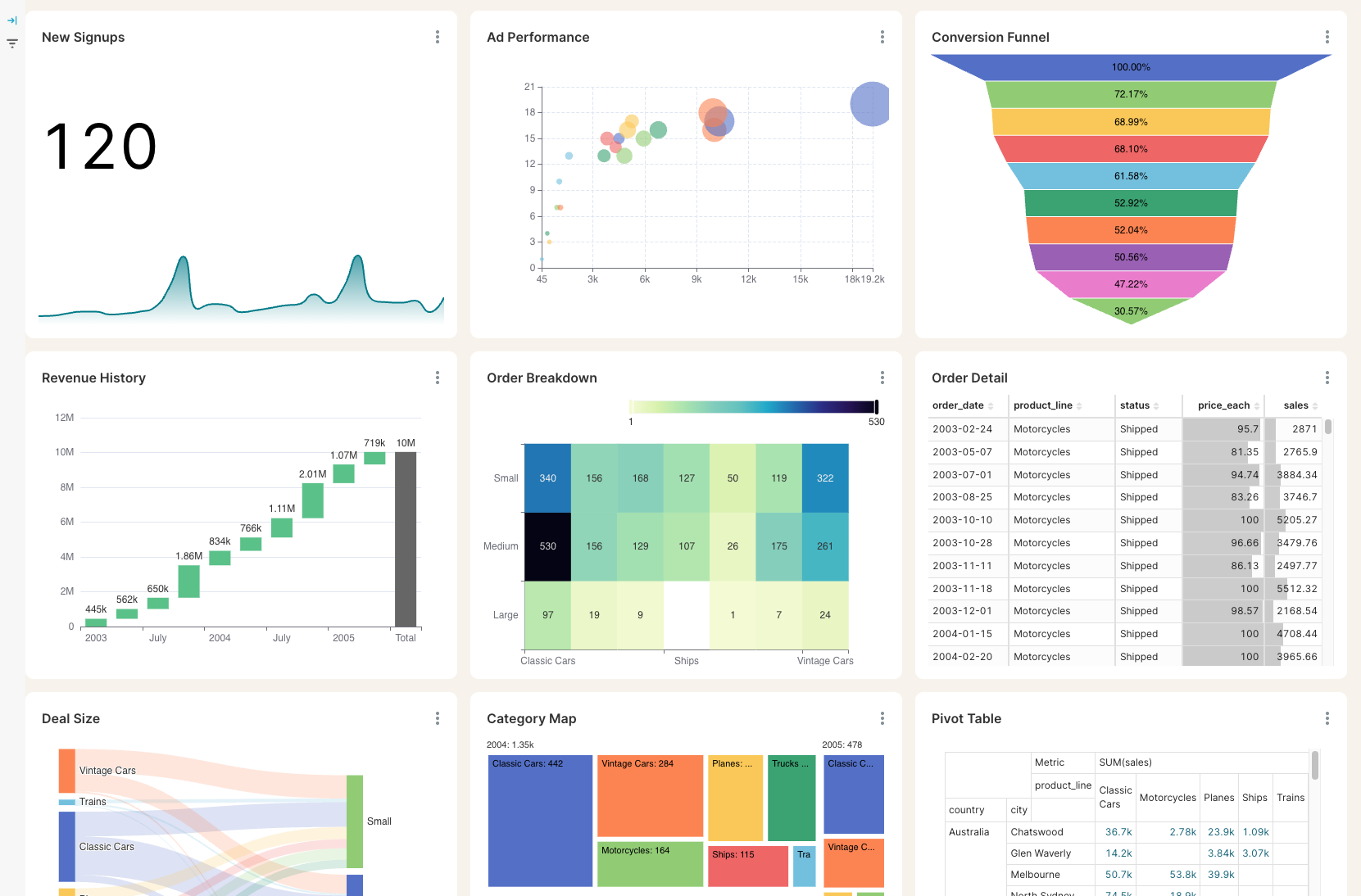
Access custom reports with interactive dashboards & scorecards, giving you answers to questions you've never been able to answer easily. Look deeper into any number, explore trends, and slice & dice results by any segment.
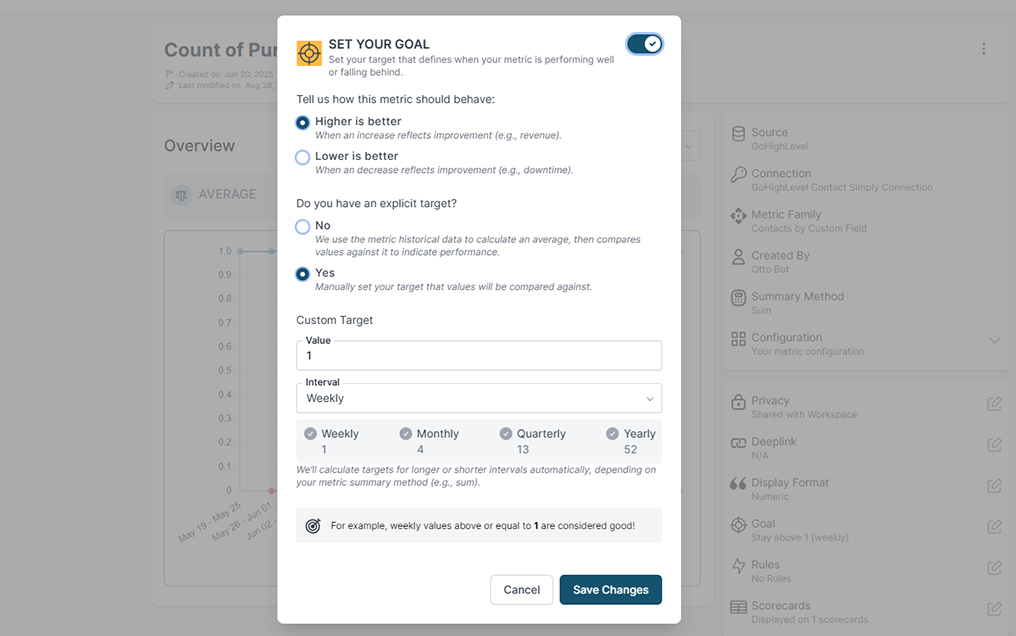
Stay on track with real time visibility & alerts
Set clear goals, track progress in real time, and get alerts the moment a KPI slips or beats target. Acting proactively & not reactively means you're no longer the last to know.
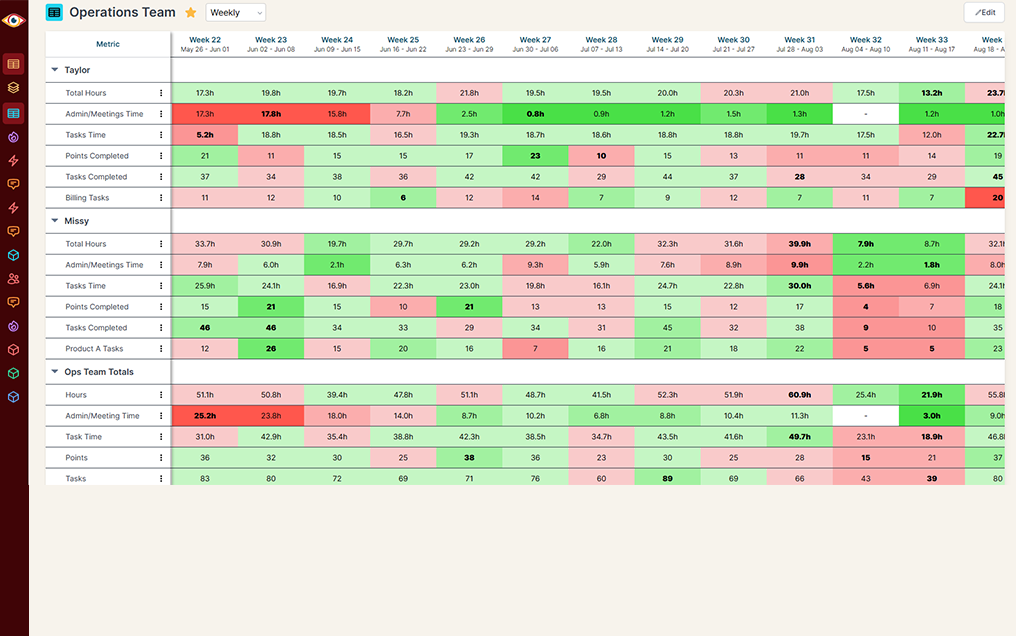
Keep your team in the loop and accountable
Keep goals front and center with reports designed for each person, team, or location — shared in real time to keep performance transparent and encourage accountability.
Seller Central shows you Amazon. It does not show you the whole business.
Your Amazon numbers live in one place, your web store in another, your ad spend and accounting somewhere else. Answering a simple question like "how did sales do this month across every channel?" means downloading reports and stitching them together by hand.
All your marketplaces together
Amazon Seller alone
Amazon Seller + BlinkMetrics
From a number to the orders
Amazon Seller alone
Amazon Seller + BlinkMetrics
History that sticks around
Amazon Seller alone
Amazon Seller + BlinkMetrics
Targets and goals
Amazon Seller alone
Amazon Seller + BlinkMetrics
One report, every channel
Amazon Seller alone
Amazon Seller + BlinkMetrics
What BlinkMetrics reads from your seller account
You authorize BlinkMetrics once from your seller account. From then on, your order data syncs automatically.
- Orders and order line items. Every order in your connected marketplaces, as far back as Amazon provides.
- Order count and gross order value. Ready-made metrics by purchase date, with daily, weekly and monthly rollups.
- Filters that match how you sell. Marketplace, order status, fulfillment channel and currency.
- Agency ready. Agencies and consultants get a separate set of dashboards for each client brand, and each client authorizes their own seller account.
Read-only by design. BlinkMetrics does not change your listings, prices or orders, and it does not request buyer contact details. You can remove access at any time from your seller account.
Complete visibility in 30 days. We will build your Amazon reporting dashboard.
See your Amazon sales next to every other channel you sell through
Questions from Amazon sellers
What to know before you connect your seller account to BlinkMetrics.
-
What Amazon data does BlinkMetrics pull?
Your orders and order line items, through Amazon's Selling Partner API. Your dashboards start with order count and gross order value by purchase date, filterable by marketplace, order status, fulfillment channel and currency.
-
Which marketplaces are supported?
Seller accounts in the United States, Canada, Mexico and Brazil. Other marketplaces are not supported yet.
-
How far back does my order history go?
As far back as Amazon allows. Amazon does not return orders more than two years old, so we load everything available when you connect. From then on your history keeps building with us, instead of rolling off as Amazon's two-year window moves forward.
-
Can BlinkMetrics change anything in my seller account?
No. BlinkMetrics only reads order data. It does not change listings, prices or orders, and it does not request buyer contact details. You can remove its access at any time from your seller account.
-
What do I need to get started?
A seller account login with permission to authorize third-party apps, and a current web browser. There is no software to install. Book a call, authorize the connection, and our team builds your dashboards.
-
We are an agency. Can we report on several client brands?
Yes. Each client brand gets its own dashboards, and each client authorizes their own seller account.
What customers say
I was worried I was going to have to do it myself. So, having you build us a custom reporting dashboard is perfect, and it'll auto-update!

Joia Doss
Fractional COO, Kids2Dentist
For the first time, we can look at gross, fees, transfers — in a logical way that ties penny to penny with our general ledger.

Bob Arnold
CFO, Nolodex
My worst enemy was my brain. With these reports and dashboards, I can step away for a few days while someone else reviews orders and makes smart decisions based on the data.

Jesse Nelson
Founder, DiabolikDVD
“The BlinkMetrics® team was incredibly responsive and patient.
Every time we asked, ‘Can it do this?’ the answer was 'yes' delivered with clarity, enthusiasm, and follow-through. We never once felt like our questions were treated as silly or unwelcome.”

Erik Jensen
Chief Strategy Officer, Predictive ROI

Ready to see Amazon next to everything else?
Stop exporting reports and stitching them together. We build your Amazon dashboard for you and blend it with the rest of your business, so every channel shows up in one place.
book a call to see what's possible