
Your ClickUp tasks, on the same dashboard as your revenue
BlinkMetrics turns your ClickUp tasks into cycle time, throughput and overdue trends, next to your revenue and billable hours. We build the dashboards, so you stop rebuilding the same status report before every leadership meeting.
book a discovery call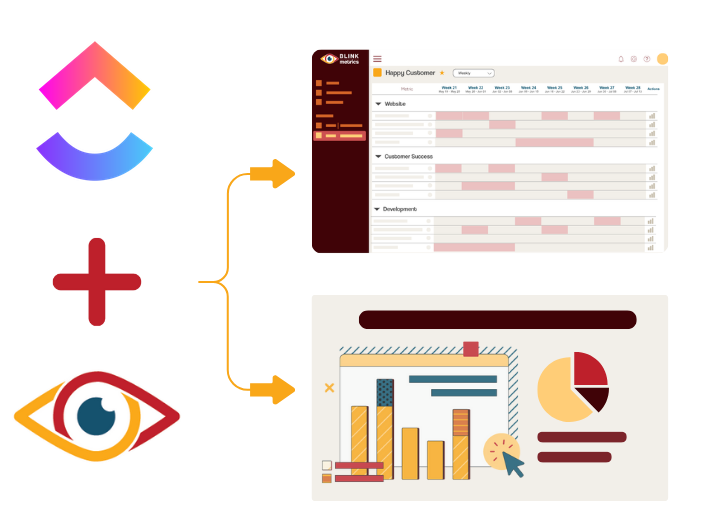
Spreadsheets get you close, but they won't get you all the way
-
Endless CSV Exports
-
Hours to find an answer
-
Broken links, Zaps & formulas
-
Numbers are difficult to verify
-
Everything breaking as you scale
RIP spreadsheets. BlinkMetrics brings your reporting into live dashboards that show what's really happening in your business.
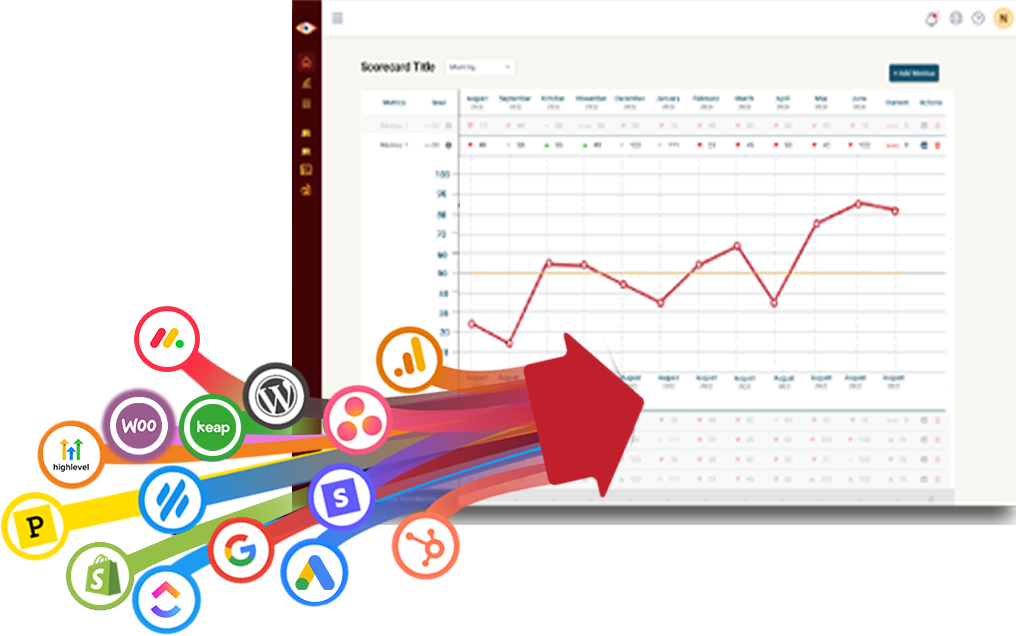
Easily connect to any business tool
We capture raw data from any platform and keep it updated continuously. You'll always have the live numbers, full history, and ability to drill into any KPI for the details that explain it.
Get the reporting you never could before
Access custom reports with interactive dashboards & scorecards, giving you answers to questions you've never been able to answer easily. Look deeper into any number, explore trends, and slice & dice results by any segment.
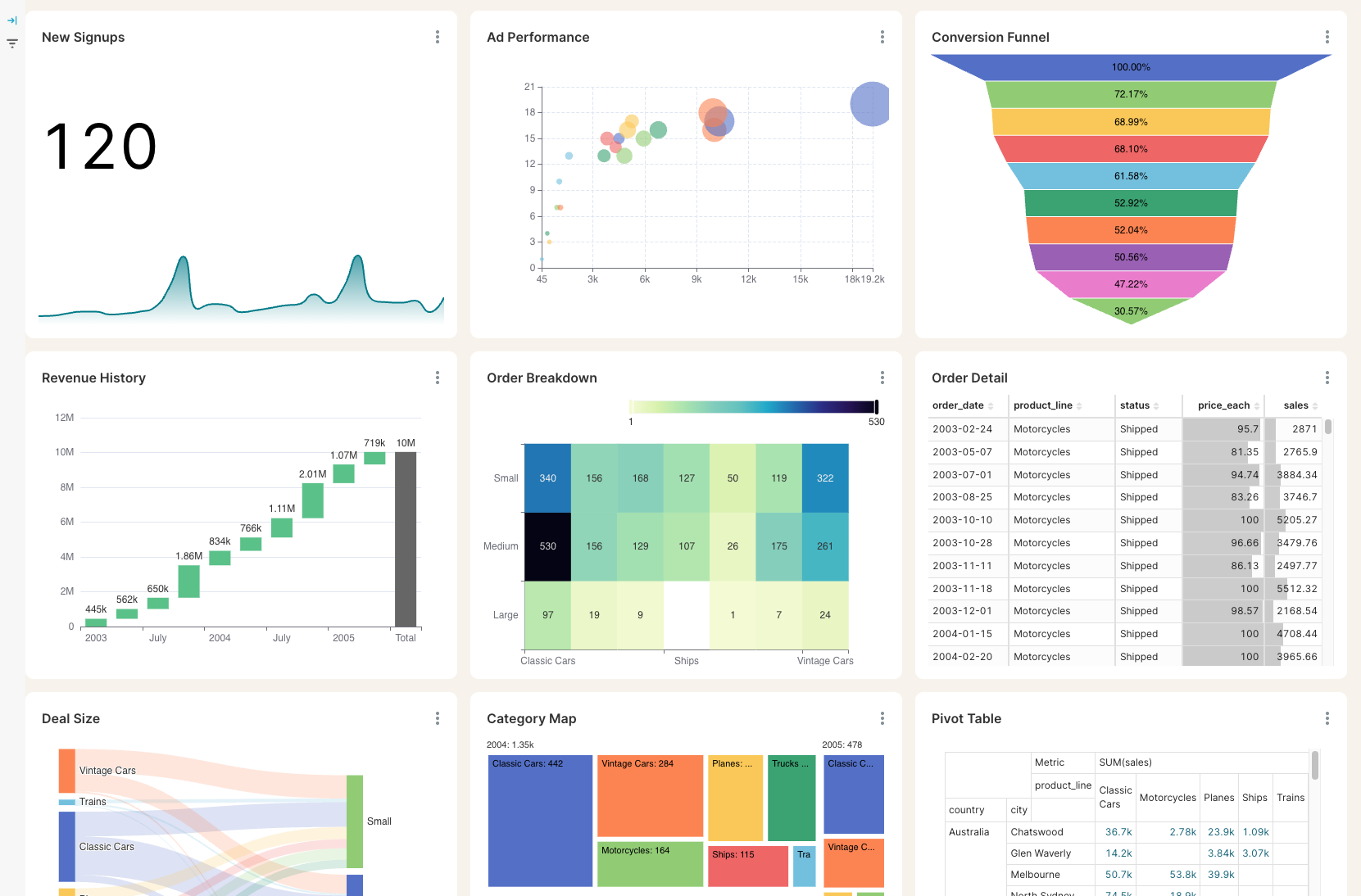
Stay on track with real time visibility & alerts
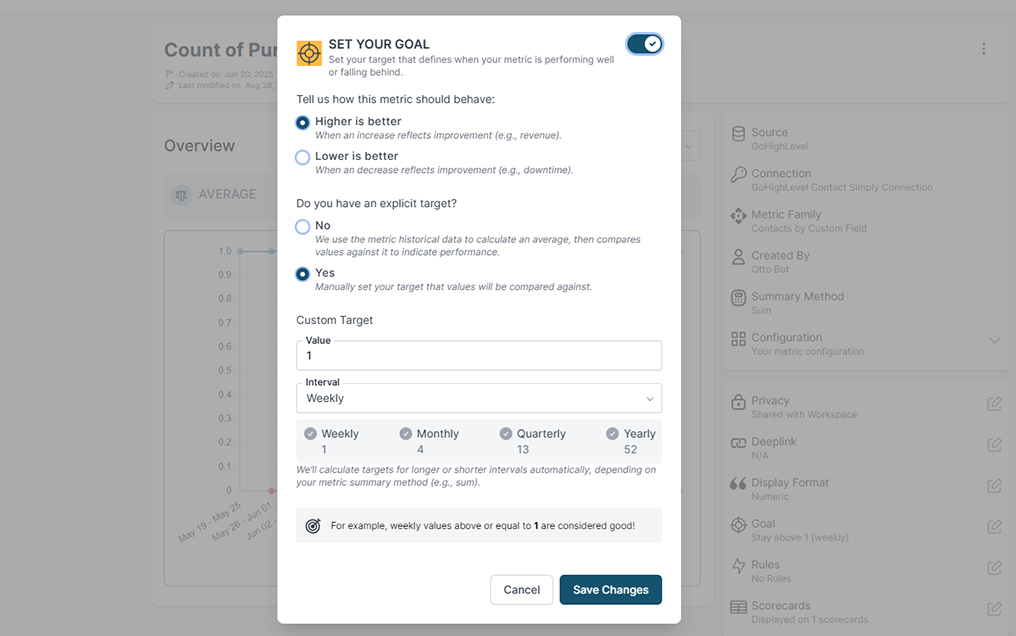
Set clear goals, track progress in real time, and get alerts the moment a KPI slips or beats target. Acting proactively & not reactively means you're no longer the last to know.
Keep your team in the loop and accountable
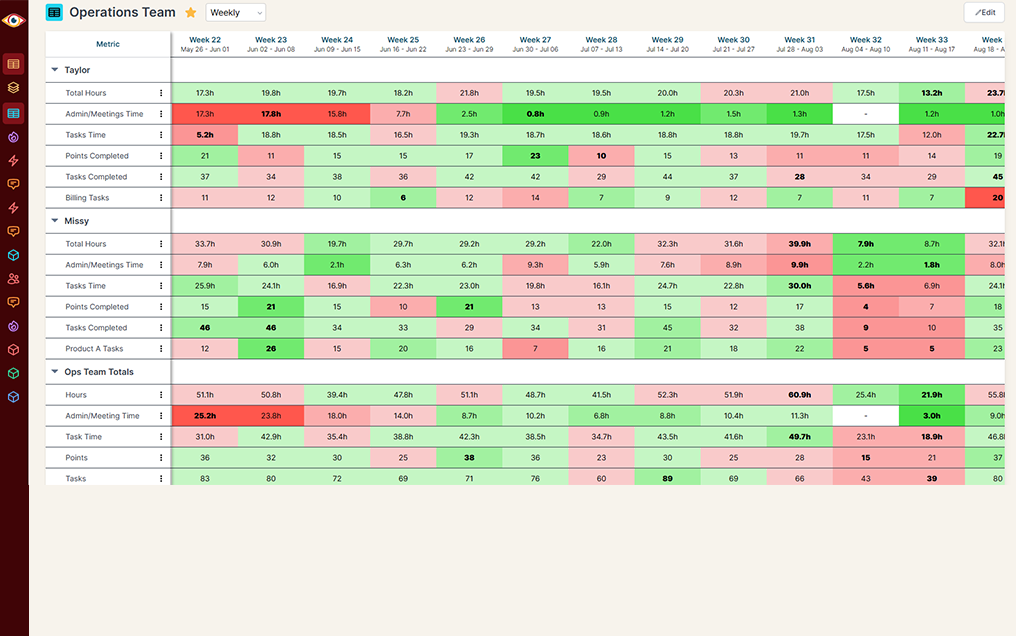
Keep goals front and center with reports designed for each person, team, or location — shared in real time to keep performance transparent and encourage accountability.
ClickUp Dashboards show you ClickUp. They do not show you the whole business.
A question like "are we getting faster, and what is it costing us?" means one tab for ClickUp, one for the time sheets and one for the invoices, stitched together by hand before every monthly review.
Reporting on the plan you are on
ClickUp alone
ClickUp + BlinkMetrics
Work next to money
ClickUp alone
ClickUp + BlinkMetrics
Getting the numbers out
ClickUp alone
ClickUp + BlinkMetrics
History that keeps running
ClickUp alone
ClickUp + BlinkMetrics
Hours estimated against hours worked
ClickUp alone
ClickUp + BlinkMetrics
Knowing when something slips
ClickUp alone
ClickUp + BlinkMetrics
What BlinkMetrics reads from your ClickUp workspace
You paste one ClickUp API token. From then on your tasks sync on their own.
- Every task in your lists, open and closed. We read your tasks as far back as ClickUp returns them, including tasks that live in more than one list.
- Five ready-made metrics. Open tasks, created tasks, completed tasks, overdue tasks, and task cycle time, the average from when a task is created to when it is finished.
- Hours, priority, tags and custom fields. Estimated hours against tracked hours and the gap between them, plus counts split by priority, by tag, or by a custom field your team already fills in.
- Filters that match how you work. Workspace, assignee, space and list, plus completed within the last so many days.
- Every workspace on one dashboard. One token reaches every ClickUp workspace you belong to, so several workspaces roll into a single number or stay side by side.
- Client ready. Send a client a link and they paste their own ClickUp token. They never need a login to your workspace, and you never handle their password.
Read-only by design. BlinkMetrics does not create, close or edit tasks and changes nothing in ClickUp. You can revoke the token from your ClickUp settings at any time.
Complete visibility in 30 days. We will build your ClickUp reporting dashboard.
See what your team actually shipped, and what it cost to ship it
Questions from teams running on ClickUp
These are the questions we get most often, and we would rather answer yours on a quick call.
-
What do you pull from ClickUp?
Your tasks. That gives you open tasks, created tasks, completed tasks, overdue tasks and task cycle time, filtered by workspace, assignee, space and list, or narrowed to work completed within the last so many days.
-
Can I see hours estimated against hours actually tracked?
Yes. Your estimates and your tracked time both come across with the task, so we report hours estimated, hours tracked and the gap between them by assignee, space or list. Your analyst builds that view with you during onboarding.
-
Does it cover every list in my workspace?
Almost. We walk your spaces and folders down to the lists inside them, so a list sitting directly in a space with no folder around it is not included, and neither are subtasks. Tell your analyst if either matters to you and we will work out the right way to cover it.
-
How far back does the history go?
Two answers. Completed, created and cycle time reach back as far as ClickUp returns your tasks, so you have trends from day one. Open and overdue are point-in-time counts, so they start building their dated series from your first sync.
-
Who needs to connect it, and what if that is not me?
Whoever holds the ClickUp token. If that is a client or a colleague, we send them a link where they paste their own token. They never get a login to your workspace.
-
Can BlinkMetrics change anything in my ClickUp?
No. BlinkMetrics only reads. It does not create, close or edit tasks, and you can revoke its token from ClickUp whenever you like.
-
How often do the numbers update?
You choose. Syncs run as often as every 18 hours, and your dashboard shows when it last refreshed.
What customers say
I was worried I was going to have to do it myself. So, having you build us a custom reporting dashboard is perfect, and it'll auto-update!

Joia Doss
Fractional COO, Kids2Dentist
For the first time, we can look at gross, fees, transfers — in a logical way that ties penny to penny with our general ledger.

Bob Arnold
CFO, Nolodex
My worst enemy was my brain. With these reports and dashboards, I can step away for a few days while someone else reviews orders and makes smart decisions based on the data.

Jesse Nelson
Founder, DiabolikDVD
“The BlinkMetrics® team was incredibly responsive and patient.
Every time we asked, ‘Can it do this?’ the answer was 'yes' delivered with clarity, enthusiasm, and follow-through. We never once felt like our questions were treated as silly or unwelcome.”

Erik Jensen
Chief Strategy Officer, Predictive ROI

Ready to see what your team actually shipped?
Your work is already in ClickUp. The reporting on it should not cost you an afternoon of copying numbers into a spreadsheet every month.
book a call to see what's possible