
Your keyword rankings, stored every day and charted next to revenue
DataForSEO returns a position. It does not keep it. We run the check on a schedule, store every reading, and chart your rankings next to revenue.
book a discovery call
Spreadsheets get you close, but they won't get you all the way
-

Endless CSV Exports
-
Hours to find an answer
-
Broken links, Zaps & formulas
-

Numbers are difficult to verify
-
Everything breaking as you scale
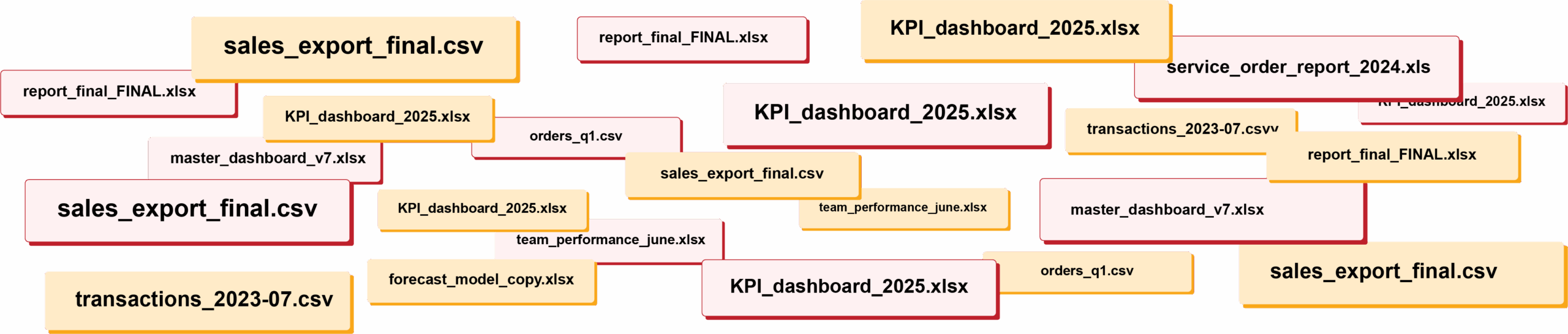
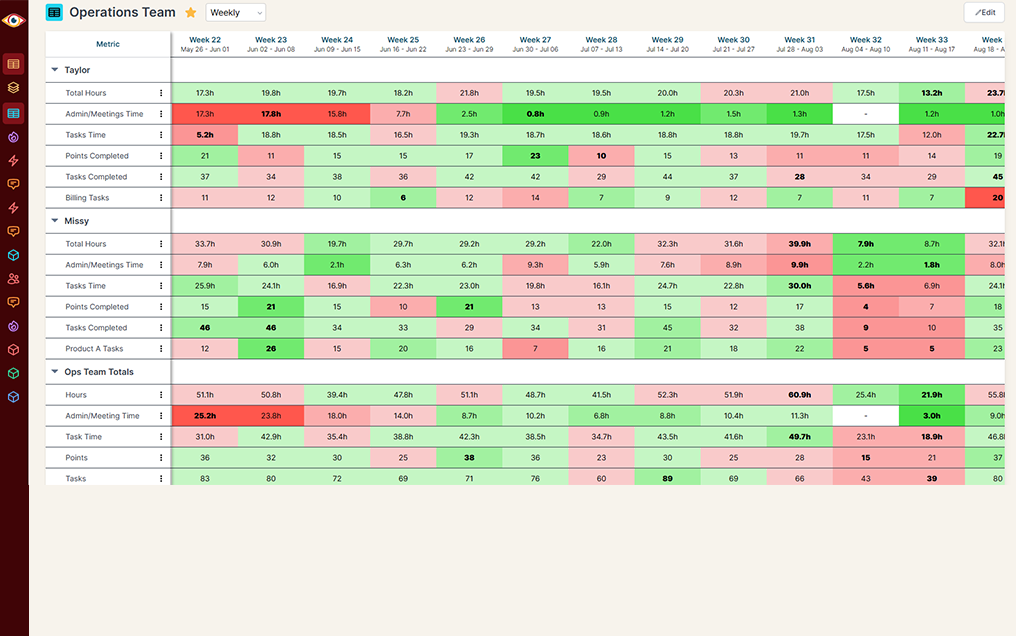
RIP spreadsheets. BlinkMetrics brings your reporting into live dashboards that show what's really happening in your business.
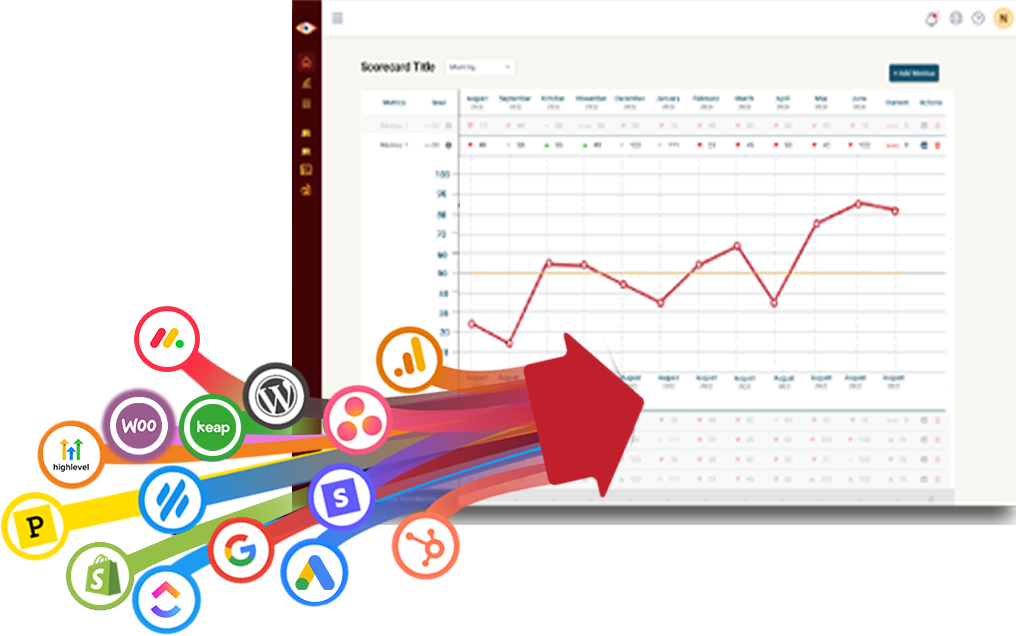
Easily connect to any business tool
We capture raw data from any platform and keep it updated continuously. You'll always have the live numbers, full history, and ability to drill into any KPI for the details that explain it.
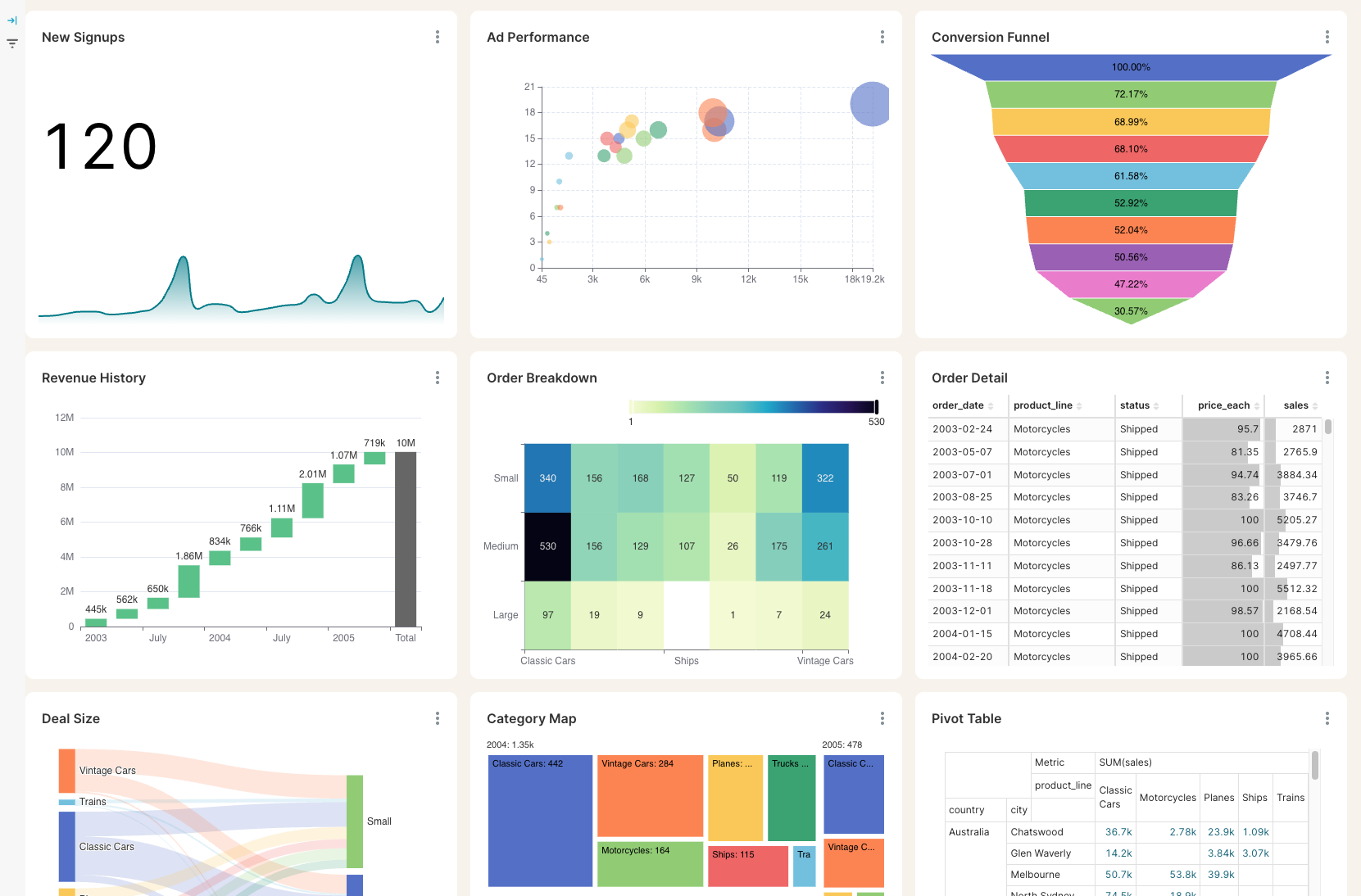
Get the reporting you never could before
Access custom reports with interactive dashboards & scorecards, giving you answers to questions you've never been able to answer easily. Look deeper into any number, explore trends, and slice & dice results by any segment.
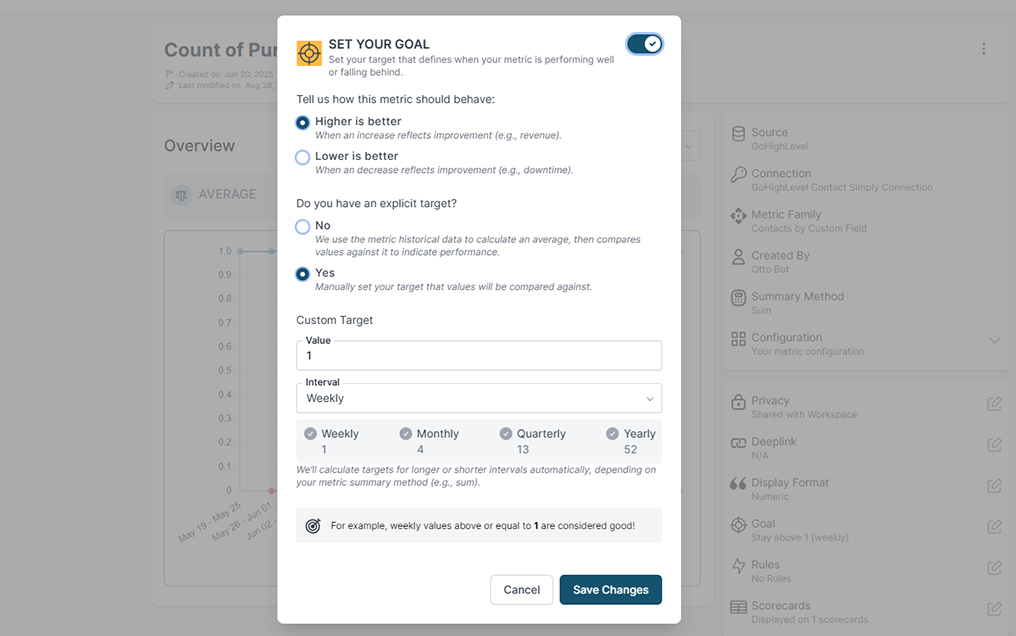
Stay on track with real time visibility & alerts
Set clear goals, track progress in real time, and get alerts the moment a KPI slips or beats target. Acting proactively & not reactively means you're no longer the last to know.
Keep your team in the loop and accountable
Keep goals front and center with reports designed for each person, team, or location — shared in real time to keep performance transparent and encourage accountability.
DataForSEO gives you a reading. Building the report is still your job.
DataForSEO is an API stack, and it is honest about that. Its own guide to rank tracking tells you to store daily positions in your database. That means a scheduler, a table, a chart and somebody who maintains all three, before anyone in the business sees whether a keyword is moving.
Keeping yesterday's position
DataForSEO alone
DataForSEO + BlinkMetrics
Somewhere to actually look at it
DataForSEO alone
DataForSEO + BlinkMetrics
Google and YouTube in one view
DataForSEO alone
DataForSEO + BlinkMetrics
Rank next to the money
DataForSEO alone
DataForSEO + BlinkMetrics
What the checks cost you
DataForSEO alone
DataForSEO + BlinkMetrics
Knowing when a keyword slips
DataForSEO alone
DataForSEO + BlinkMetrics
What BlinkMetrics reads from your DataForSEO account
You paste your DataForSEO API login and password once. From then on the checks run on their own and every reading is kept.
- Google organic position for a keyword and a domain. We ask DataForSEO for the keyword, filtered to the domain you name, and record what position that domain holds. The domain is a field, so a competitor's domain is tracked exactly the same way.
- YouTube organic position for a specific video. Give us the keyword and the video URL. We find that video in the YouTube results and record its position, ignoring everything else that ranked.
- Two positions, not one. Absolute position counts every element on the page, including ads and the answer boxes above you. Organic position is where you sit among results of your own kind. We track both, because the gap between them is what a featured snippet looks like.
- Location and language, from DataForSEO's own list. The location and language pickers are filled live from DataForSEO, so a keyword can be tracked in one city, one country or several, each as its own number.
- A schedule instead of a cron job. Checks run as often as every 18 hours, which is the cadence search rankings actually move on, and your dashboard shows when it last refreshed.
- Someone else can connect it. If the DataForSEO account belongs to a client or an agency partner, we send them a link where they paste their own API login. They never need a login to your workspace.
Read-only by design. BlinkMetrics only requests search results. It changes nothing in your DataForSEO account, and you can change your API password from the DataForSEO panel at any time.
Complete visibility in 30 days. We will build your DataForSEO reporting dashboard.
Watch a keyword move, and see what it was worth
Questions from teams already paying for DataForSEO
These are the questions we get most often, and we would rather answer yours on a quick call.
-
What exactly do you pull from DataForSEO?
Search positions. Google organic rank for a keyword against a domain you name, and YouTube organic rank for a keyword against a video you name. Each one comes back as two numbers, absolute position and organic position, filtered by location and language.
-
How far back does the history go?
It starts the day you connect. DataForSEO does not keep the results of Live requests, so nobody can go back and fill in last year for you. Your series begins with your first sync and grows from there. If you need rankings from before that, DataForSEO sells historical data through a different API and we can talk about whether it is worth buying.
-
What is the difference between absolute and organic position?
What you count. Absolute position counts everything on the results page, so ads and answer boxes push you down it. Organic position counts only results like yours. Holding tenth organic while sitting sixteenth absolute is the thing worth knowing, and it is why we track both.
-
How many keywords can I track?
As many as you want to pay for. Each keyword becomes its own metric, tied to one domain, one location and one language, so the same keyword tracked in two cities is two metrics. Your analyst sets them up with you during onboarding.
-
Can I track a competitor's ranking too?
Yes. The Google metric is filtered to whatever domain you enter, so a competitor's domain is set up exactly like your own and sits on the same chart next to yours.
-
Does this add to my DataForSEO bill?
Yes, and it stays your account. Every check is a request you pay DataForSEO for, billed per results page. You choose how often each keyword is checked, and the block depth field shows DataForSEO's charging warning so nobody sets it high by accident.
-
Can BlinkMetrics change anything in my DataForSEO account?
No. We only request search results. We cannot change your settings, your limits or your balance, and you can change the API password whenever you like.
What customers say
I was worried I was going to have to do it myself. So, having you build us a custom reporting dashboard is perfect, and it'll auto-update!

Joia Doss
Fractional COO, Kids2Dentist
For the first time, we can look at gross, fees, transfers — in a logical way that ties penny to penny with our general ledger.

Bob Arnold
CFO, Nolodex
My worst enemy was my brain. With these reports and dashboards, I can step away for a few days while someone else reviews orders and makes smart decisions based on the data.

Jesse Nelson
Founder, DiabolikDVD
“The BlinkMetrics® team was incredibly responsive and patient.
Every time we asked, ‘Can it do this?’ the answer was 'yes' delivered with clarity, enthusiasm, and follow-through. We never once felt like our questions were treated as silly or unwelcome.”

Erik Jensen
Chief Strategy Officer, Predictive ROI

Ready to see whether your rankings are actually moving?
You are already paying for the data. The chart that tells you what it is doing should not be a project somebody has to build first.
book a call to see what's possible