
Your pull request flow, charted beside the rest of the business
Open pull requests, what got created, what got closed and how long it took, across every repository you pick. We build the dashboard for you.
book a discovery call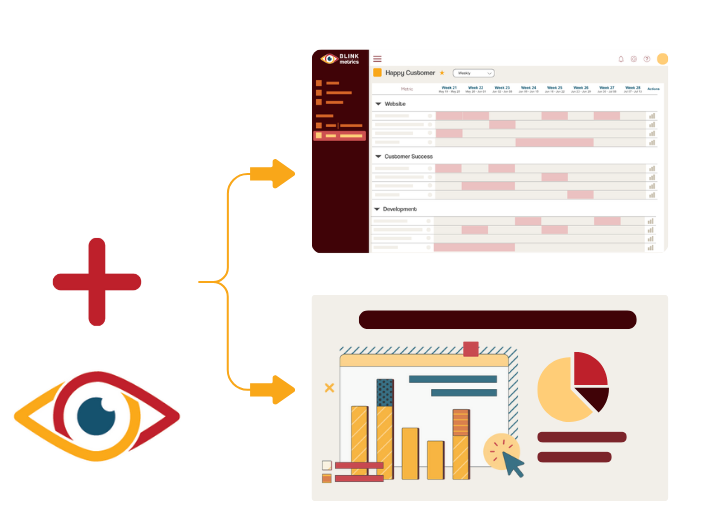
Spreadsheets get you close, but they won't get you all the way
-

Endless CSV Exports
-
Hours to find an answer
-
Broken links, Zaps & formulas
-

Numbers are difficult to verify
-
Everything breaking as you scale
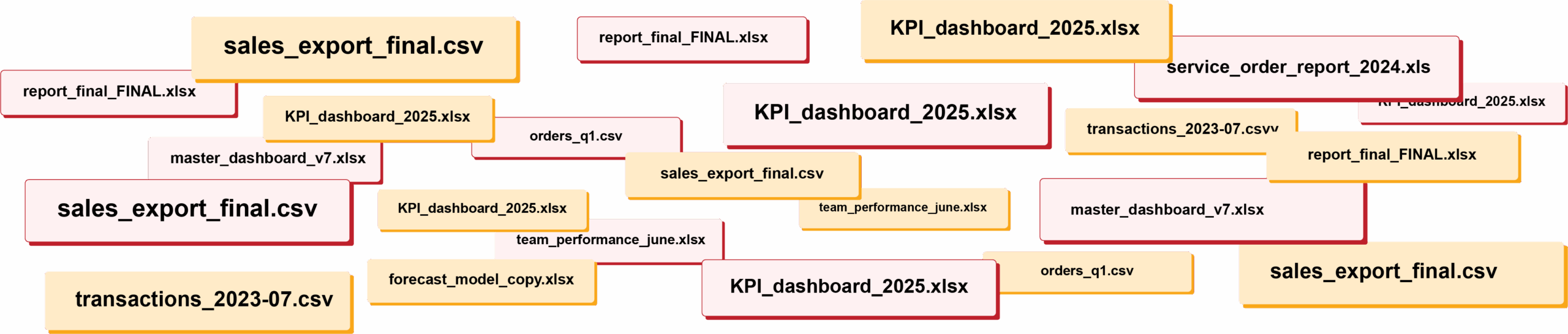
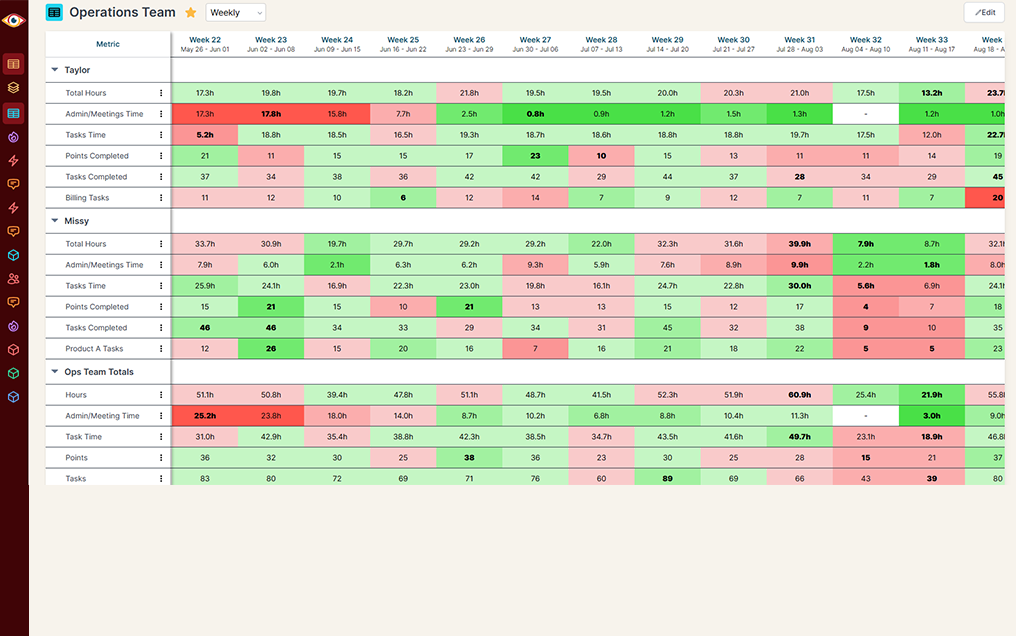
RIP spreadsheets. BlinkMetrics brings your reporting into live dashboards that show what's really happening in your business.
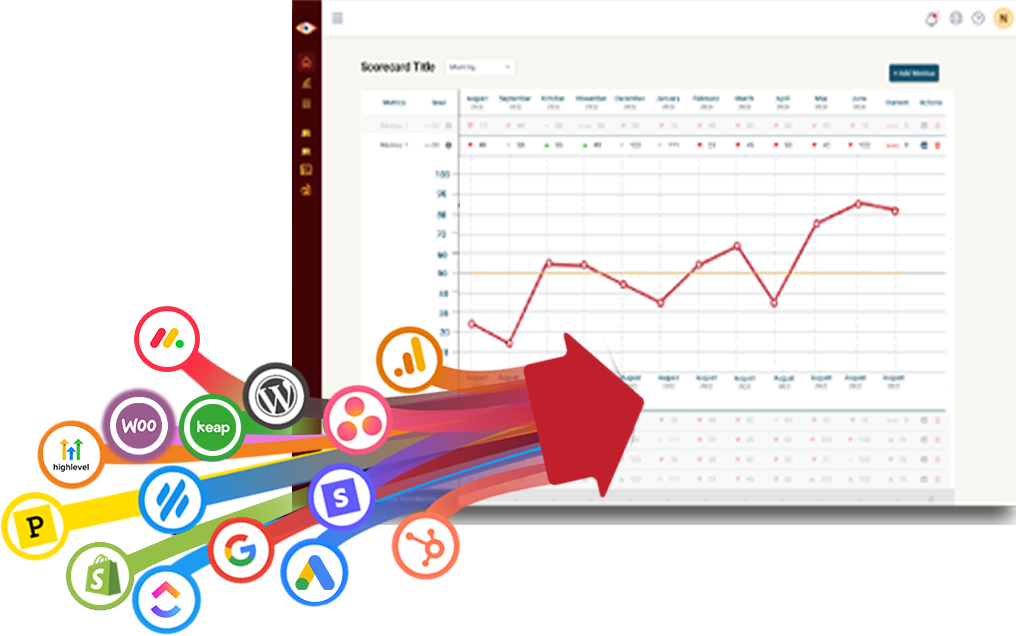
Easily connect to any business tool
We capture raw data from any platform and keep it updated continuously. You'll always have the live numbers, full history, and ability to drill into any KPI for the details that explain it.
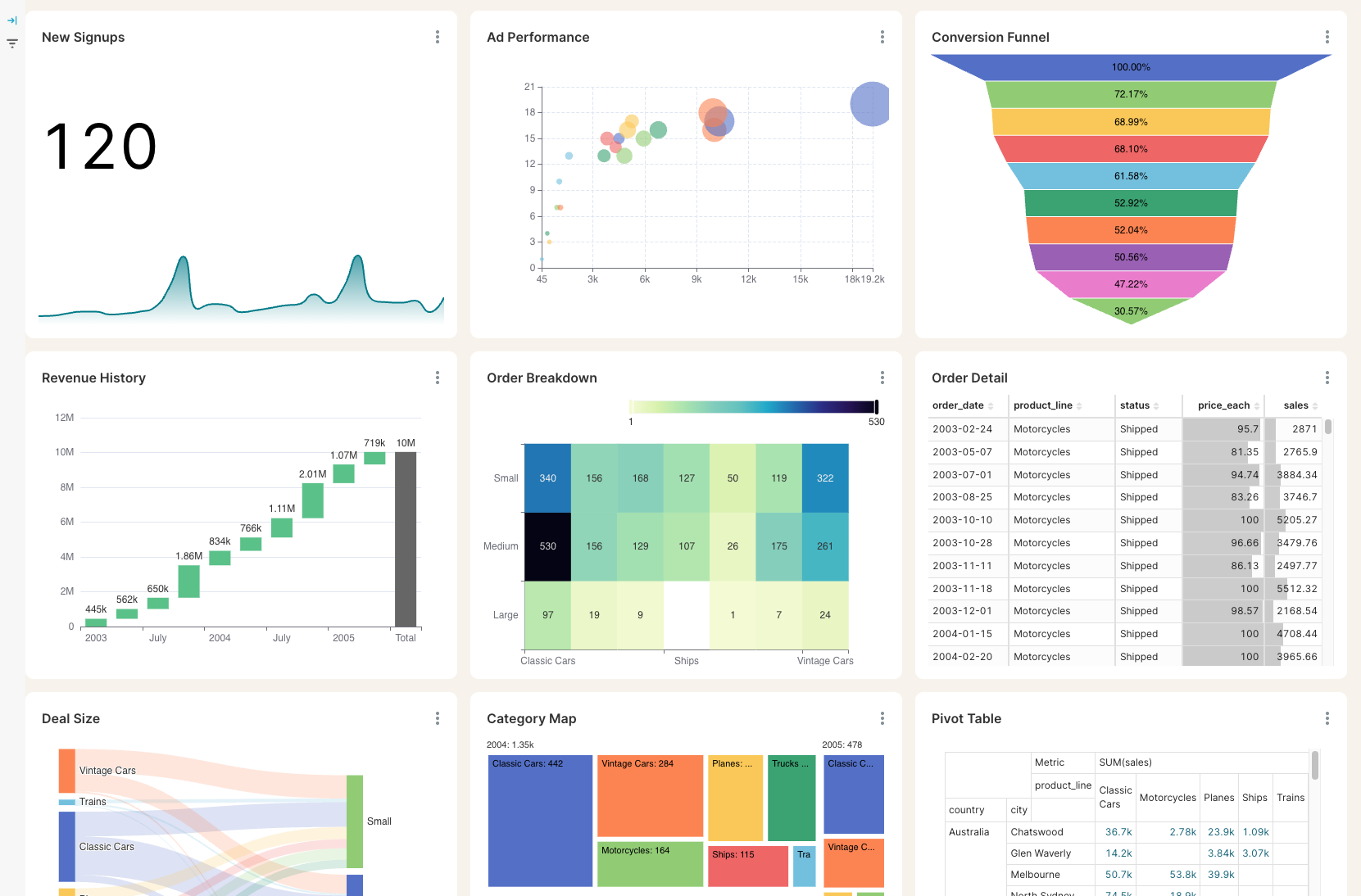
Get the reporting you never could before
Access custom reports with interactive dashboards & scorecards, giving you answers to questions you've never been able to answer easily. Look deeper into any number, explore trends, and slice & dice results by any segment.
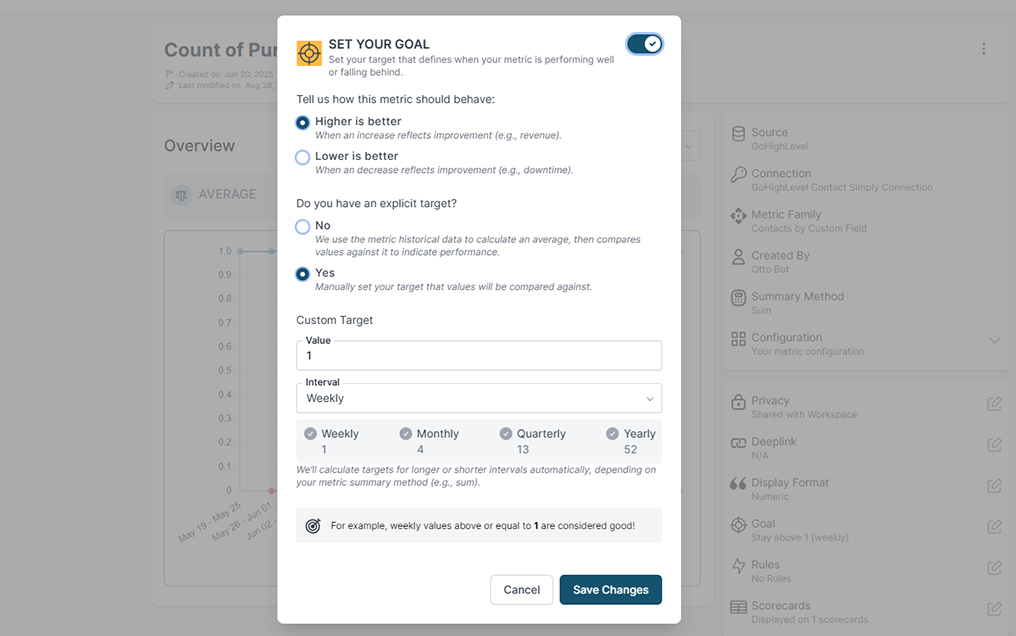
Stay on track with real time visibility & alerts
Set clear goals, track progress in real time, and get alerts the moment a KPI slips or beats target. Acting proactively & not reactively means you're no longer the last to know.
Keep your team in the loop and accountable
Keep goals front and center with reports designed for each person, team, or location — shared in real time to keep performance transparent and encourage accountability.
GitHub summarizes one repository at a time. Your team ships from several.
Pulse, GitHub's summary view, sits under a single repository's Insights tab and opens on the last seven days. It lists the open and merged pull requests for the period you pick and graphs the commits. That answers "what happened in this repo this week". It is a poor fit for "is review getting slower across the whole codebase", which is the question a lead asks before a planning meeting.
Which repositories you see at once
GitHub alone
GitHub + BlinkMetrics
Pull requests over time
GitHub alone
GitHub + BlinkMetrics
How long a pull request takes
GitHub alone
GitHub + BlinkMetrics
GitHub next to everything else
GitHub alone
GitHub + BlinkMetrics
What BlinkMetrics reads from your GitHub repositories
You connect with GitHub, pick the repositories that matter, and your analyst builds the reporting around the questions you actually ask.
- Open pull requests, day by day. How many were open on each day, so a review queue quietly growing shows up as a slope instead of a feeling.
- Created and closed. Pull requests opened and pull requests closed in any period. Narrow the closed count to merged or to closed without merging, and the two reconcile to the total.
- Cycle time. The average time from a pull request being opened to being closed, merged or not, with lower marked as better.
- Filters that match how you work. Repository, author, assignee or requested reviewer, target branch, label, merged status, and whether drafts count.
- Weekly and monthly views. Daily numbers roll up to weeks and months for trend charts and board updates.
- Alerts and digests. A platform feature, so it works here as it does on every source. Put a threshold on any of these metrics and BlinkMetrics emails you when it trips, with weekly and monthly digests for people who never open GitHub.
- Client ready. Send a client a link and they authorize their own GitHub and choose their own repositories. They never need a login to your workspace.
We only ever read. GitHub describes its repo permission as read and write access, and its consent screen will say so, because it has no narrower scope for private repositories. BlinkMetrics calls read endpoints only, syncs just the repositories you choose, and you can revoke access from your GitHub settings at any time.
Complete visibility in 30 days. We will build your GitHub reporting dashboard.
See how fast work moves through review
Questions from teams reporting on GitHub
These are the questions we get most often, and we would rather answer yours on a quick call.
-
What can you actually report on?
Pull request volume and speed. How many are open, how many were created and closed, and how long they take, split by repository, author, reviewer, branch or label. Your analyst builds the dashboard around the few that matter to you rather than putting all of them on a wall.
-
How far back does my history go?
To the first pull request. The first sync reads every pull request in the repositories you picked, open, closed and merged, so the charts start with your real history rather than the day you signed up.
-
How is cycle time calculated?
Opened to closed, averaged. For a merged pull request the clock stops at the merge, and for one closed without merging it stops at the close. Use the status filter to look at merged only or unmerged only. It is an average, so one very old pull request can move it.
-
What is not included?
Reviews, commits, pull request size, issues and deployments. The connection reads pull requests and repository details, and nothing else. That means no time to first review, approval rate or lines changed today. If one of those matters to you, say so on the call and we will tell you straight what it would take.
-
Does it work with private and organization repositories?
Yes, with two caveats. The connection can see any repository you can, including private ones in your organizations. If an organization restricts OAuth apps, an owner has to approve BlinkMetrics first. If it enforces SAML single sign-on, sign in to the organization before you connect.
-
Can BlinkMetrics change anything in my GitHub?
No. It only reads pull request data. GitHub's consent screen will say read and write access because the repo permission is the only one that reaches private repositories, but the connection never creates, edits, merges or comments on anything. You can revoke it from your GitHub settings whenever you like.
-
Can I change which repositories are synced later?
Add a second connection. The repositories are chosen when the connection is saved and stay fixed after that. To sync a different set, we create a new connection for it, and your analyst combines the two on the dashboard.
What customers say
I was worried I was going to have to do it myself. So, having you build us a custom reporting dashboard is perfect, and it'll auto-update!

Joia Doss
Fractional COO, Kids2Dentist
For the first time, we can look at gross, fees, transfers — in a logical way that ties penny to penny with our general ledger.

Bob Arnold
CFO, Nolodex
My worst enemy was my brain. With these reports and dashboards, I can step away for a few days while someone else reviews orders and makes smart decisions based on the data.

Jesse Nelson
Founder, DiabolikDVD
“The BlinkMetrics® team was incredibly responsive and patient.
Every time we asked, ‘Can it do this?’ the answer was 'yes' delivered with clarity, enthusiasm, and follow-through. We never once felt like our questions were treated as silly or unwelcome.”

Erik Jensen
Chief Strategy Officer, Predictive ROI

Ready to see how pull requests are really moving?
Your team has been shipping for months. If you want a record of how long review takes, and whether it is getting better, the history is already sitting in GitHub.
book a call to see what's possible