
Your Instagram performance, on the same dashboard as your revenue
Reach, engagement and follower growth, recorded daily and charted beside your revenue. We build the dashboard for you.
book a discovery call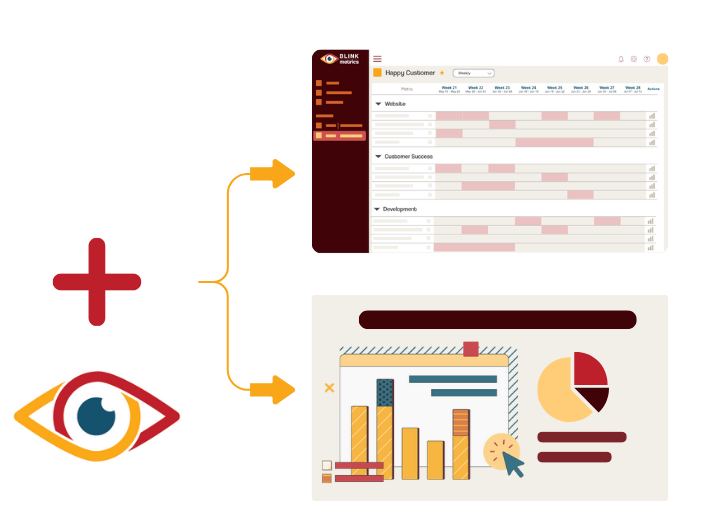
Spreadsheets get you close, but they won't get you all the way
-
Endless CSV Exports
-
Hours to find an answer
-
Broken links, Zaps & formulas
-
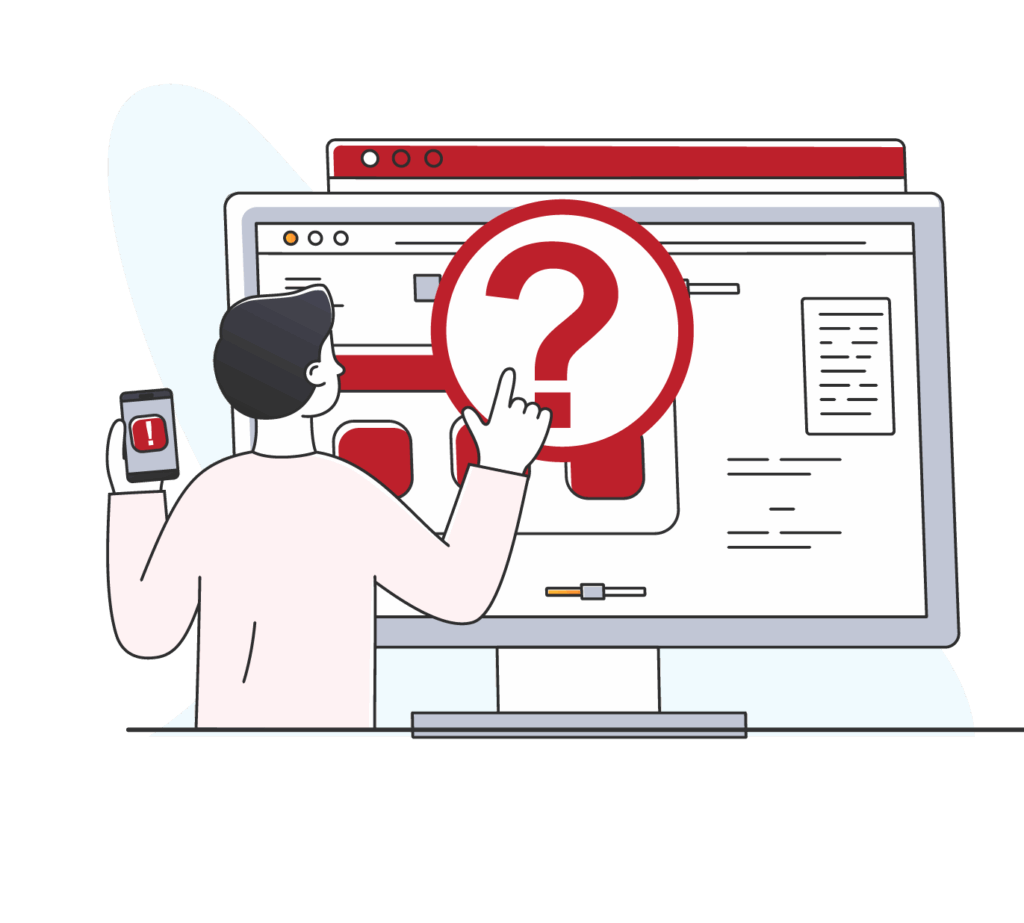
Numbers are difficult to verify
-
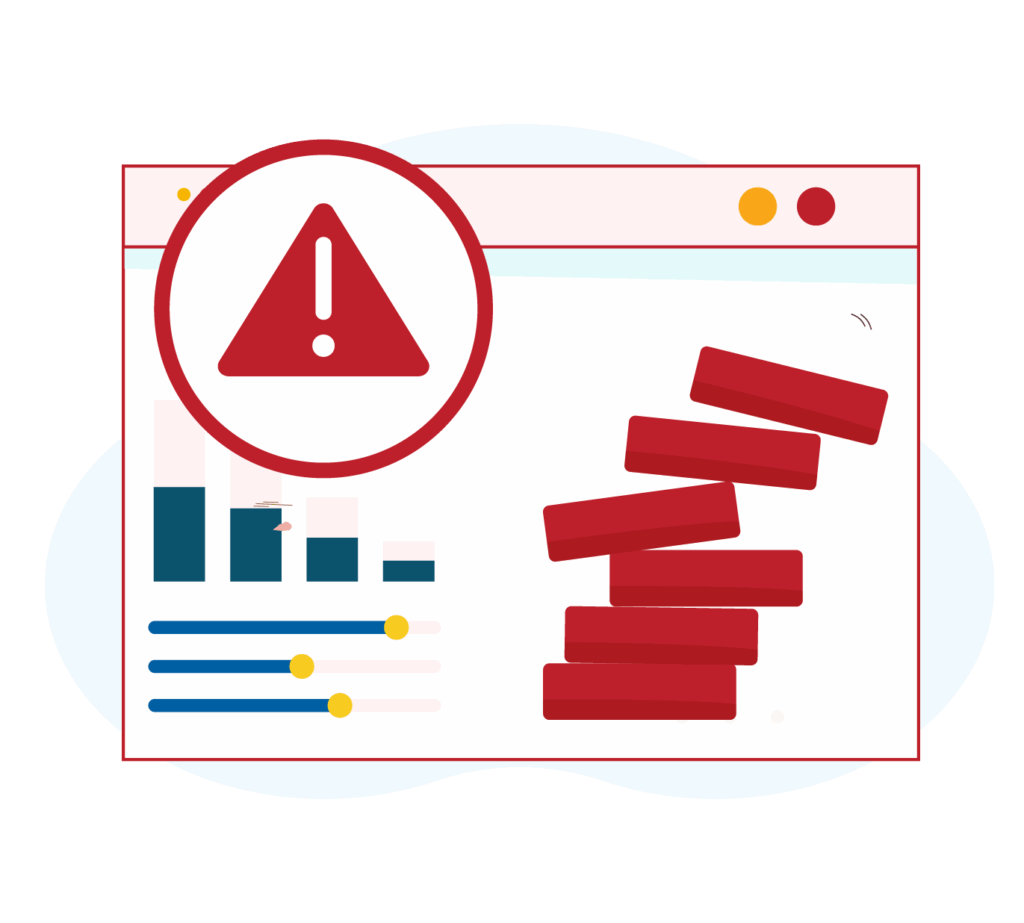
Everything breaking as you scale
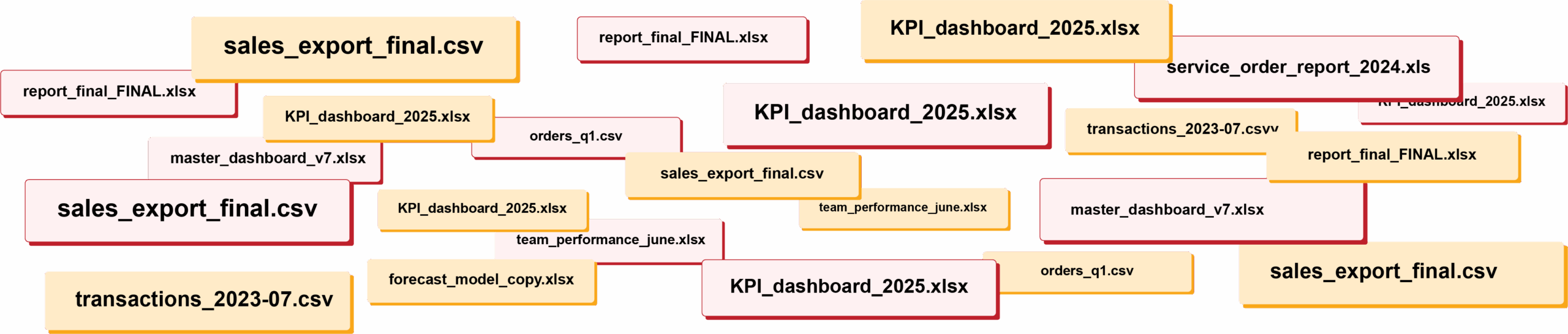
RIP spreadsheets. BlinkMetrics brings your reporting into live dashboards that show what's really happening in your business.
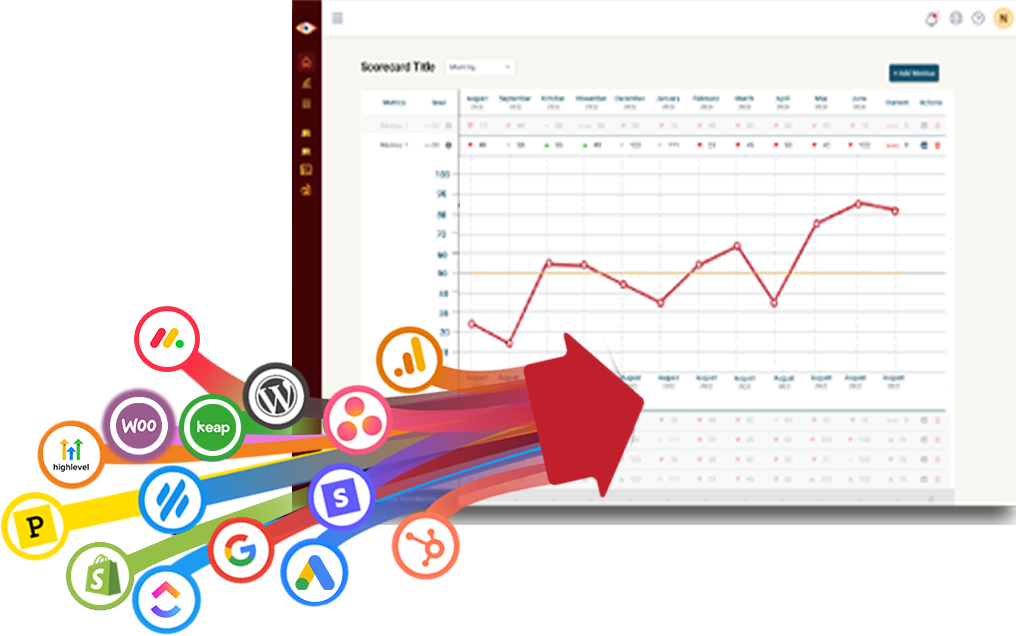
Easily connect to any business tool
We capture raw data from any platform and keep it updated continuously. You'll always have the live numbers, full history, and ability to drill into any KPI for the details that explain it.
Get the reporting you never could before
Access custom reports with interactive dashboards & scorecards, giving you answers to questions you've never been able to answer easily. Look deeper into any number, explore trends, and slice & dice results by any segment.
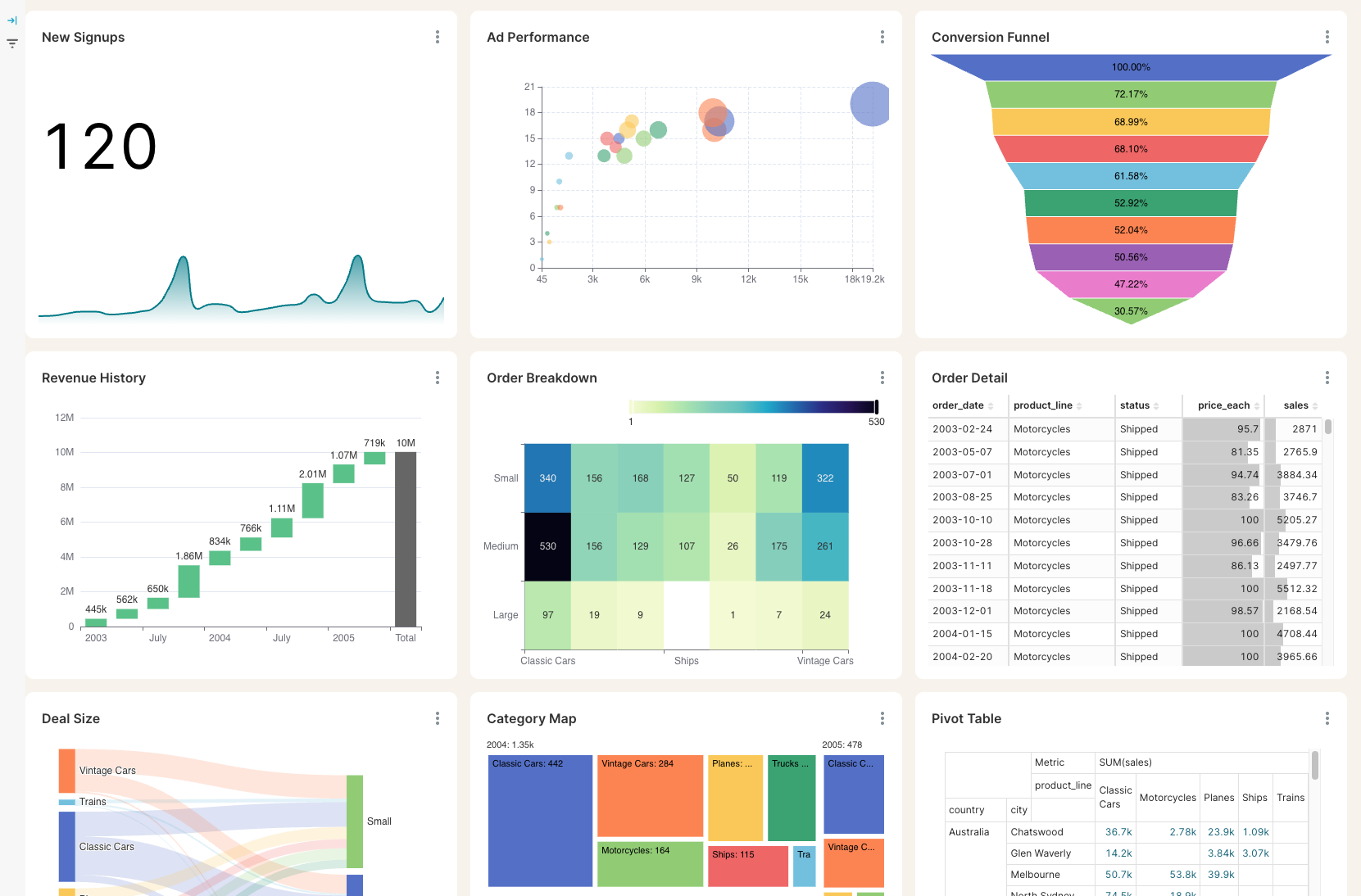
Stay on track with real time visibility & alerts
Set clear goals, track progress in real time, and get alerts the moment a KPI slips or beats target. Acting proactively & not reactively means you're no longer the last to know.
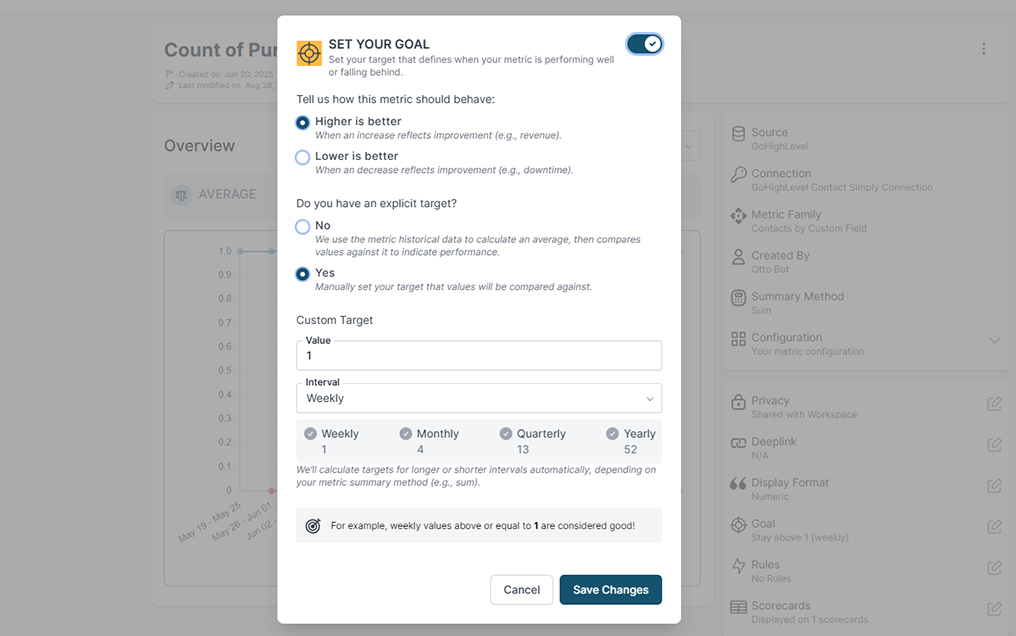
Keep your team in the loop and accountable
Keep goals front and center with reports designed for each person, team, or location — shared in real time to keep performance transparent and encourage accountability.
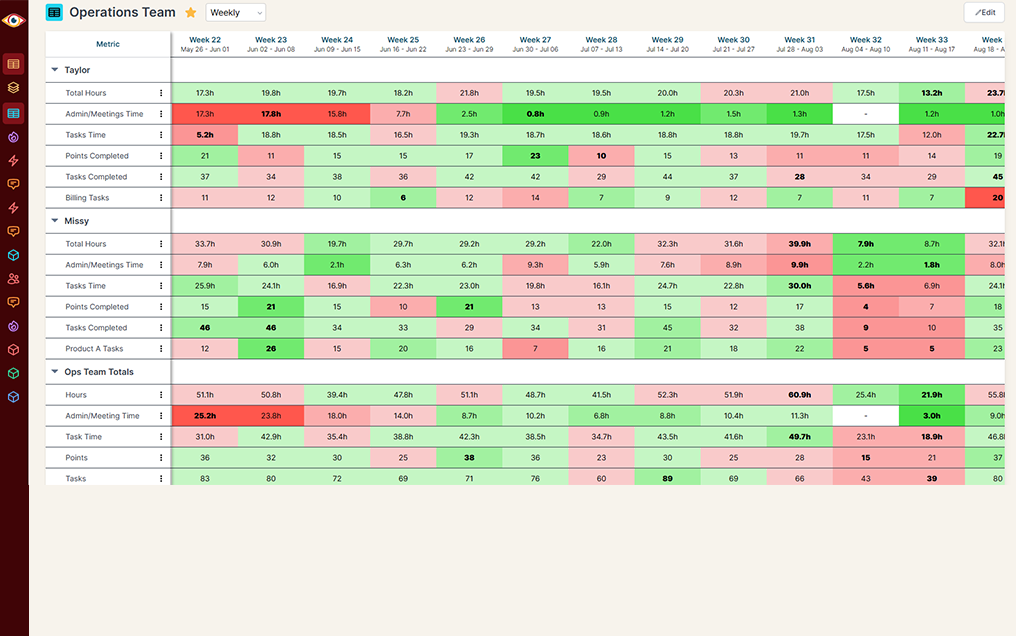
Instagram remembers 90 days. Your board deck asks about last year.
Instagram's help centre is plain about it: account insights cover "any time period within the past 90 days", and picking a custom range does not get you past the wall. Meta also cut the follower history its API hands back from two years to 30 days, and never put it back. So the record of how you grew last spring is whatever somebody remembered to screenshot, in a folder nobody can find.
Instagram next to money
Instagram alone
Instagram + BlinkMetrics
How far back you can look
Instagram alone
Instagram + BlinkMetrics
Whose job it is to remember
Instagram alone
Instagram + BlinkMetrics
More than one account
Instagram alone
Instagram + BlinkMetrics
Counting a boosted post
Instagram alone
Instagram + BlinkMetrics
Finding out something moved
Instagram alone
Instagram + BlinkMetrics
What BlinkMetrics reads from your Instagram account
You authorise once through Facebook, and your analyst builds the reporting around the numbers you actually run on.
- Reach and views. How many people saw you and how many times your content was watched, split by posts, reels and ads. Reach also splits by whether the viewer already followed you.
- Engagement, in its parts. Likes, comments, saves, shares and reposts, the accounts that engaged rather than just scrolled, and one total interactions number when you want the headline.
- Every post, reel and carousel. Reach, views, saves and shares for each one, plus the profile visits and the new follows a single post won you. Meta keeps per-post history for two years, so there is real depth here from the start.
- How far into a reel people get. Average watch time and the share of people who scroll past in the first seconds, so a reel that looks popular and a reel that holds attention stop looking alike.
- Who your audience is. Age, gender, city and country for your followers, and separately for the people actually engaging, which is usually the more interesting of the two. Instagram holds these back on accounts under 100 followers.
- Followers gained and lost. Not just the net number, but the follows and unfollows underneath it, recorded daily and kept.
- Client ready. Send a client a link and they authorise their own Instagram. They never need a login to your workspace, and you never handle their password.
Read-only by design. BlinkMetrics never posts, comments, follows or changes anything on your Instagram. It reads your account's own numbers and nothing else, and you can revoke its access from your Facebook settings at any time.
Complete visibility in 30 days. We will build your Instagram reporting dashboard.
See what your audience did, and what it was worth
Questions from teams reporting on Instagram
These are the questions we get most often, and we would rather answer yours on a quick call.
-
What can you actually report on?
Reach, engagement, post performance and audience. How many people saw you, what they did about it, how each post and reel performed, who your followers are, and how the following grew. Your analyst builds the dashboard around the handful of those that matter to you rather than putting all of them on a wall.
-
How far back does my history go?
Two answers. Instagram keeps per-post metrics for about two years, so your existing posts bring history with them. Account level numbers like reach and follower count are the ones Instagram caps at 90 days, and from the day you connect we record and keep those ourselves, so the wall stops mattering.
-
Do you separate paid from organic?
Yes. Instagram reports organic counts and aggregated totals that include anything you boosted. We read both, so a post that did well and a post that was paid to do well do not quietly become the same number.
-
What is not included?
Stories, comment text and hashtag tracking. Story metrics disappear 24 hours after posting, and reading comment threads or tracking hashtags needs permissions beyond what the connection asks for today. If any of those matter to you, say so on the call and we will tell you straight what it would take.
-
What kind of Instagram account do I need?
A business account connected to a Facebook Page. That is how we read it, through Facebook, which is also why you authorise with your Facebook login rather than your Instagram password. If yours is a personal account, switching it to a business account in the Instagram app is free and takes a minute.
-
Does it work on a small account?
Mostly, yes. Reach, engagement, post performance and your follower count all work at any size. Instagram itself holds back audience demographics and its follows and unfollows breakdown on accounts under 100 followers, so those two arrive once you cross it.
-
Can BlinkMetrics post anything to my Instagram?
No. The connection is read-only. It never posts, comments, follows, replies or edits anything, and you can revoke its access from your Facebook settings whenever you like.
What customers say
I was worried I was going to have to do it myself. So, having you build us a custom reporting dashboard is perfect, and it'll auto-update!

Joia Doss
Fractional COO, Kids2Dentist
For the first time, we can look at gross, fees, transfers — in a logical way that ties penny to penny with our general ledger.

Bob Arnold
CFO, Nolodex
My worst enemy was my brain. With these reports and dashboards, I can step away for a few days while someone else reviews orders and makes smart decisions based on the data.

Jesse Nelson
Founder, DiabolikDVD
“The BlinkMetrics® team was incredibly responsive and patient.
Every time we asked, ‘Can it do this?’ the answer was 'yes' delivered with clarity, enthusiasm, and follow-through. We never once felt like our questions were treated as silly or unwelcome.”

Erik Jensen
Chief Strategy Officer, Predictive ROI

Ready to find out what Instagram is actually doing for the business?
Instagram will have forgotten this quarter in 90 days. If you want a record of what your audience did, and what it did for revenue, the time to start keeping one is now.
book a call to see what's possible