
Your Postmark sends and bounces, kept long after Postmark drops them
BlinkMetrics reads your Postmark server on a schedule you set and turns it into emails sent, emails bounced and bounce rate, split by message stream. Every row is stored, so your history keeps building after Postmark's 45 day window closes.
book a discovery call
Spreadsheets get you close, but they won't get you all the way
-

Endless CSV Exports
-

Hours to find an answer
-

Broken links, Zaps & formulas
-

Numbers are difficult to verify
-

Everything breaking as you scale
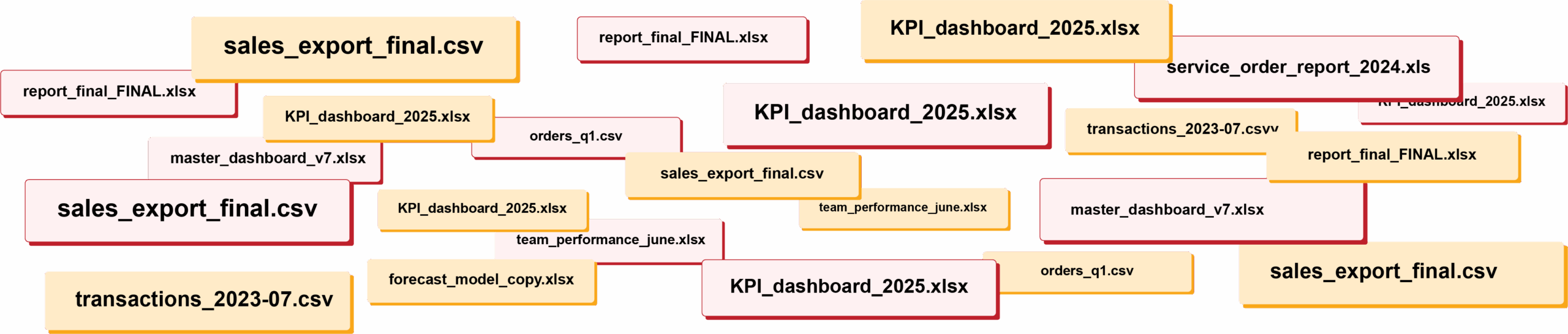
RIP spreadsheets. BlinkMetrics brings your reporting into live dashboards that show what's really happening in your business.
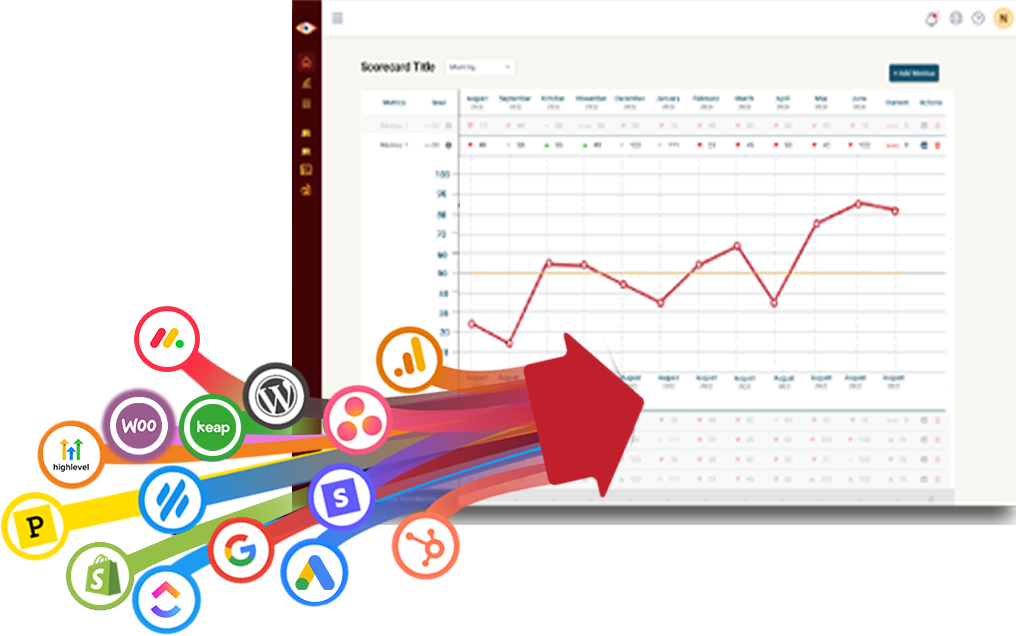
Easily connect to any business tool
We capture raw data from any platform and keep it updated continuously. You'll always have the live numbers, full history, and ability to drill into any KPI for the details that explain it.
Get the reporting you never could before
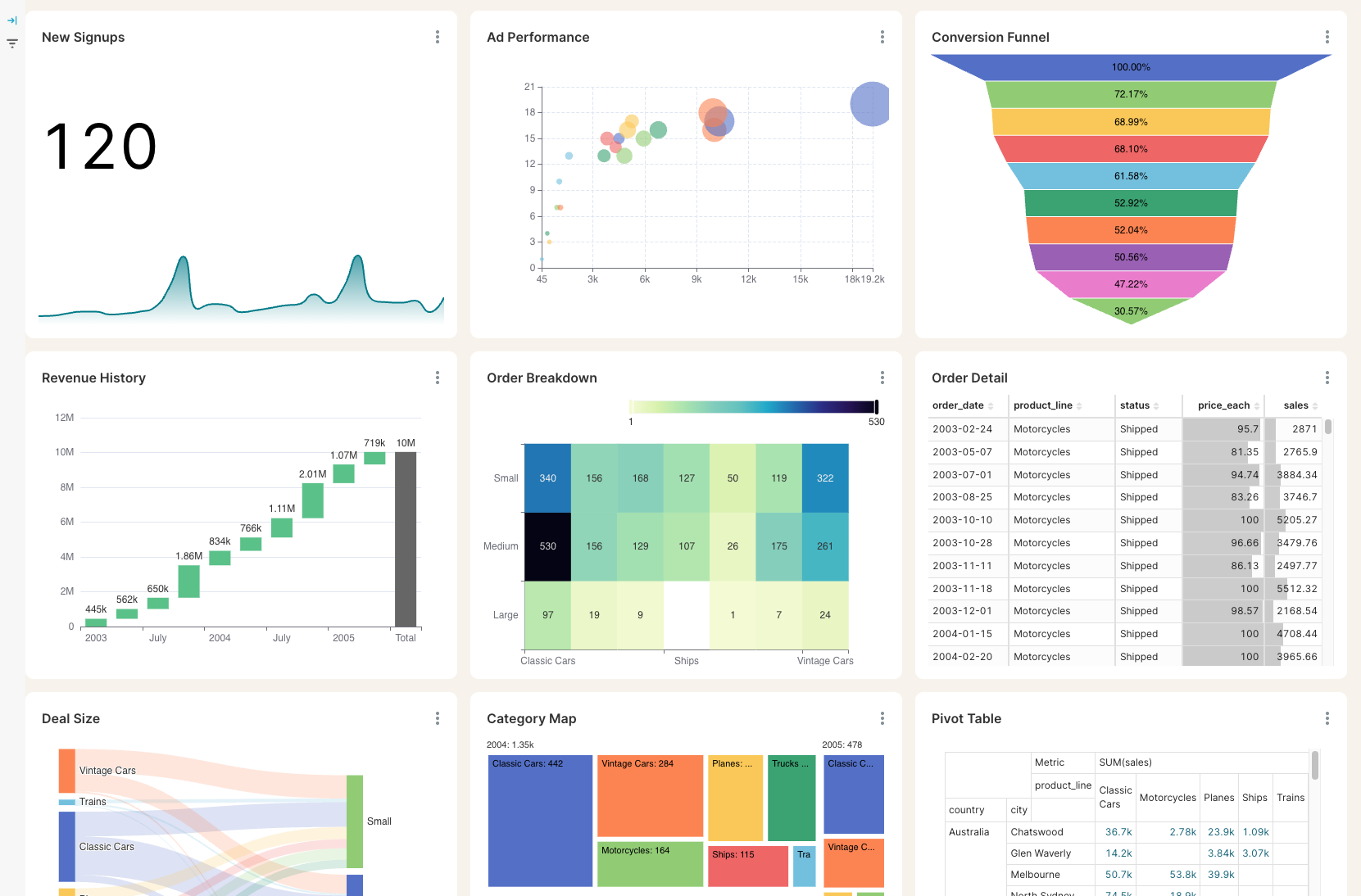
Access custom reports with interactive dashboards & scorecards, giving you answers to questions you've never been able to answer easily. Look deeper into any number, explore trends, and slice & dice results by any segment.
Stay on track with real time visibility & alerts
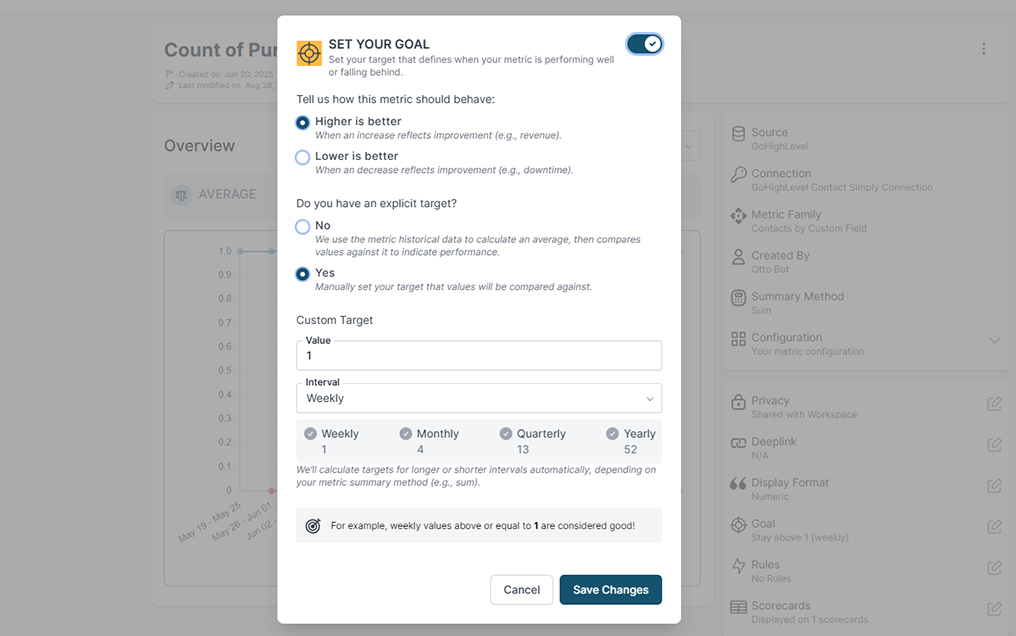
Set clear goals, track progress in real time, and get alerts the moment a KPI slips or beats target. Acting proactively & not reactively means you're no longer the last to know.
Keep your team in the loop and accountable
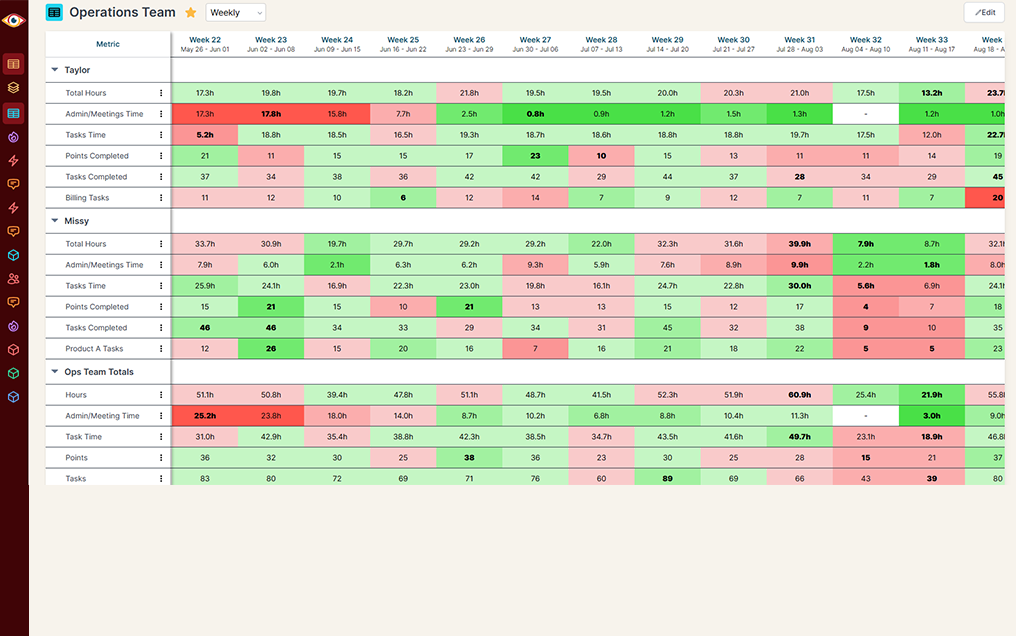
Keep goals front and center with reports designed for each person, team, or location — shared in real time to keep performance transparent and encourage accountability.
Postmark tells you what happened this month. It cannot tell you what changed since March.
Sends drop to zero on one message stream and nobody notices until a customer asks where their receipt went. A bounce rate climbs for six weeks and the first real sign is a mailbox provider throttling the domain. Both are obvious in a dated line. Neither is obvious in a page that starts again every 45 days.
How long the detail lasts
Postmark alone
Postmark + BlinkMetrics
Getting the numbers out
Postmark alone
Postmark + BlinkMetrics
Slicing the volume
Postmark alone
Postmark + BlinkMetrics
Knowing something broke
Postmark alone
Postmark + BlinkMetrics
More than one server
Postmark alone
Postmark + BlinkMetrics
Email next to the rest of the business
Postmark alone
Postmark + BlinkMetrics
What BlinkMetrics reads from your Postmark server
You paste one Postmark Server API Token. From then on your mail syncs on its own.
- Three ready-made metrics. Emails Sent, Emails Bounced and Bounce Rate. A day with no activity reports as 0 rather than a gap, so a stream that stops sending shows up as a flat zero instead of a line that quietly ends.
- Every message stream, separately. Transactional and broadcast mail are read per stream, so a spike or a drop is traced to the stream that caused it rather than hiding inside a server-wide total.
- Bounces you can take apart. Narrow the count to hard, soft, transient, blocked, DNS or DMARC failures, or bad addresses. Click the number and you get the individual bounces behind it, with the recipient, the reason and the subject line.
- A number that matches your dashboard. Emails Bounced counts what Postmark counts as bounced, so unsubscribes, auto-responders and spam complaints stay out of it. Tick one box to fold in send requests Postmark rejected as malformed.
- Open and click rates, built with you. Daily opens, unique opens, clicks and unique clicks arrive per message stream, with the count of emails sent with tracking on as the denominator a rate needs. Your analyst turns those into your engagement view during onboarding.
- The rest of it in your warehouse. Spam complaints, the suppression list and one row per outbound email with its tag, subject and sender sync alongside the metrics, ready to build on.
- Client ready. Send a client a link and they paste their own Postmark token. They never need a login to your workspace, and you never handle their credentials.
Read-only by design. BlinkMetrics sends no mail, edits no streams and changes nothing in Postmark. Recipient addresses, IPs and precise locations are left behind on everything except the bounce records your drilldown needs, and you can revoke the token from Postmark whenever you like.
Complete visibility in 30 days. We will build your Postmark reporting dashboard.
Know your mail is going out, and know your reputation is holding
Questions from teams sending through Postmark
These are the questions we get most often, and we would rather answer yours on a quick call.
-
What do you pull from Postmark?
Your outbound mail. Three metrics are ready to use the day you connect: Emails Sent, Emails Bounced and Bounce Rate, filtered by message stream and by bounce type. Your opens, clicks, spam complaints, suppression list and one row per email sent come across too, which is what open and click rates and your by-email-type views get built from.
-
How far back does the history go?
Two answers. Daily sends, bounces and bounce rate load from your stream's first day with mail, because Postmark keeps those aggregates forever. The individual bounce records behind the drilldown are different: Postmark only serves those inside your retention window, so that list starts shortly before your first sync and grows from there. Connect sooner and you keep more.
-
Will the numbers match what I see in Postmark?
Close, and we will tell you where they differ. Emails Bounced uses Postmark's own definition of a bounce, so it lines up. Two honest caveats: a weekly or monthly Bounce Rate is the average of the daily rates, so on a sender whose volume swings it will not exactly equal the volume-weighted rate on Postmark's dashboard, and Postmark buckets its daily counts on its own day boundary rather than your workspace timezone, so a single bounce can show up on the day either side.
-
Can I report on open and click rates?
Yes, your analyst builds them with you. Daily opens, unique opens, clicks and unique clicks sync per message stream, alongside the count of emails sent with tracking on, which is the denominator a rate needs. They are built during onboarding rather than picked off a list, and Postmark keeps these daily totals permanently, so your open and click rates go back as far as your mail does. Only the per-email detail of which individual message was opened is bounded by Postmark's retention window. The rates are not.
-
I send from more than one Postmark server. Does that work?
Yes, one connection per server. A Postmark Server API Token reads exactly one server, so a separate token means a separate connection. Their tiles then sit on the same dashboard, which is the part Postmark's own stats page will not do for you.
-
Who needs to connect it, and what if that is not me?
Whoever holds the Server API Token. If that is a client or a colleague, we send them a single-use link where they paste their own token. They never get a login to your workspace, and the token is not the account-level one, so it cannot create or delete servers.
-
How often do the numbers update?
You choose. Syncs run as often as every 8 hours, a tighter floor than we set for most sources because this is one you would want to catch a problem on, and your dashboard shows when it last refreshed.
What customers say
I was worried I was going to have to do it myself. So, having you build us a custom reporting dashboard is perfect, and it'll auto-update!

Joia Doss
Fractional COO, Kids2Dentist
For the first time, we can look at gross, fees, transfers — in a logical way that ties penny to penny with our general ledger.

Bob Arnold
CFO, Nolodex
My worst enemy was my brain. With these reports and dashboards, I can step away for a few days while someone else reviews orders and makes smart decisions based on the data.

Jesse Nelson
Founder, DiabolikDVD
“The BlinkMetrics® team was incredibly responsive and patient.
Every time we asked, ‘Can it do this?’ the answer was 'yes' delivered with clarity, enthusiasm, and follow-through. We never once felt like our questions were treated as silly or unwelcome.”

Erik Jensen
Chief Strategy Officer, Predictive ROI

Ready to see your sending history keep running?
Your mail is already going through Postmark. Whether it is still going, and whether your reputation is holding, should not be something you find out 45 days too late.
book a call to see what's possible