Skip to content

Advanced QuickBooks reporting for businesses that push QuickBooks to its limits

Go beyond revenue totals to see true profitability across clients, projects, and departments. You know some of QuickBooks's frustrating limitations. We fix them.

book a discovery call
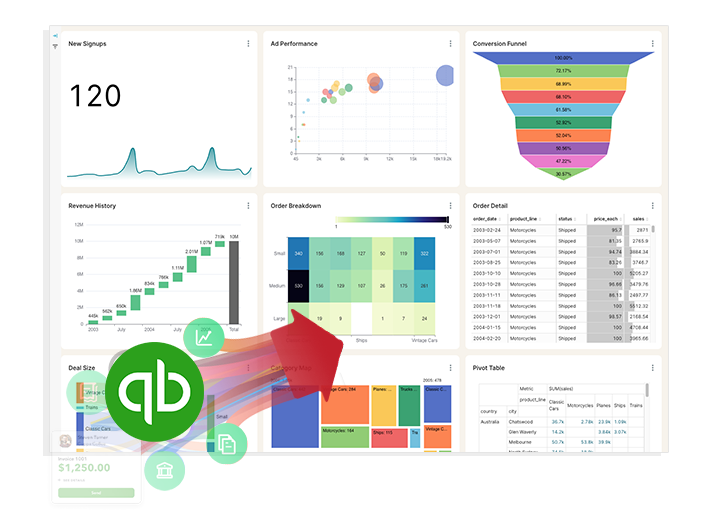
QuickBooks

Do you have questions that are difficult or impossible to answer with QuickBooks' built-in reporting?

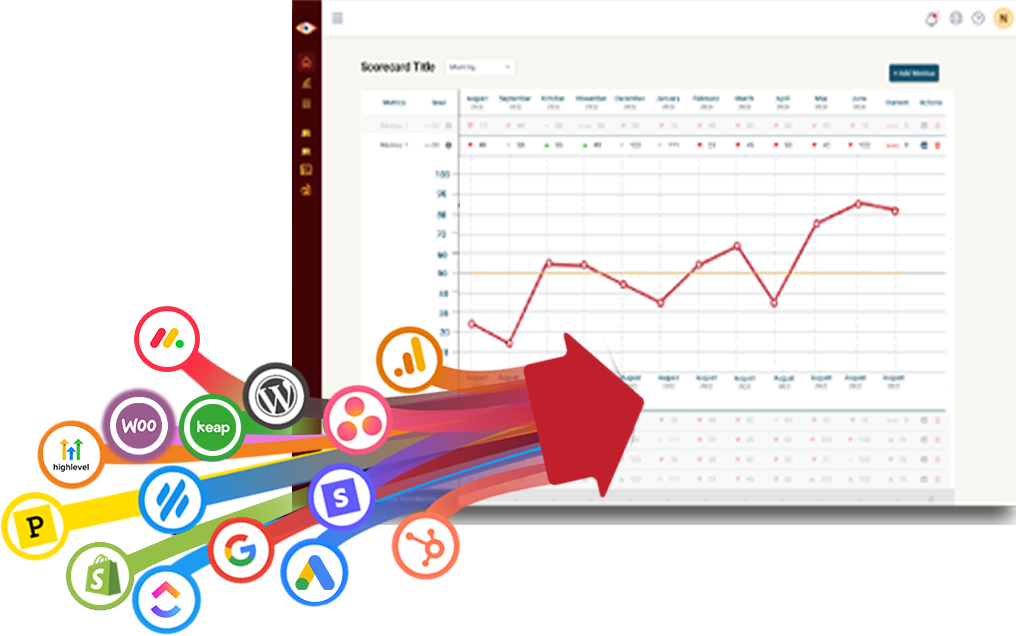
BlinkMetrics gives you instant visibility into every corner of your QuickBooks account.

QuickBooks alone QuickBooks + BlinkMetrics
Report Customization
  • Limited Templates. QuickBooks offers a fixed library of report templates that make it difficult to create tailored views beyond the standard P&L, balance sheet, and cash-flow layouts.
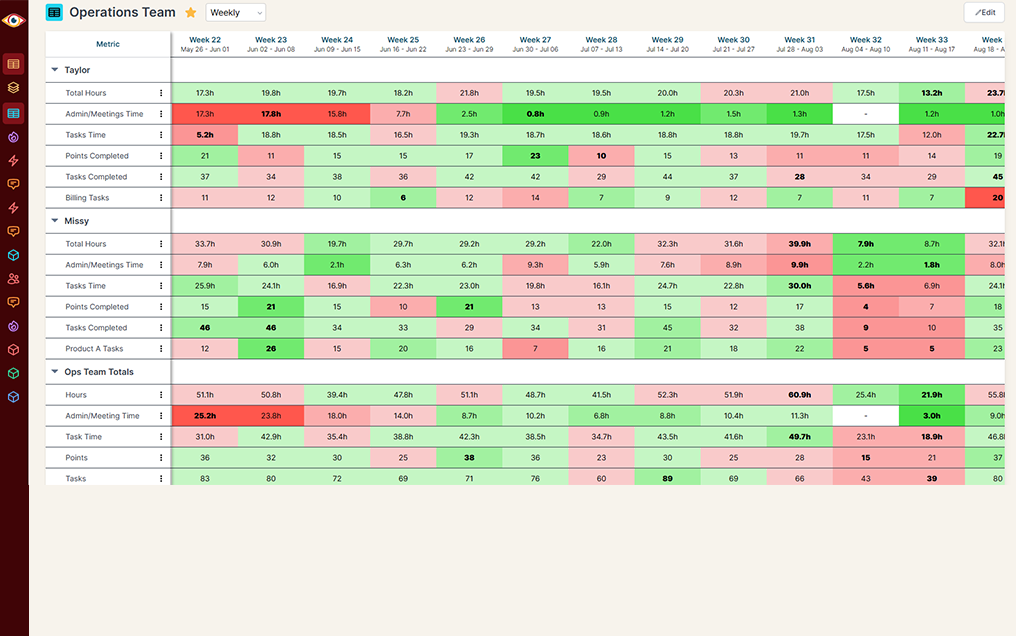
  • Fully Customizable. Drag-and-drop dashboards and reports built around the questions your team actually asks, with no template ceiling and no spreadsheet handoff.
Filtering & Segmentation
  • Basic Filters. Native filters cover date and account but offer no multi-layer or cross-category filtering across customers, classes, locations, and products in one view.
  • Advanced Filtering. Multi-dimensional filters and dynamic segmentation let you slice revenue, expenses, and margins by any combination of customer, class, location, product, or custom dimension on the fly.
Handling Large Data Sets
  • Slows Down. Reports lag or time out as transaction volume grows, making historical and detailed analysis painful for established businesses.
  • Built For Scale. A dedicated analytics layer keeps performance fast even with years of high-volume QuickBooks data and blended sources.
User & Access Controls
  • Limited Roles. Role-based permissions in QuickBooks tend to be all-or-nothing, making it hard to give leaders, departments, or partners just the views they need.
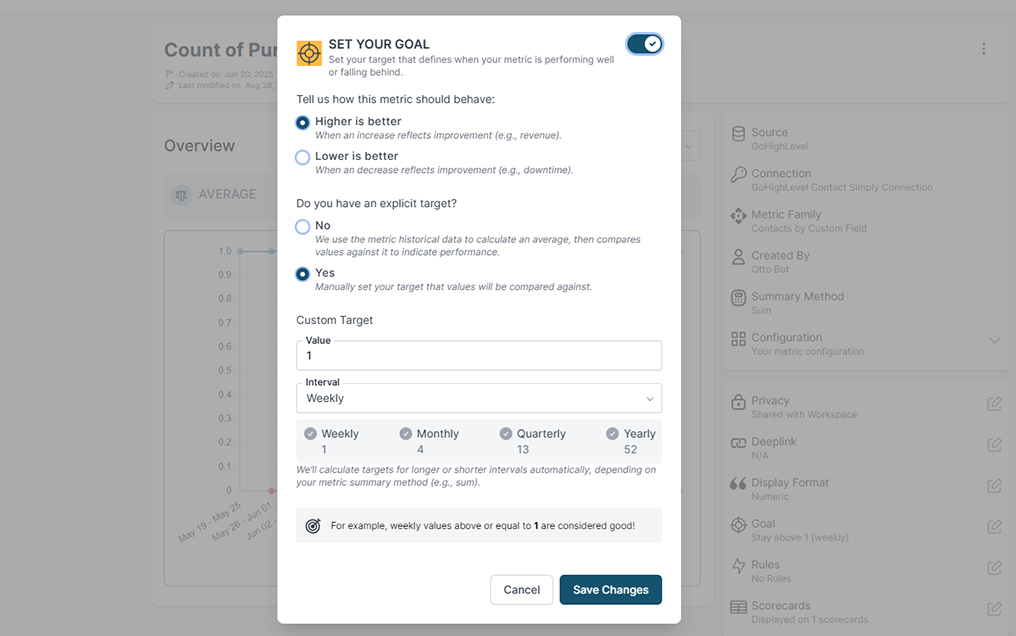
  • Granular Permissions. Customizable, user- and team-level permissions so each stakeholder sees exactly the dashboards, accounts, and dimensions relevant to them.
Visualization & Dashboards
  • Standard Charts. Native financial charts cover the basics with limited interactivity, drill-down, or KPI-style summarization.
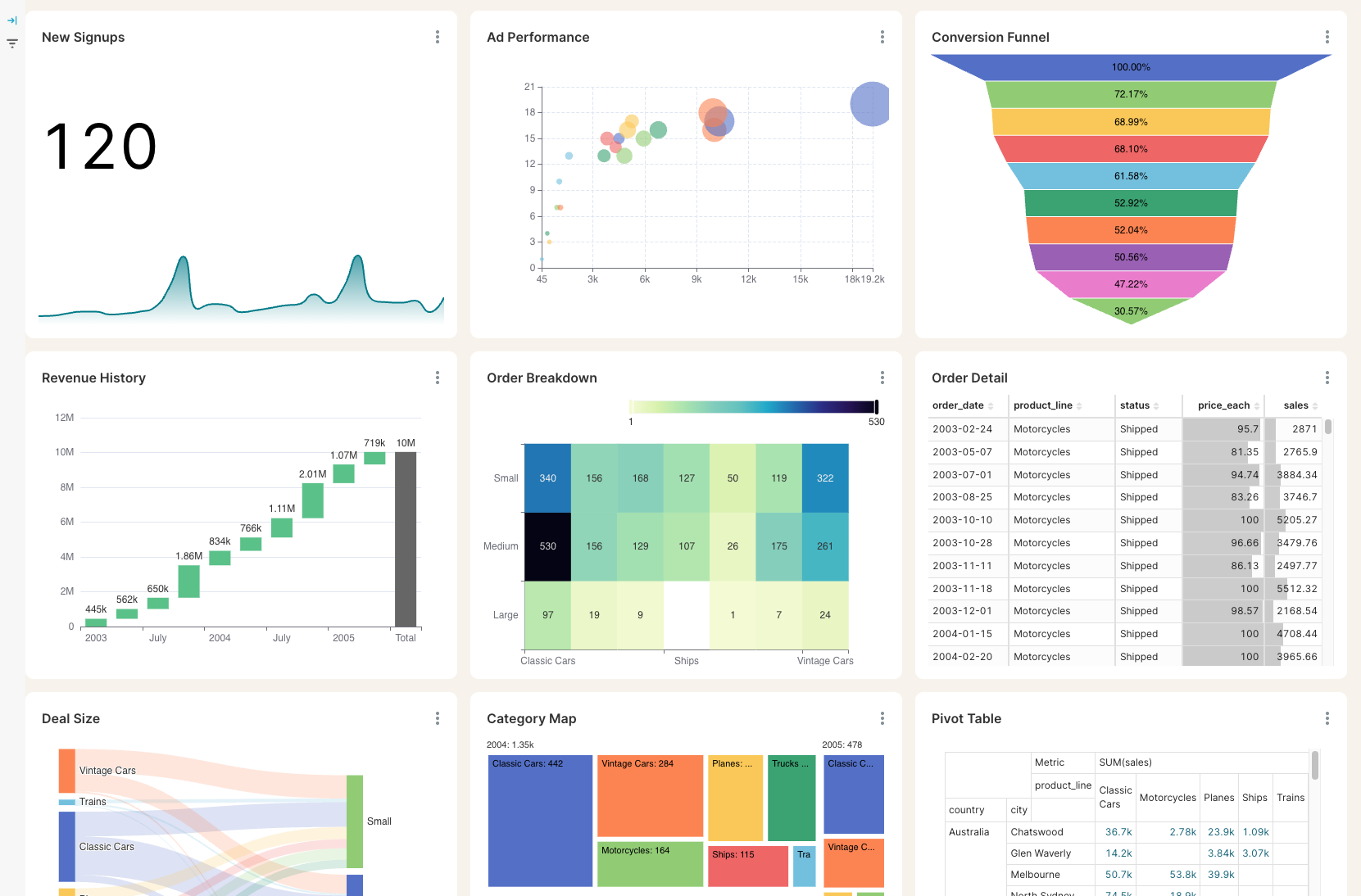
  • Rich, Interactive Visuals. Real-time KPI dashboards, drill-downs, and trend visuals turn raw QuickBooks transactions into a story leaders can act on.
Custom Fields & Tracking
  • Tier-Restricted. Custom fields and tracking dimensions are gated by subscription tier, leaving teams short on the labels needed for project, department, or campaign reporting.
  • Unlimited Custom Fields. Track unlimited custom fields, labels, and dimensions to roll revenue, costs, and margins up by client, project, team, channel, or any combination.
Data Export & Integration
  • Manual Exports. Deeper analysis usually means exporting to spreadsheets and stitching QuickBooks data together with other systems by hand.
  • Native QBO Integration. Direct QuickBooks Online integration plus easy export and share options so finance, ops, and leadership all work from the same live data.
Collaboration Features
  • Minimal Tools. QuickBooks reports lack built-in commenting, sharing, and team workspaces, so collaboration ends up scattered across email and spreadsheets.
  • Built-In Collaboration. Commenting, sharing, and team-based dashboards keep finance, leadership, and operations aligned on the same numbers in one place.
Ongoing Innovation
  • Slow To Ship. User-requested reporting features can take quarters or years to land, leaving real questions unanswered in the interim.
  • Continuously Improved. Customer feedback drives a steady stream of new dashboards, calculations, and integrations so reporting keeps pace with how your business actually changes.

QuickBooks alone

Report Customization

  • Limited Templates. QuickBooks offers a fixed library of report templates that make it difficult to create tailored views beyond the standard P&L, balance sheet, and cash-flow layouts.

Filtering & Segmentation

  • Basic Filters. Native filters cover date and account but offer no multi-layer or cross-category filtering across customers, classes, locations, and products in one view.

Handling Large Data Sets

  • Slows Down. Reports lag or time out as transaction volume grows, making historical and detailed analysis painful for established businesses.

User & Access Controls

  • Limited Roles. Role-based permissions in QuickBooks tend to be all-or-nothing, making it hard to give leaders, departments, or partners just the views they need.

Visualization & Dashboards

  • Standard Charts. Native financial charts cover the basics with limited interactivity, drill-down, or KPI-style summarization.

Custom Fields & Tracking

  • Tier-Restricted. Custom fields and tracking dimensions are gated by subscription tier, leaving teams short on the labels needed for project, department, or campaign reporting.

Data Export & Integration

  • Manual Exports. Deeper analysis usually means exporting to spreadsheets and stitching QuickBooks data together with other systems by hand.

Collaboration Features

  • Minimal Tools. QuickBooks reports lack built-in commenting, sharing, and team workspaces, so collaboration ends up scattered across email and spreadsheets.

Ongoing Innovation

  • Slow To Ship. User-requested reporting features can take quarters or years to land, leaving real questions unanswered in the interim.

QuickBooks + BlinkMetrics

Report Customization

  • Fully Customizable. Drag-and-drop dashboards and reports built around the questions your team actually asks, with no template ceiling and no spreadsheet handoff.

Filtering & Segmentation

  • Advanced Filtering. Multi-dimensional filters and dynamic segmentation let you slice revenue, expenses, and margins by any combination of customer, class, location, product, or custom dimension on the fly.

Handling Large Data Sets

  • Built For Scale. A dedicated analytics layer keeps performance fast even with years of high-volume QuickBooks data and blended sources.

User & Access Controls

  • Granular Permissions. Customizable, user- and team-level permissions so each stakeholder sees exactly the dashboards, accounts, and dimensions relevant to them.

Visualization & Dashboards

  • Rich, Interactive Visuals. Real-time KPI dashboards, drill-downs, and trend visuals turn raw QuickBooks transactions into a story leaders can act on.

Custom Fields & Tracking

  • Unlimited Custom Fields. Track unlimited custom fields, labels, and dimensions to roll revenue, costs, and margins up by client, project, team, channel, or any combination.

Data Export & Integration

  • Native QBO Integration. Direct QuickBooks Online integration plus easy export and share options so finance, ops, and leadership all work from the same live data.

Collaboration Features

  • Built-In Collaboration. Commenting, sharing, and team-based dashboards keep finance, leadership, and operations aligned on the same numbers in one place.

Ongoing Innovation

  • Continuously Improved. Customer feedback drives a steady stream of new dashboards, calculations, and integrations so reporting keeps pace with how your business actually changes.

See BlinkMetrics in action

Move beyond QuickBooks' surface-level reports. See how our integration uncovers the hidden profitability, cash flow, and operational insights your business has been missing.

book demo
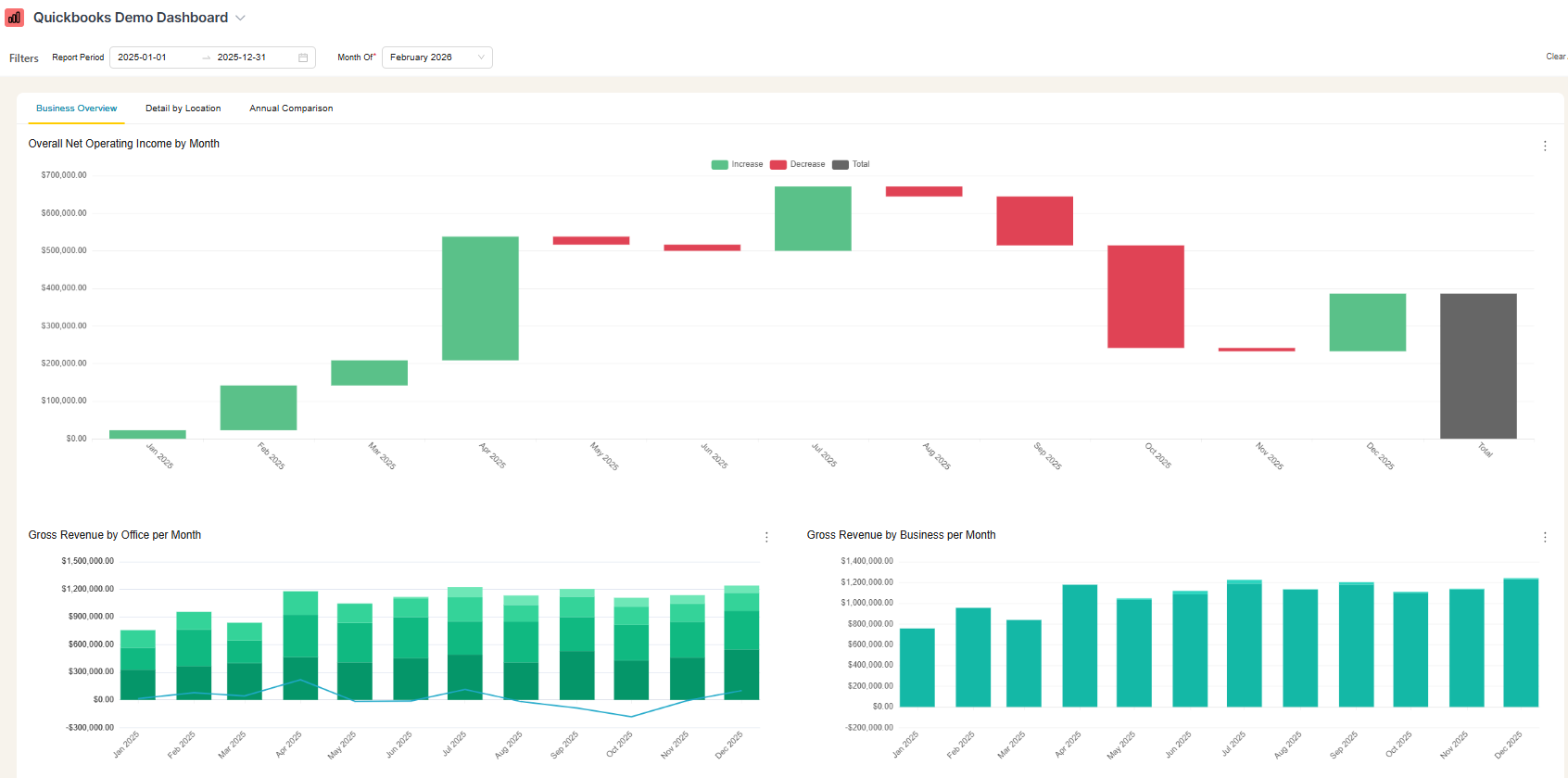
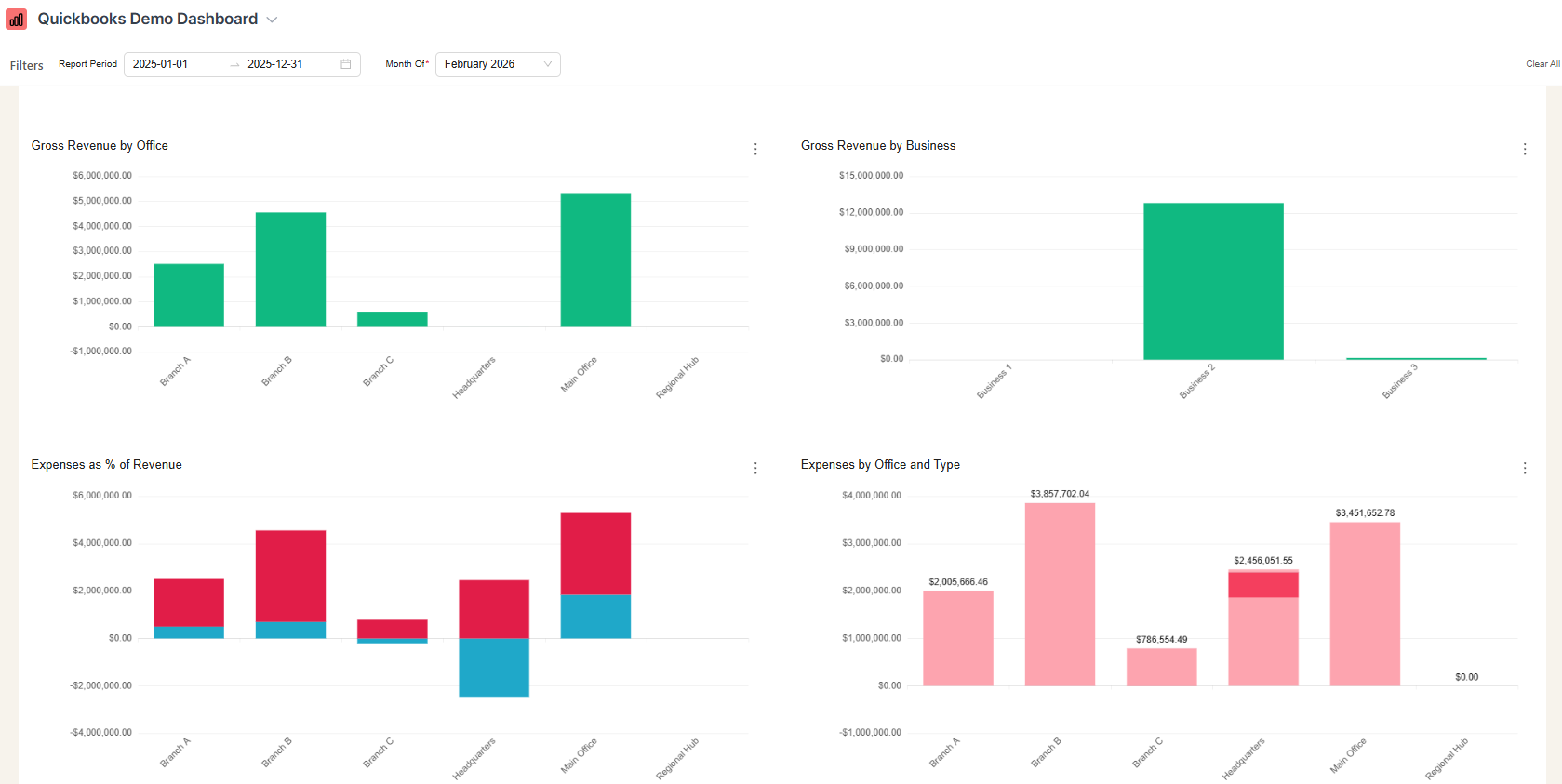
  • QuickBooks Online dashboard business overview tab with net operating income by month, gross revenue by office per month, and gross revenue by business per month
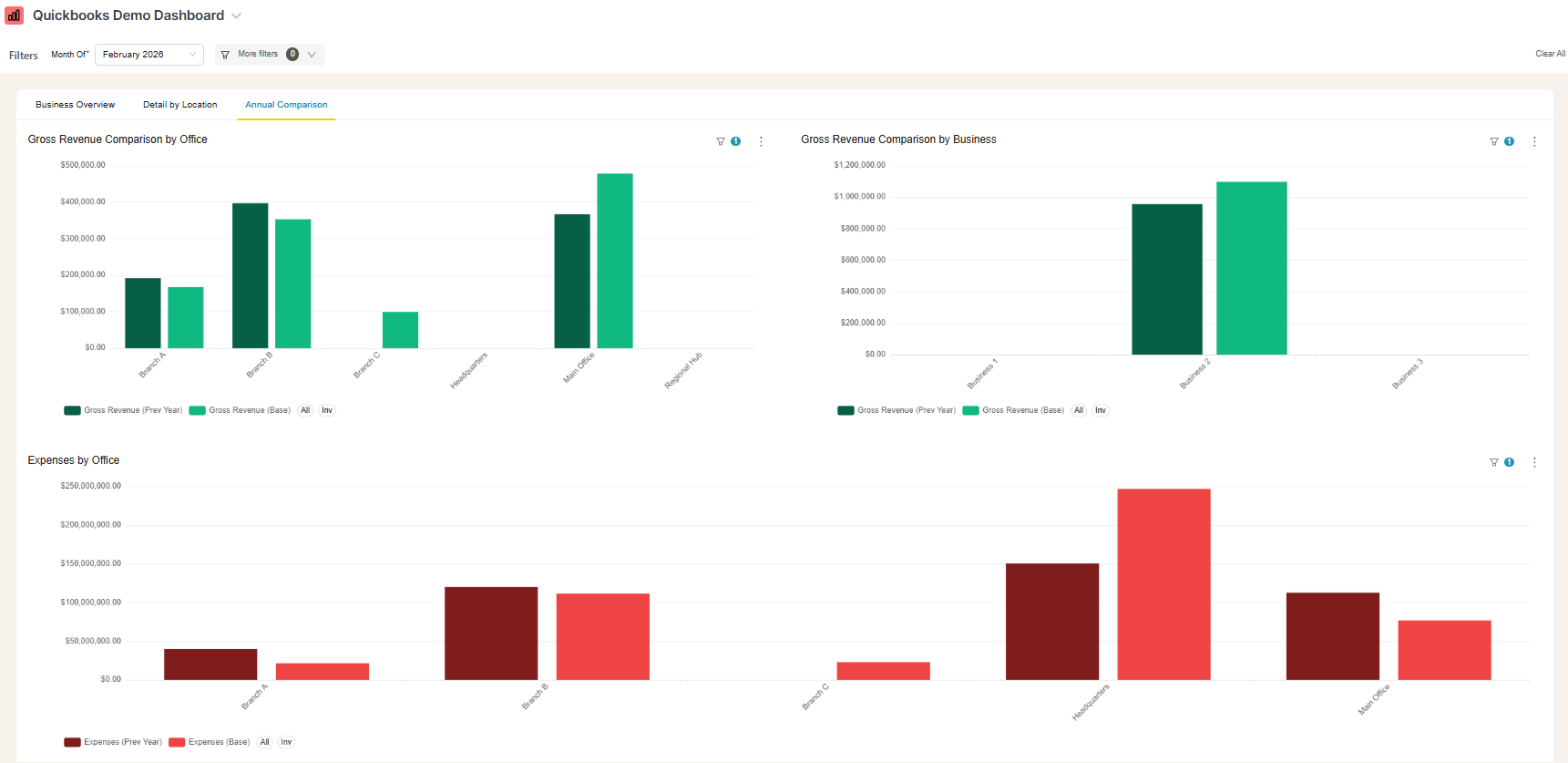
  • QuickBooks dashboard showing year-over-year comparison bar charts across locations and business lines
  • QuickBooks dashboard showing revenue and expenses by office

Complete visibility in 30 days — we'll build you the ultimate QuickBooks reporting dashboard

Easily see what's difficult or impossible to see in QuickBooks

$5,000

We craft custom reports to answer every question about your QuickBooks data.

  • Done for you — dedicated data analyst, 4 private workshops over Zoom
  • 1 custom QuickBooks reporting dashboard
  • Blend QuickBooks with HubSpot, Stripe, Shopify, or any of 100+ supported apps
  • Live QuickBooks dashboard in 30 days, guaranteed
book a free discovery call

Have questions about what's possible or how this works?

These are the questions we get most frequently, but we'd love to talk with you on a quick call.

  • Do you handle the setup, or will my team need to do it?

    Your BlinkMetrics dashboard is fully done-for-you. No coding or developers are required. You just tell us what you want and our team builds it.

  • How long does it take to get my BlinkMetrics + QuickBooks dashboard live?

    Setup is quick and simple. Connecting your QuickBooks account and other data sources takes just a few minutes. Our team will deliver your custom dashboard in 30-days or less.

  • What happens during a BlinkMetrics + QuickBooks demo?

    Meet with our founder, Nathan, to walk through a live BlinkMetrics QuickBooks dashboard and visualize what deeper QuickBooks reporting could look like for you.

  • Can I combine data from other tools besides QuickBooks?

    Yes. BlinkMetrics supports multiple data sources, so you can view QuickBooks metrics alongside data from HubSpot, Stripe, Shopify, and 100+ other platforms in one unified dashboard.

  • What will I see in BlinkMetrics that I can't get from native QuickBooks reporting?

    True profitability by client, project, department, or campaign — not just revenue totals. Cash-flow forecasts blended with sales and marketing data. Cross-entity rollups, custom KPIs, and historical trends that QuickBooks reports either bury or skip entirely.

  • How does BlinkMetrics handle historical QuickBooks reporting?

    We pull and store your QuickBooks data in a dedicated analytics layer so you can compare any period — month over month, year over year, this quarter vs. last — and chart trends in revenue, expenses, margins, and cash flow without manually exporting or rebuilding reports.


Ready for the ultimate QuickBooks reporting dashboard?

From sales trends to customer behavior, discover the answers that help you grow faster, smarter, and more profitably. We know exactly where QuickBooks' native reports run out of road, and we build the dashboards that close every gap.

book a call to see what's possible