
Every TikTok Shop order, on one dashboard with the rest of your business.
BlinkMetrics pulls orders, sales and refunds from every shop you sell through into one place, next to your web store, ads and accounting. Our team builds the dashboards for you.
book a discovery call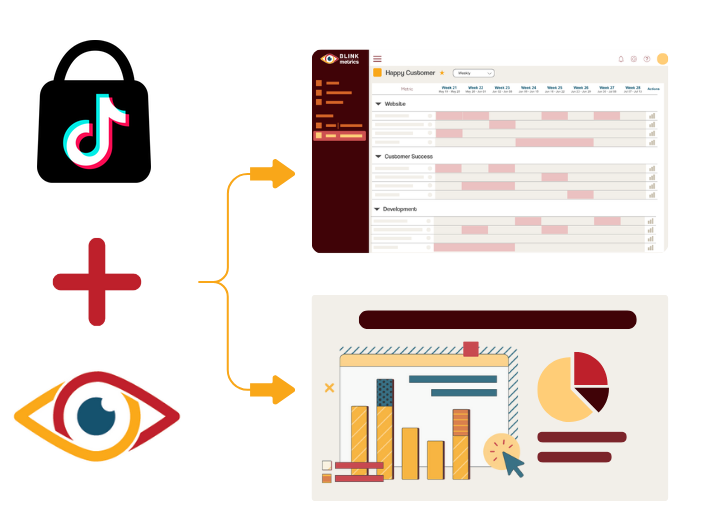
Spreadsheets get you close, but they won't get you all the way
-

Endless CSV Exports
-
Hours to find an answer
-
Broken links, Zaps & formulas
-
Numbers are difficult to verify
-
Everything breaking as you scale
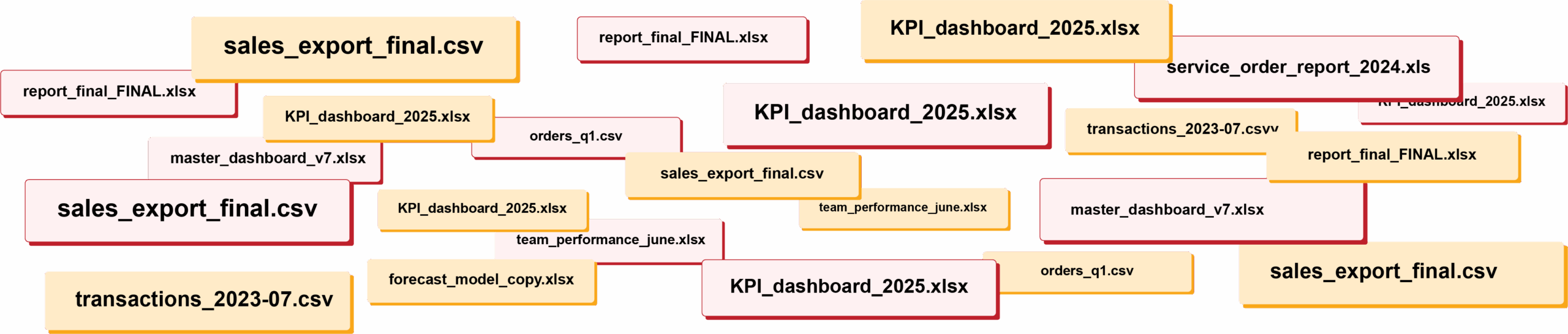
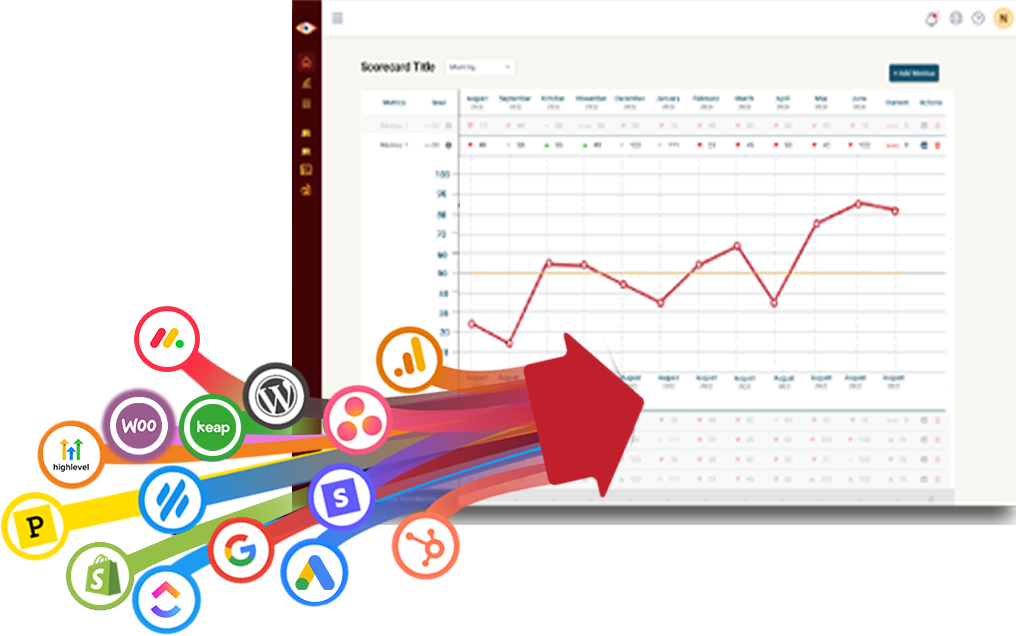
RIP spreadsheets. BlinkMetrics brings your reporting into live dashboards that show what's really happening in your business.
Easily connect to any business tool
We capture raw data from any platform and keep it updated continuously. You'll always have the live numbers, full history, and ability to drill into any KPI for the details that explain it.
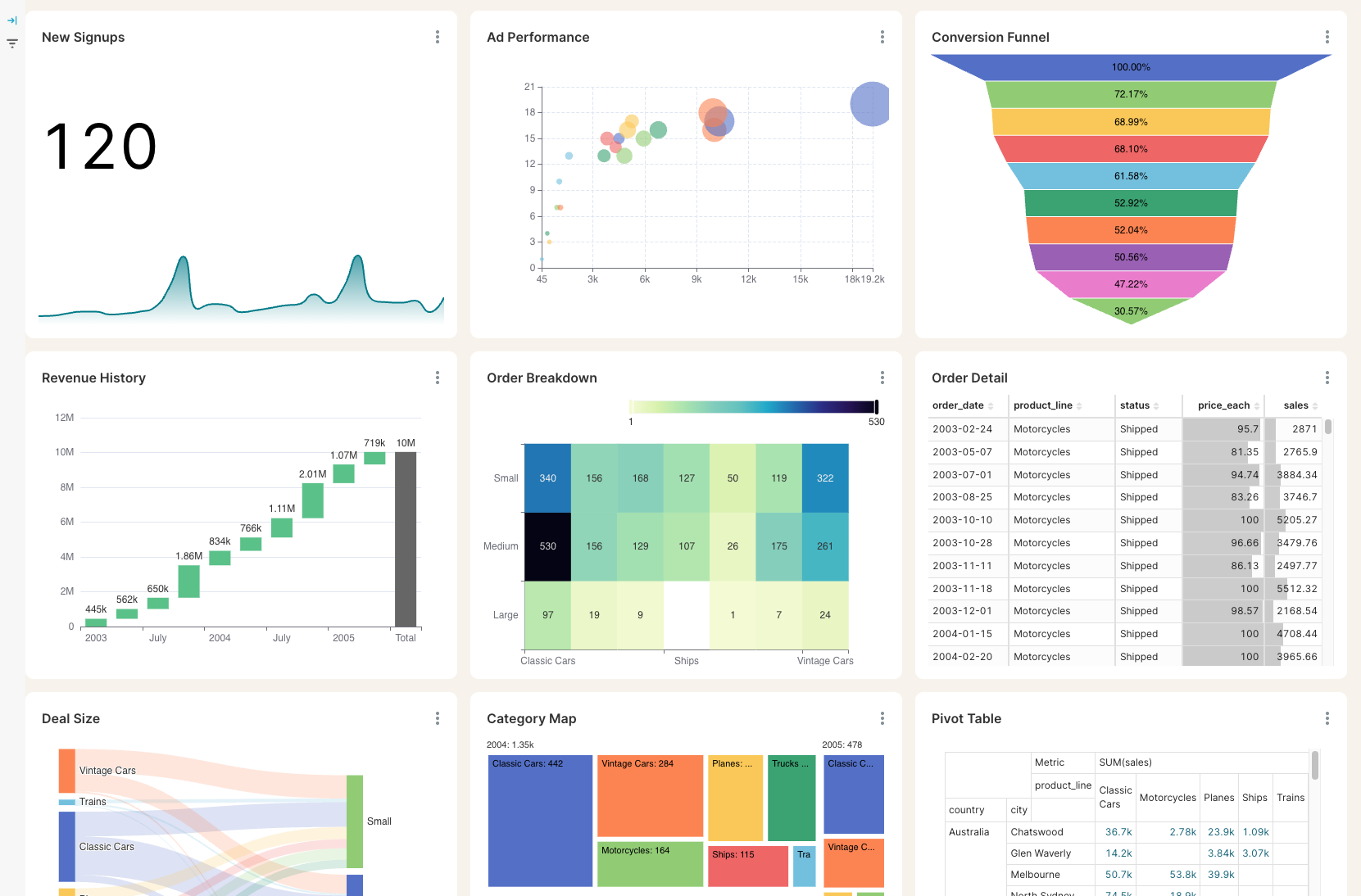
Get the reporting you never could before
Access custom reports with interactive dashboards & scorecards, giving you answers to questions you've never been able to answer easily. Look deeper into any number, explore trends, and slice & dice results by any segment.
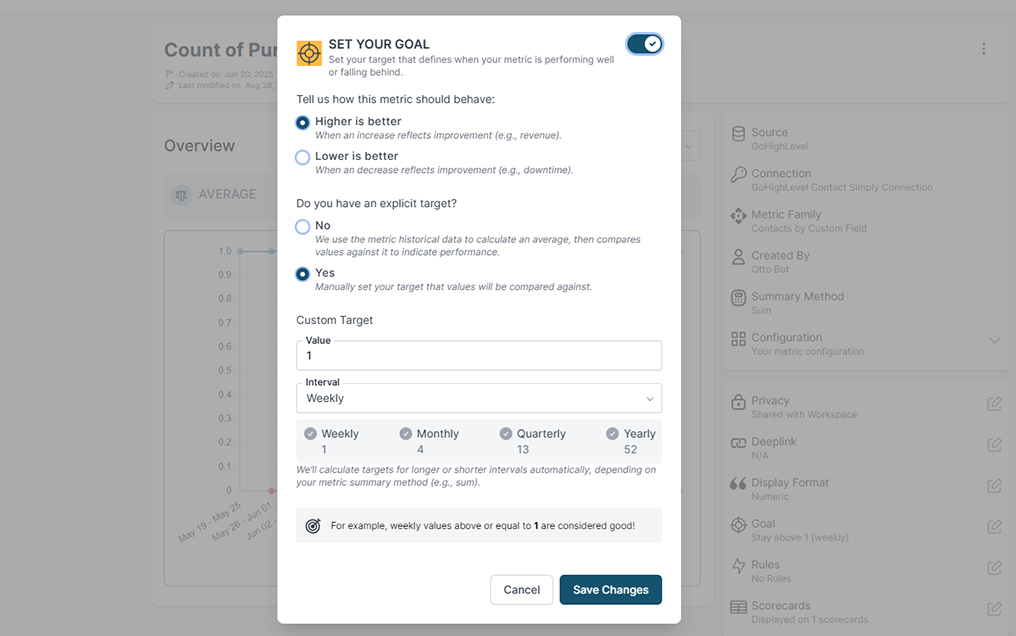
Stay on track with real time visibility & alerts
Set clear goals, track progress in real time, and get alerts the moment a KPI slips or beats target. Acting proactively & not reactively means you're no longer the last to know.
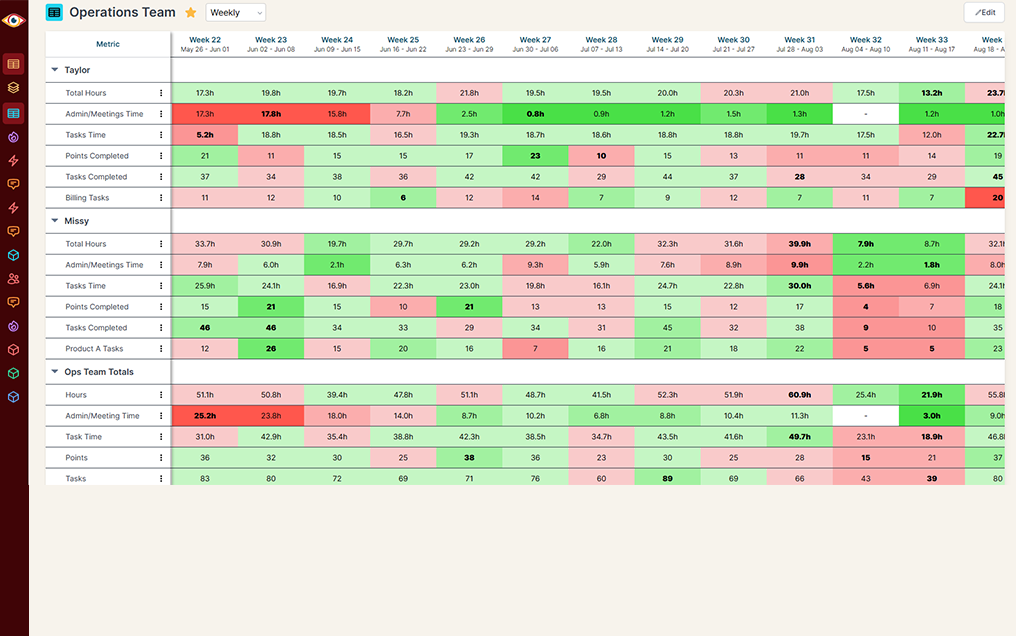
Keep your team in the loop and accountable
Keep goals front and center with reports designed for each person, team, or location — shared in real time to keep performance transparent and encourage accountability.
Seller Center shows you one shop. You run a business.
TikTok tells you plainly that Seller Center shows results for the shop connected to that account, and selling into another market means another Seller Center login entirely. So the simple question, how many orders did we take last month, turns into opening two or three screens and adding them up by hand. Then your web store, your ad spend and your books are somewhere else again.
TikTok Shop alone
All your shops in one number
What the headline number includes
When two TikTok screens disagree
History that keeps going
One report, every channel
TikTok Shop + BlinkMetrics
All your shops in one number
What the headline number includes
When two TikTok screens disagree
History that keeps going
One report, every channel
What BlinkMetrics reads from your TikTok Shop account
You authorize BlinkMetrics once from TikTok Shop. From then on your shops, orders, products, returns and payout statements sync on their own.
- Every shop in one connection. One grant covers every shop it authorizes. Your order count is the total across all of them, and the detail behind it names the shop each order came from.
- Orders, sales and refunds. Order count and order value by the day TikTok created them, average order value, and refund value from your returns, rolled up to week, month, quarter and year in your workspace timezone.
- What the price was made of. Order value separates into product subtotal, shipping and tax, with seller and platform discounts broken out, so a soft month can be read as fewer orders, smaller baskets or heavier discounting.
- How much came back. Refund value and refund rate next to your cancelled orders and their reasons, so returns are a number you track rather than something you notice at payout.
- What actually settled. Your payout statements carry revenue, fees, adjustments and the settled amount, so your reporting can follow an order through to what you were actually paid.
- The orders behind the number. Click any point on a chart to see individual orders with shop, status, fulfillment type, shipping provider, paid and cancelled dates, and cancellation reason.
- Agency ready. Agencies get a separate set of dashboards for each client brand, and each client authorizes their own shop.
Read-only by design. BlinkMetrics does not change your listings, prices, inventory or orders. Buyer contact and address fields are deliberately left out of the order detail your team clicks into, so day-to-day reporting does not put customer personal data on screen. You can revoke access at any time from TikTok Shop.
Complete visibility in 30 days. We will build your TikTok Shop reporting dashboard.
See your TikTok Shop orders next to every other channel you sell through
Questions from TikTok Shop sellers
What to know before you connect your shop to BlinkMetrics.
-
What TikTok Shop data does BlinkMetrics pull?
Your shops, orders, products, returns and payout statements, through the TikTok Shop Partner API. Your dashboards cover order count, order value, average order value, refund value and refund rate by the date each order was created, with product subtotal, shipping, tax and discounts broken out, daily through yearly rollups, and a click-through to the orders behind any number.
-
I sell through more than one shop. Does that work?
Yes, and it is the main reason to connect. One authorization covers every shop it grants. Your order count is the total across all of them, and the order detail behind it names the shop each order came from, so you can see the split without opening a second Seller Center login.
-
Do you report on revenue, not just order volume?
Yes. We report order value from what the buyer actually paid, including tax and shipping, and we report refund value from your returns separately, so gross and returned never hide inside one figure. Your payout statements carry revenue, fees and adjustments too, which is what lets reporting follow an order through to the money that settled.
-
We sell in more than one currency. How is that handled?
Every order and every payout statement carries its own currency, so your analyst builds your dashboards to report per currency or converted to one reporting currency. Tell us which you want on the call, because the right answer depends on how you do your books.
-
How far back does my order history go?
Your first sync reaches back as far as two years, and your product catalogue loads in full regardless of age. From then on your history keeps building with us.
-
How often does it refresh?
At least once a day. Your connection also runs a full refresh every week, which reconciles anything deleted or changed on TikTok's side so your numbers do not drift.
-
Can BlinkMetrics change anything in my shop?
No. BlinkMetrics only reads. It does not change listings, prices, inventory or orders. You can revoke its access at any time from TikTok Shop.
-
We are an agency. Can we report on several client shops?
Yes. Each client brand gets its own dashboards, and each client authorizes their own shop.
What customers say
I was worried I was going to have to do it myself. So, having you build us a custom reporting dashboard is perfect, and it'll auto-update!

Joia Doss
Fractional COO, Kids2Dentist
For the first time, we can look at gross, fees, transfers — in a logical way that ties penny to penny with our general ledger.

Bob Arnold
CFO, Nolodex
My worst enemy was my brain. With these reports and dashboards, I can step away for a few days while someone else reviews orders and makes smart decisions based on the data.

Jesse Nelson
Founder, DiabolikDVD
“The BlinkMetrics® team was incredibly responsive and patient.
Every time we asked, ‘Can it do this?’ the answer was 'yes' delivered with clarity, enthusiasm, and follow-through. We never once felt like our questions were treated as silly or unwelcome.”

Erik Jensen
Chief Strategy Officer, Predictive ROI

Ready to see TikTok Shop next to everything else?
Stop opening one Seller Center login per market and adding the numbers up by hand. We build your TikTok Shop dashboard for you, with orders, sales and refunds in one place, and blend it with the rest of your business.
book a call to see what's possible