
The BlinkMetrics® Blog
Reporting Dashboards
34 articles in this category. Browse all articles →
book demoLatest in Reporting Dashboards
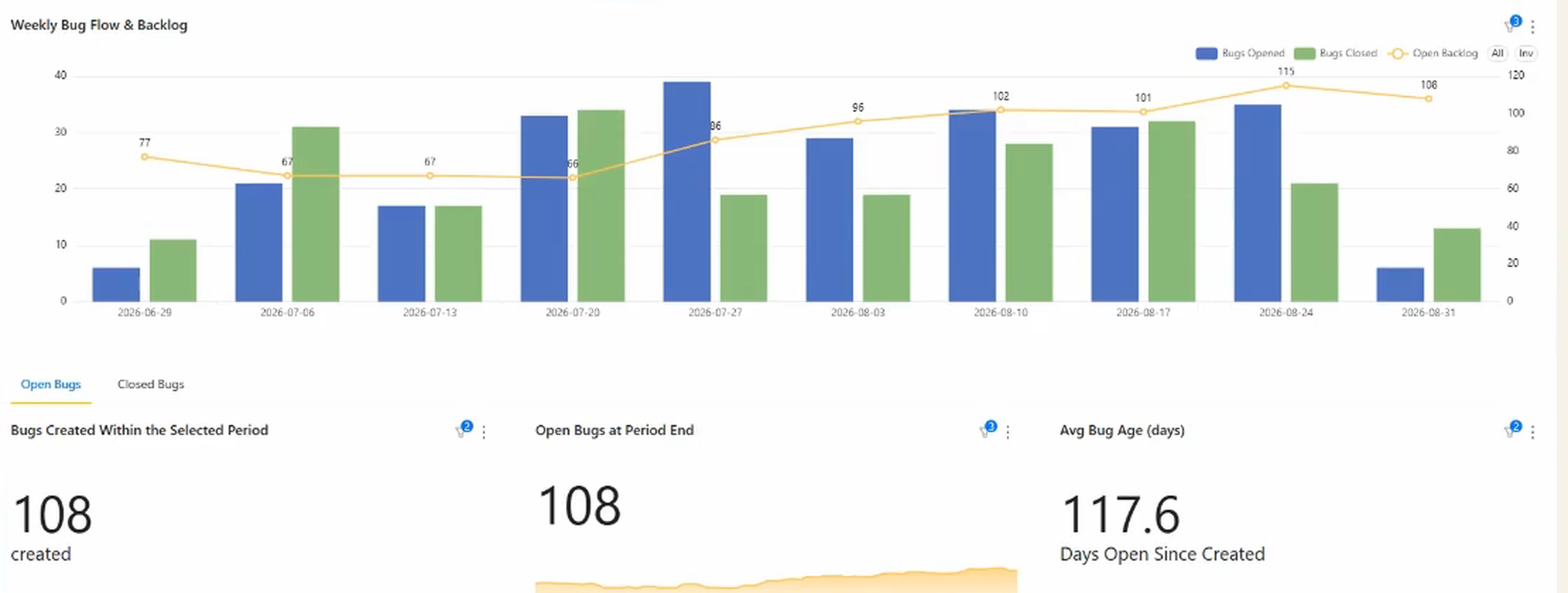
Asana bug tracking: how to report on your defect backlog
September 3, 2026
Asana can hold your bugs perfectly well. What it can't tell you is whether the backlog is growing, how old it is, or which product line is generating it. Here's how to get those three answers.
Read article →Browse categories
More in Reporting Dashboards
-
 Reporting Dashboards
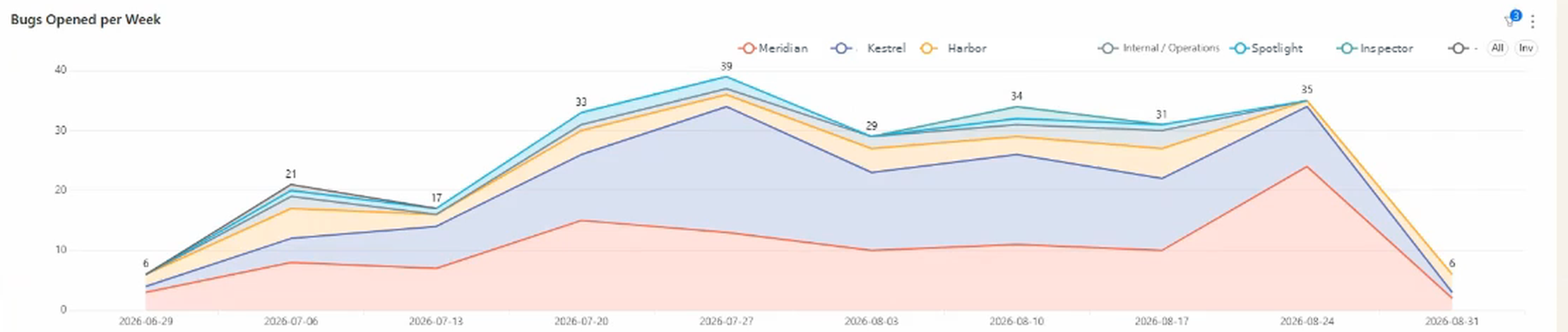
Can Asana chart custom fields? What you can and can't report on
September 3, 2026
Custom fields are how Asana models everything specific to your business. They're also where its reporting runs out fastest. Here's what you can chart natively, what you can't, and which fields are worth creating if you plan to report on them.
-
 Reporting Dashboards
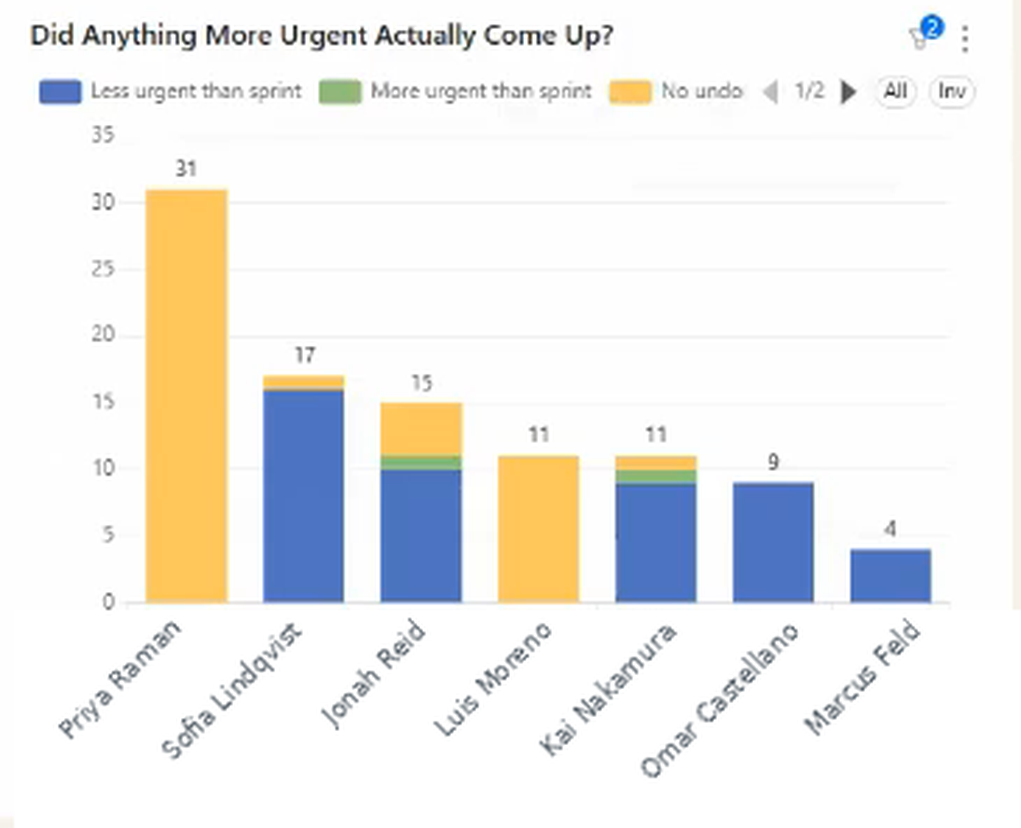
How to measure unplanned work in Asana (and whether it was worth it)
September 3, 2026
Every team knows unplanned work is why the sprint slipped. Almost none can say how much, or whether it was the right call. Here's how to measure both from your Asana data.
-
 Business Strategy
NetSuite implementation cost: is it worth it if you just need reporting?
June 3, 2026
A NetSuite implementation runs from about $50,000 to well past $250,000 once licenses, consultants, and a year of your team's time are counted. If the only reason you're looking is reporting, that's a lot to pay for a dashboard. Here's what NetSuite reporting does, what it doesn't, and how to tell which problem you actually have.
-
 Business Strategy
If you're considering NetSuite, you might be solving the wrong problem
May 5, 2026
Most companies considering NetSuite aren't excited about NetSuite. They're frustrated they can't see across their business. That's a reporting problem, not an ERP problem. Here's how to tell the difference, and what it costs to get the second one wrong.
-
 Reporting Dashboards
HubSpot and NetSuite: getting one view without an integration project
May 5, 2026
Almost every week, somebody asks me a version of the same question: how do we get one view across HubSpot and NetSuite? Most have been quoted a six-figure integration project to answer it. Most don't actually need the integration.
-
 Reporting Dashboards
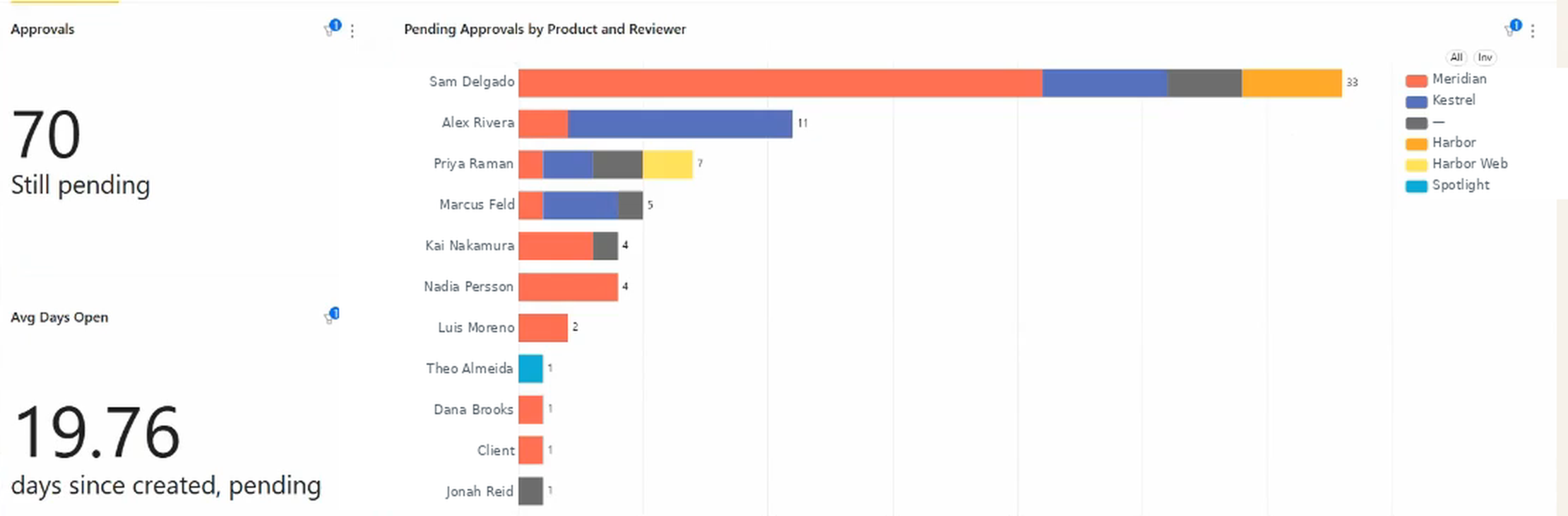
How to find (and fix) approval bottlenecks in Asana
April 14, 2026
Asana shows whether an approval task is pending, approved, or rejected. It doesn't show how long it's been in each state. When a project timeline slips because an approval has been sitting in someone's queue for a week, Asana gives you no direct way to see that. To find approval bottlenecks, you need either a manual audit of task ages or a reporting tool that tracks elapsed time per approval.
-
 Reporting Dashboards
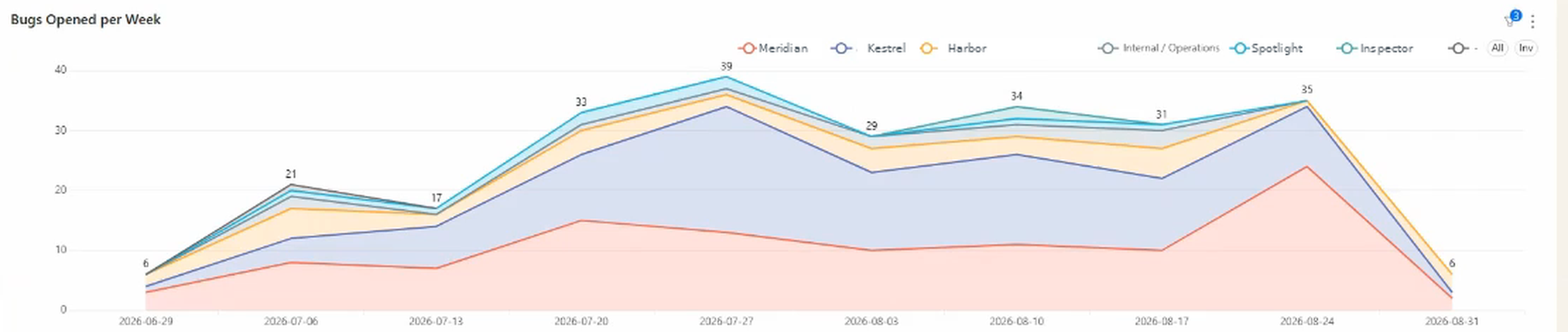
Segmenting sprint velocity by product in Asana: what's possible with custom fields
April 14, 2026
Overall velocity blends every product line into one number. Here's why Asana can't break it out by custom field, and what a segmented view shows once product, client, or work type becomes a dimension you can group by.
-
 Reporting Dashboards
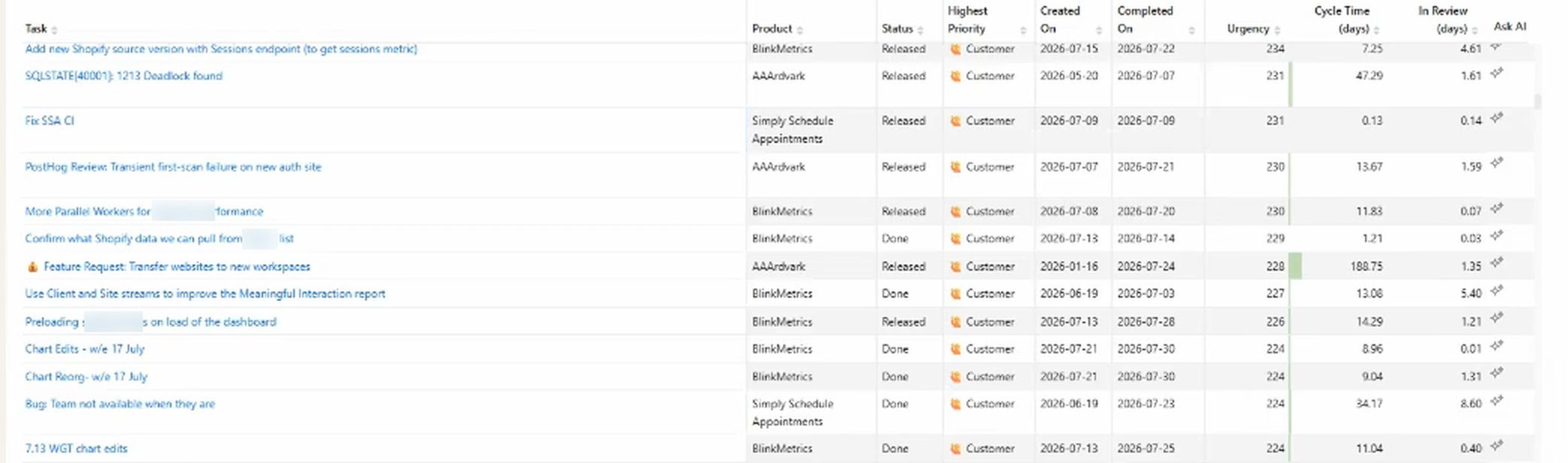
How to measure task cycle time in Asana (lead time, throughput, and more)
April 14, 2026
Asana records when a task was created and when it was completed, but never the gap between them. Here's what cycle time means in an Asana context, how to calculate it by hand, and how to get it as a live metric broken out by assignee, product, and task type.
-
 Reporting Dashboards
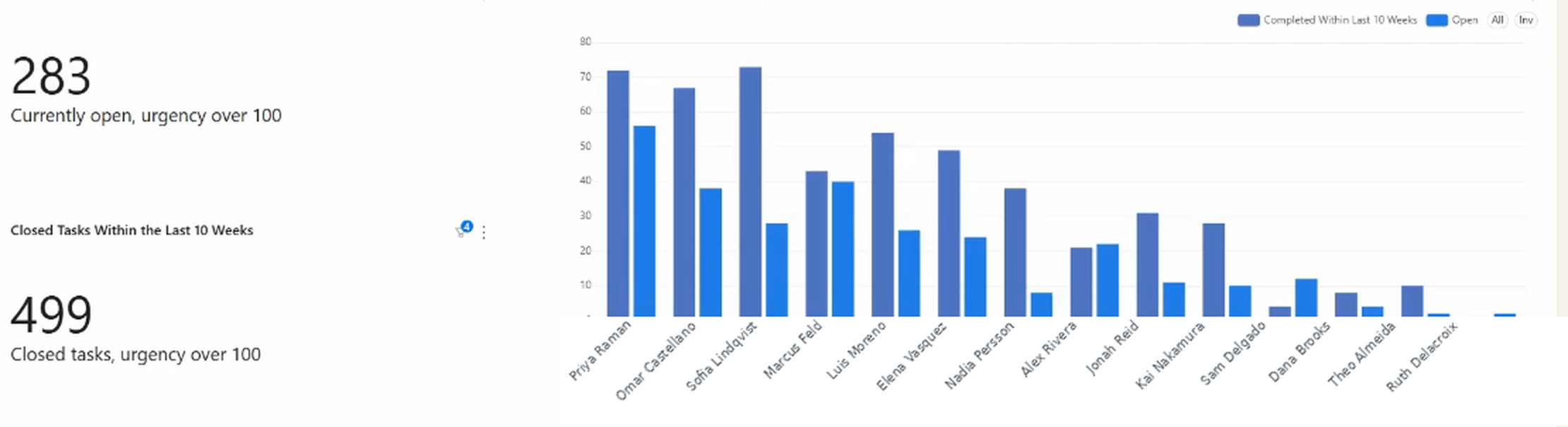
How to see task completion by assignee in Asana (and what native charts miss)
April 14, 2026
Asana can chart completed vs. open tasks per assignee, but it counts tasks rather than effort, stays inside the scope you point it at, and sits on higher-tier plans. Here's what native charts do, where they stop, and how to get an effort-weighted view.
-
 Reporting Dashboards
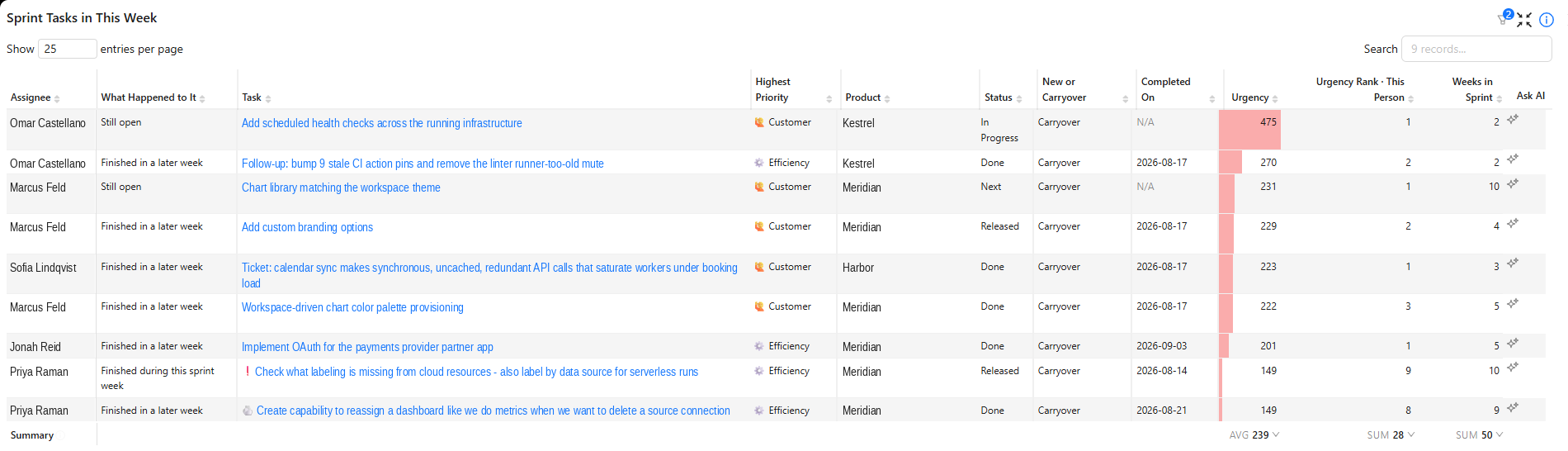
How to track sprint velocity in Asana using story points (custom fields)
April 14, 2026
Asana lets you create a story points field but never sums it per sprint. Here's the gap, the manual workaround, and what a real sprint dashboard tracks: velocity, carryover, completion rate, and the unplanned work that ate the sprint.
-
 Reporting Dashboards
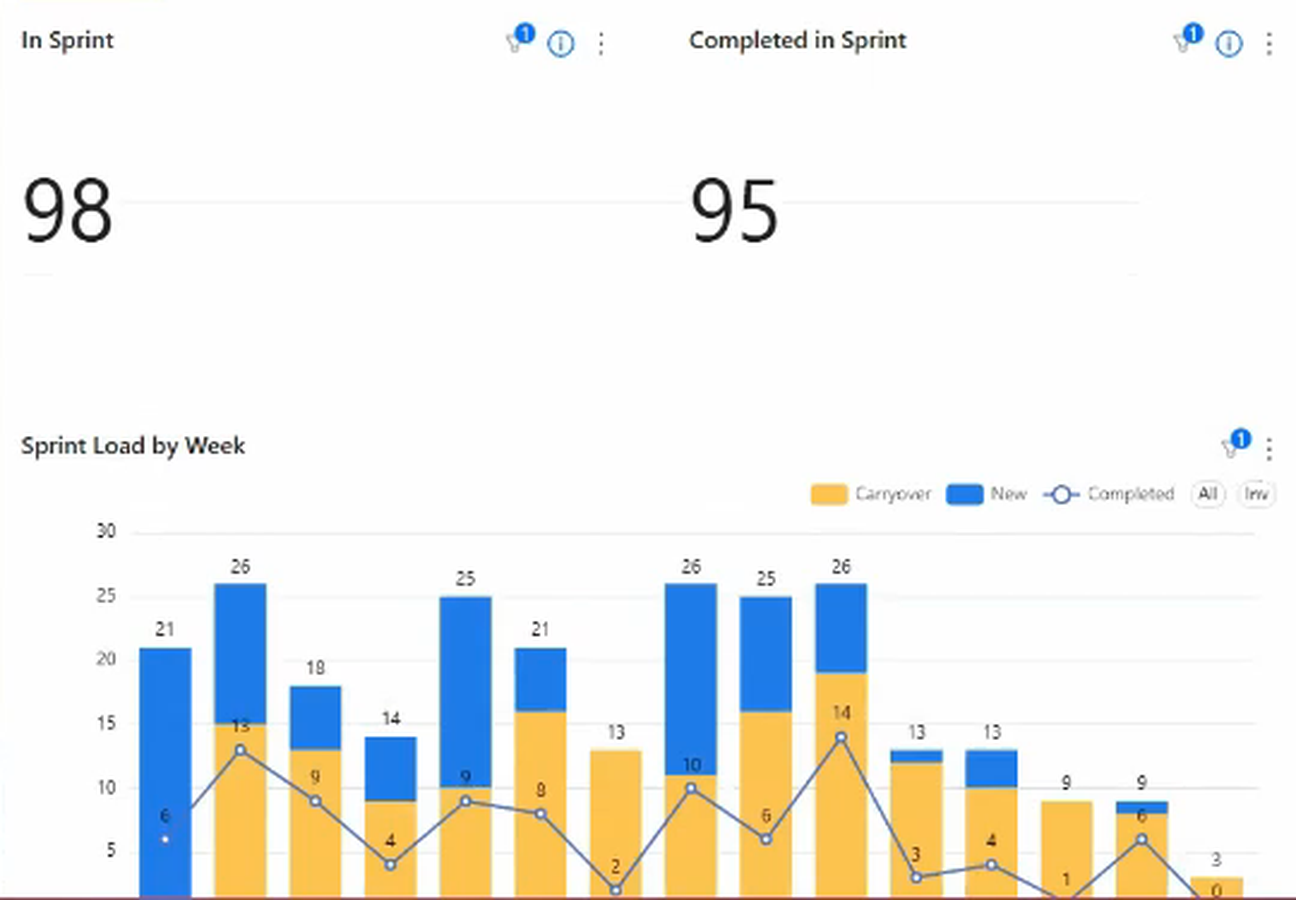
Tracking historical sprint velocity in Asana: are you actually getting faster?
April 14, 2026
Asana has no sprint object, so it never records what a sprint finished with. Here's why the gap is structural, how to keep a manual velocity log, and what a multi-sprint trend looks like when it builds itself.
- Reporting Dashboards
Asana burndown chart: how to track remaining effort in your current sprint
April 14, 2026
Asana has chart widgets but nothing that sums a custom effort field and trends it down across a sprint. Here's what's built in, where it stops, and how a burndown gets rebuilt from the completion dates already on your tasks.
-
 Reporting Dashboards
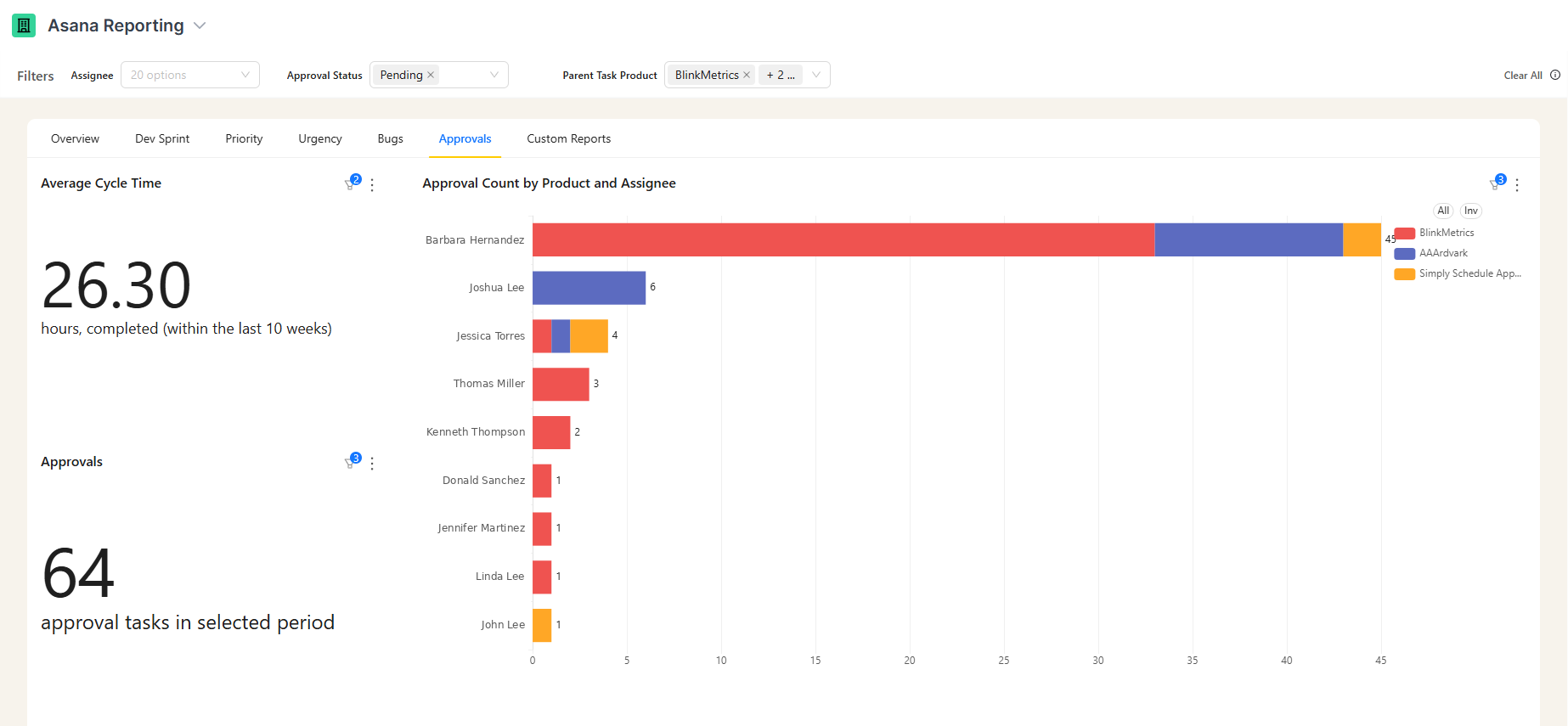
How to see who's handling the most approvals in Asana (workload distribution)
April 14, 2026
Asana can count approval tasks by assignee, but its cross-project reporting is tier-gated and something you build yourself. Here's how to see approval volume per person across every project and rebalance the load before deadlines slip.
-
 Reporting Dashboards
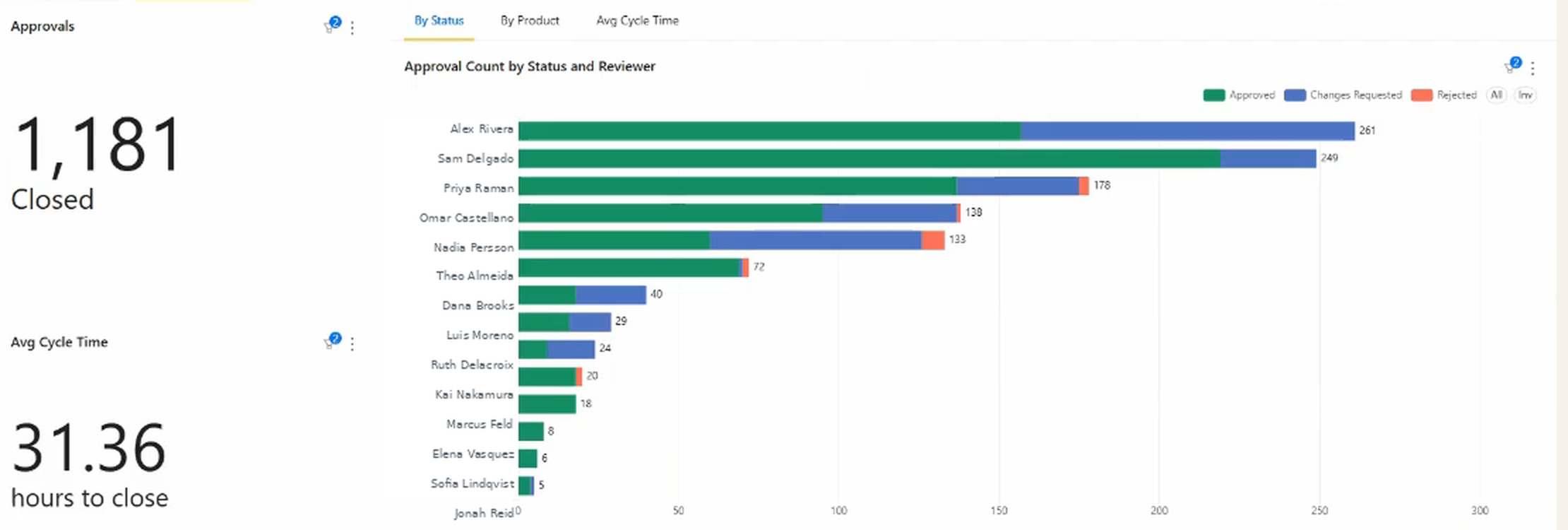
Why your Asana approvals keep coming back: how to track revision cycles and fix bottlenecks
April 14, 2026
Asana shows approved or rejected, never how many rounds it took. Here's how to track revision cycles, set a threshold for what counts as too much rework, and see which reviewers, products, and work types generate the loops.
-
 Reporting Dashboards
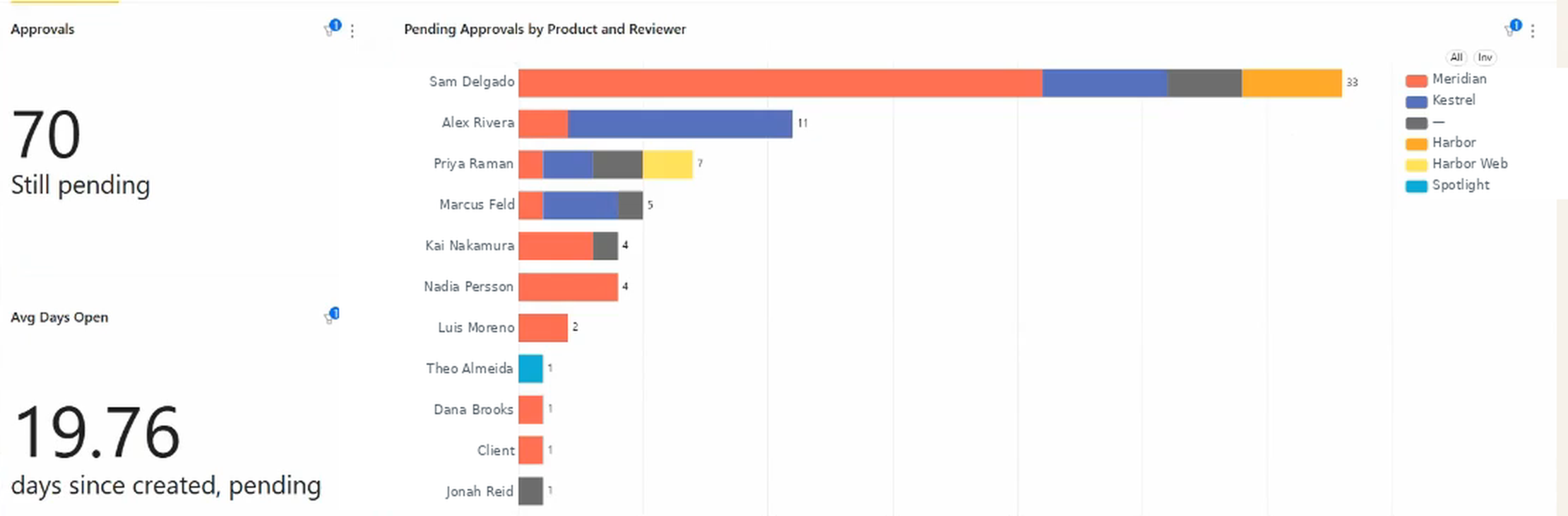
Tracking approval cycle time in Asana: how long are your approvals actually taking?
April 14, 2026
Asana approval tasks show status but never duration. Here's what approval cycle time is, how to calculate it by hand, and how to track it as a live number against an SLA, broken out by reviewer and by product, with the slowest approvals surfaced for you.
-
 Reporting Dashboards
How to calculate GoHighLevel commission and bonus payouts from opportunity data
April 13, 2026
GoHighLevel has no built-in commission calculator for sales reps. Here's how to automate GoHighLevel commission and bonus payout calcs from opportunity data.
-
 Reporting Dashboards
Shadow deals: why your HubSpot pipeline data is lying to you (and how to fix it)
April 7, 2026
Shadow deals get logged in HubSpot after they're won, corrupting your sales cycle data and conversion rates. See how BlinkMetrics surfaces them so you can fix the data.
-
 Reporting Dashboards
How to see what your HubSpot pipeline looked like at any point in the past
April 7, 2026
HubSpot only shows your current pipeline. There's no way to see what deals were in each stage last month. See how BlinkMetrics captures historical pipeline snapshots.
-
 Reporting Dashboards
How to automate sales bonus calculations directly from HubSpot
April 7, 2026
HubSpot has no built-in commission calculator. See how BlinkMetrics applies bonus rules to closed deals and auto-calculates payouts without a separate ICM tool.
-
 Reporting Dashboards
Pipedrive commission tracking: how to calculate sales bonuses from deal data
April 7, 2026
Pipedrive commission tracking stops at deal totals. Here's how to apply bonus rules to won deals and automate payout calculations without a full ICM platform.
-
 Reporting Dashboards
Shadow deals and Pipedrive deal data quality: why your sales cycle looks shorter than it should
April 7, 2026
Shadow deals in Pipedrive skew your sales cycle and conversion metrics. Learn how to find late-logged deals and improve your Pipedrive deal data quality.
-
 Reporting Dashboards
How to see what your GoHighLevel pipeline looked like at any point in the past
April 7, 2026
Your GoHighLevel pipeline only shows the current state. There's no native way to view past opportunities by stage. Here's how to get historical snapshots.
-
 Reporting Dashboards
How to view your Pipedrive pipeline history at any point in the past
April 7, 2026
Pipedrive only shows your current pipeline. There's no native way to view pipeline history or past deal stages. Here's how to get historical snapshots.
-
 Reporting Dashboards
Shadow deals in your GoHighLevel pipeline: why opportunity data doesn't reflect reality
April 6, 2026
Shadow opportunities in your GoHighLevel pipeline skew sales cycle length, conversion rates, and forecasts. Here's how they form and how to catch them.
-
 Reporting Dashboards
The accidental analyst's guide to building a business dashboard
March 3, 2026
You're the most data-capable person at your company, so the messy projects land on you. Here's how to build a business dashboard without a data team.
-
 Reporting Dashboards
Asana KPI dashboard: how to track key metrics
February 28, 2026
Asana dashboards show task counts, completion rates, and workload distribution. What they don't show: on-time delivery percentage, velocity trends, or any metric that requires a formula.
-
 Reporting Dashboards
The complete guide to Asana dashboards (2026)
February 28, 2026
This guide walks through Asana project dashboards, portfolio views, and cross-project reporting, explains where native Asana reporting shines and where it falls short, and shows when tools like BlinkMetrics can fill the gaps with historical tracking, calculated KPIs, and multi-source dashboards.
-
 Reporting Dashboards
Asana dashboard examples: 13+ templates and ideas for your team
February 25, 2026
In this guide, you’ll see 13+ practical Asana dashboard examples for campaigns, sprints, client projects, events, and leadership portfolios, along with recommended widgets and custom fields for each.
-
 Reporting Dashboards
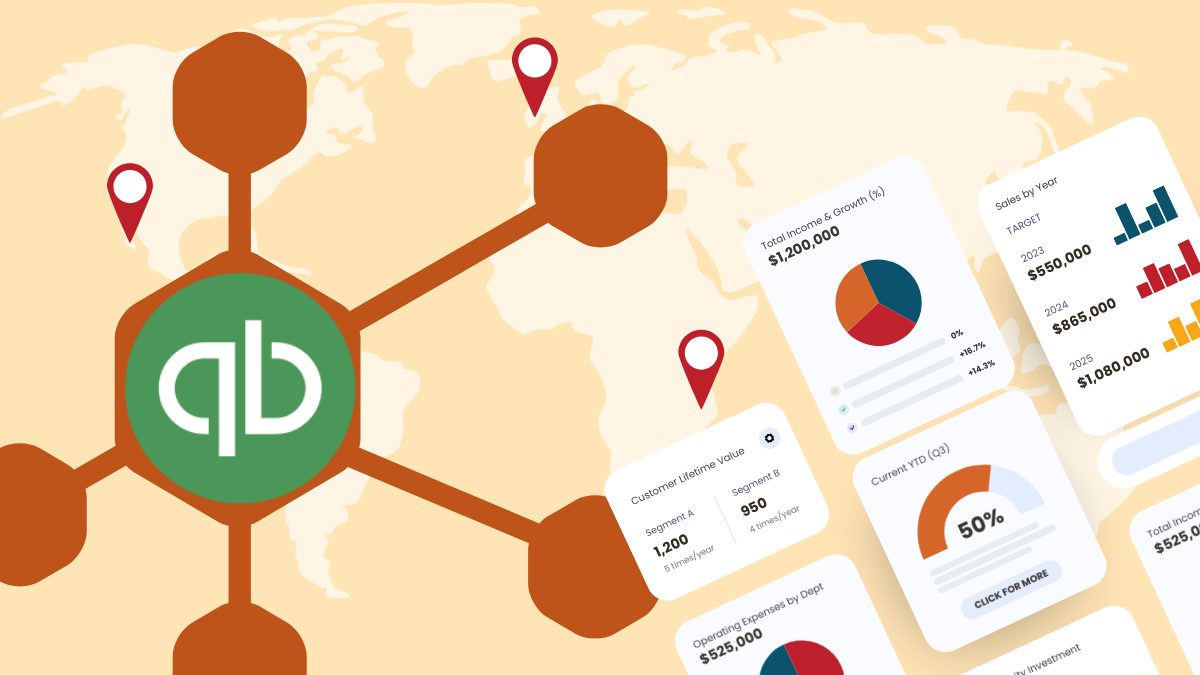
QuickBooks dashboard for multi-location reporting: how to visualize financial KPIs across offices
February 4, 2026
QuickBooks Online can track multi-location performance with classes or locations, but its built-in visuals fall short for founders and partners who need to see trends at a glance. In this guide, we show how to turn your QuickBooks data into clear, automated dashboards that highlight revenue, profitability, and efficiency across every office without spending hours rebuilding spreadsheets.
-
 Reporting Dashboards
Asana portfolio reporting: what's available & what's missing
February 3, 2026
Asana portfolios show project status, milestones, and team capacity, but their analytics stop at basic summaries. This post explains what native portfolio reporting offers, why it limits deeper analysis, and how external tools can bridge the gap for richer portfolio insights.
-
 Reporting Dashboards
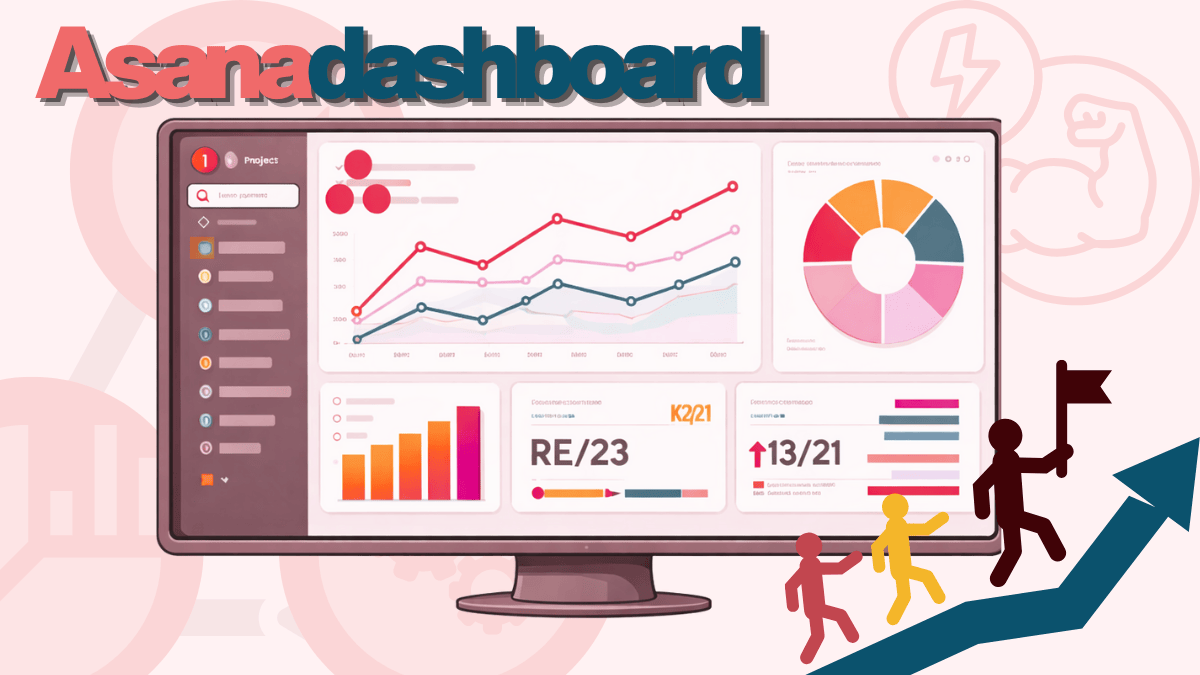
What can an Asana dashboard empower your team to do?
January 31, 2026
Asana dashboards give your team real-time visibility into project status, workload distribution, and goal progress. They're effective for tracking task completion and communicating status to stakeholders, but they have practical limits once you're managing multiple projects or need historical analysis.
-
 Reporting Dashboards
How to upgrade your Google Sheet visualization tool and turn static sheets into dynamic dashboards with BlinkMetrics
January 8, 2026
Upgrade your reporting with a Google Sheet visualization tool that keeps Sheets as your data hub while BlinkMetrics builds automated, interactive dashboards that blend metrics from across your business.
-
 Reporting Dashboards
Unlocking Growth: A Guide to Effectively Using PostHog for Metrics Tracking and Reporting
July 30, 2024
PostHog is one of the most powerful tools for improving your business, but the depth of its features can make it feel overwhelming and nearly impossible to “get it right.”